
 Script Planner Assistant▸
 AI Apps
 AI News

Recompressor: Free & Ad-Free Online Image Compression & Optimization Tool
Recompressor: Free & Ad-Free Online Image Compression & Optimization ToolIntroduction
What is Recompressor?
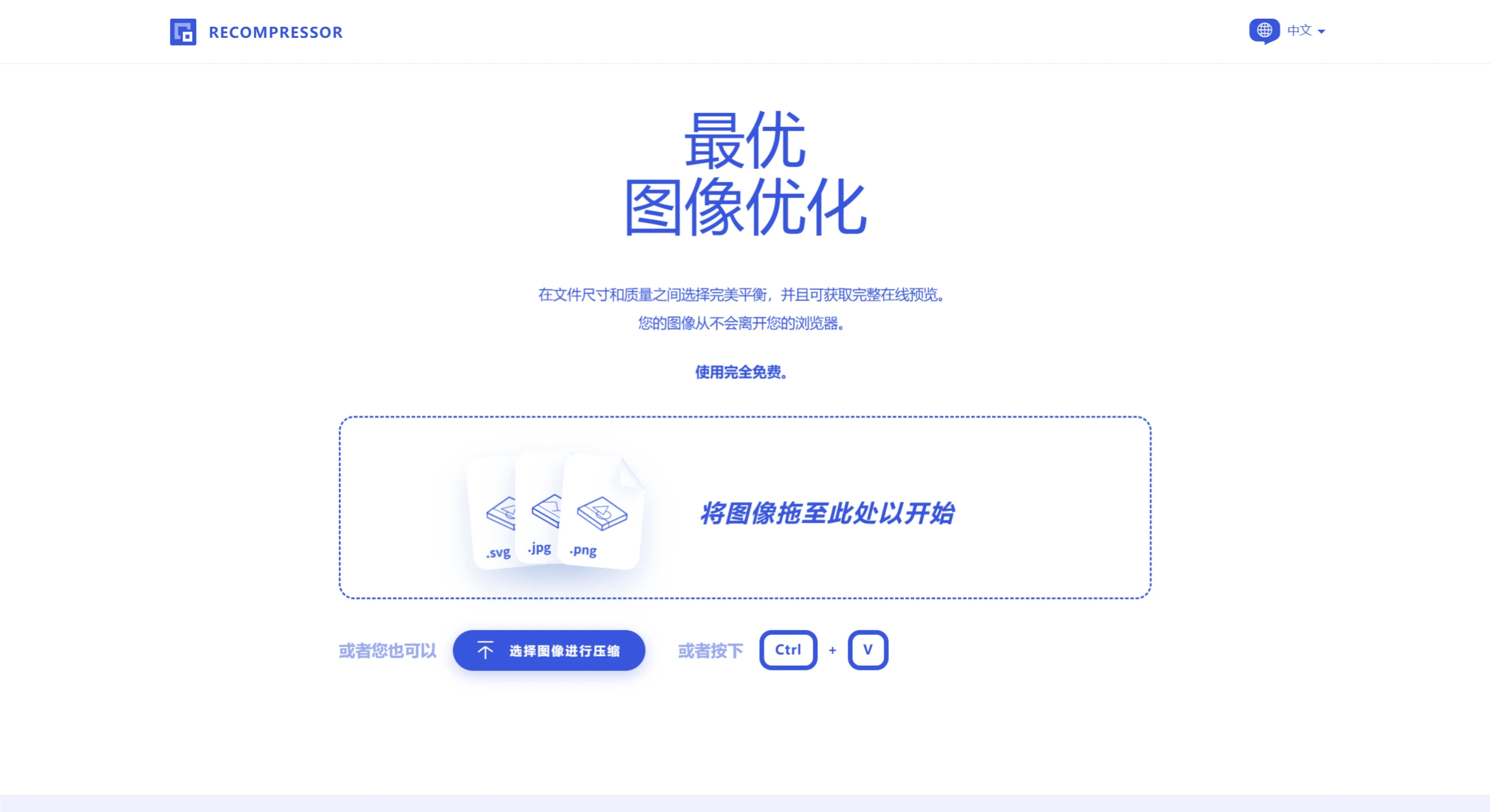
Recompressor is a free, ad-free online image compression and optimization tool. Its biggest highlight is that all operations are completed in the browser, effectively ensuring your image security with no risk of external transmission.
When using it, you can choose to upload a single image or multiple images. Afterward, the tool automatically tries various recompression methods, generating comparison charts of file size and quality, and provides optimization suggestions. You can view full preview images, and once satisfied, freely download the processed results.
How to Use Recompressor
Upload Images: Users can drag images onto the webpage, or click the upload button to select images.
Automatic Optimization:
PNG Images: Achieves optimal recompression with minimized visual impact by reducing the number of colors.
JPG Images: Uses MozJPEG for compression, optimizing images through raster quantization, chroma subsampling, and progressive scanning.
SVG Images: Removes unnecessary tags, comments, and attributes, converts tags and path data into more simplified equivalents, reduces numerical precision of path data, and selectively exports to SVGZ format.
Comparison View: Each image is recompressed multiple times with different settings and compared with the original, generating comparison charts of file size and quality.
Download Results: Users can choose to download the compressed images, or view the results of all compression options.
Features of Recompressor
Supports Multiple Formats: Common formats such as JPG, PNG, GIF, WebP are all supported.
Smart Compression: It strives to find a balance between reducing file size and preserving image quality.
Completely Free: No registration required, use it directly.
Adjustable Parameters: You can choose the compression ratio yourself to see the effects at different ratios.
Privacy and Security: All operations are completed in the browser; images will not be uploaded to the server.
Simple Operation: Drag the image, select parameters, and you're done.
Target Users of Recompressor
Designers: Need to quickly compress images during design to make webpages or apps load faster.
Developers: When developing webpages or applications, optimize image size to reduce loading time and server bandwidth.
General Users: When sharing or storing images, quickly compress to save space.
Frequently Asked Questions
Q: Is Recompressor free?
A: Yes, Recompressor is completely free to use with no ads.
Q: Are the images we upload safe?
A: Absolutely safe. All processing is performed in your computer's browser, and the images will not leave your computer.
Q: How does Recompressor compress JPG images?
A: It uses MozJPEG to compress JPG images, optimizing them through raster quantization, chroma subsampling, and progressive scanning.















