
 Script Planner Assistant▸
 AI Apps
 AI News

PandaWiki: Free Open-Source AI Knowledge Base System
PandaWiki: Free Open-Source AI Knowledge Base SystemIntroduction
What is PandaWiki?
PandaWiki is a free and open-source AI knowledge base system. Powered by large AI models, it provides AI-assisted creation, Q&A, and search capabilities, allowing you to quickly build product documentation, FAQs, and blog systems. Its built-in RAG capability is suitable for scenarios such as intelligent customer service. It features minimalist operation, seamless integration with third-party knowledge bases, and flexible integration across diverse scenarios. It supports free use, customizable appearance, access to multiple types of large models, and various document import methods. The built-in RAG capability is suitable for Q&A system scenarios such as intelligent customer service, education and training, legal consultation, and medical consultation.
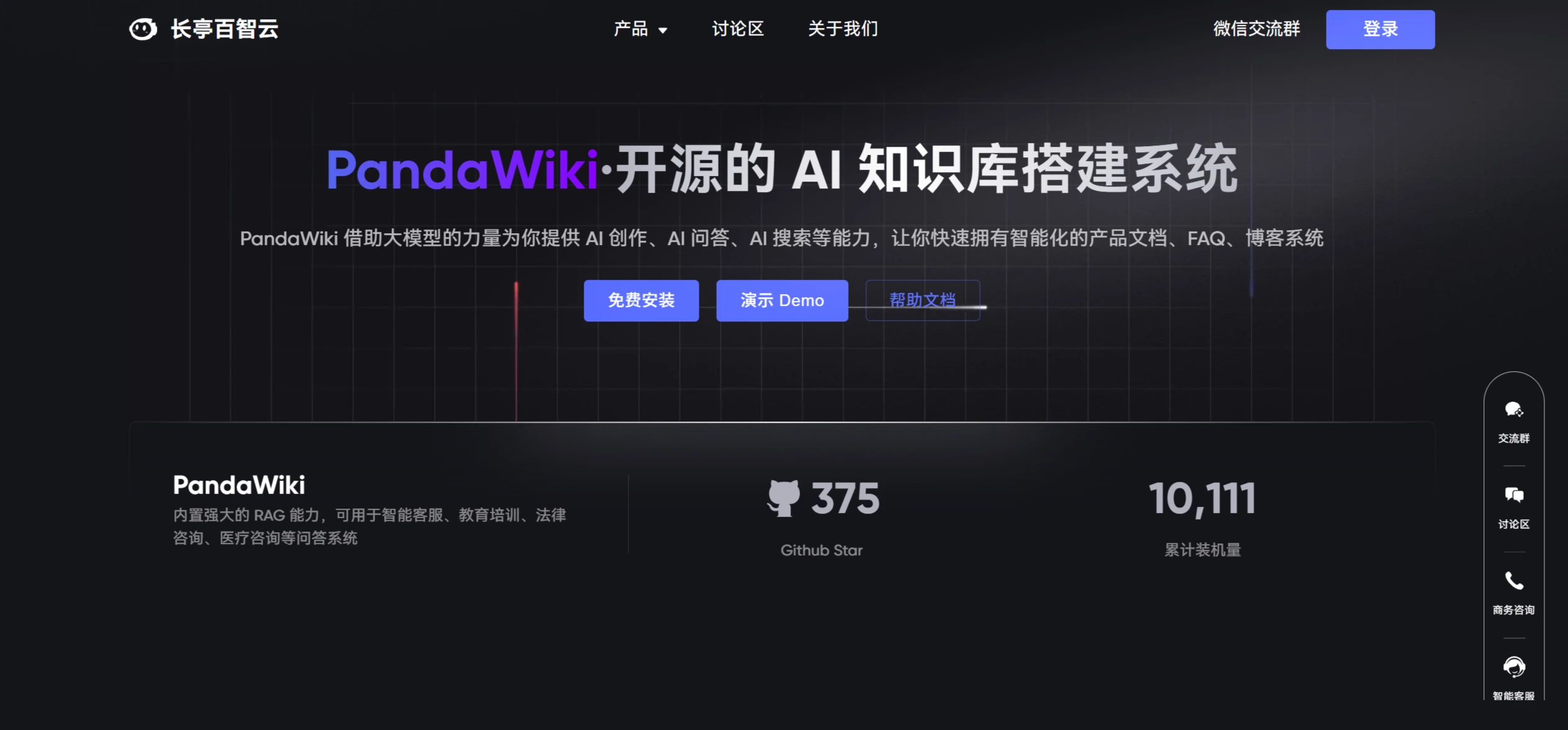
Main Features of PandaWiki
Core Features
AI-Assisted Creation: Leverages the power of large AI models to help users quickly generate document content.
AI-Assisted Q&A: Provides intelligent Q&A services for users based on the content in the knowledge base.
AI-Assisted Search: Enhances the accuracy and relevance of search through AI technology.
Editing and Export
Rich Text Editing: Supports Markdown and HTML, and allows export to Word, PDF, Markdown, and other formats.
Content Import: Supports importing content from multiple sources, including website URLs, Sitemap, RSS subscriptions, and offline files.
Integration and Extensions
Third-Party Integration: Can be embedded as a widget on other websites, or integrated as a chat bot into DingTalk, Feishu, WeCom, and more.
Support for Multiple Large Models: Compatible with various large models, including DeepSeek, OpenAI, Ollama, and more.
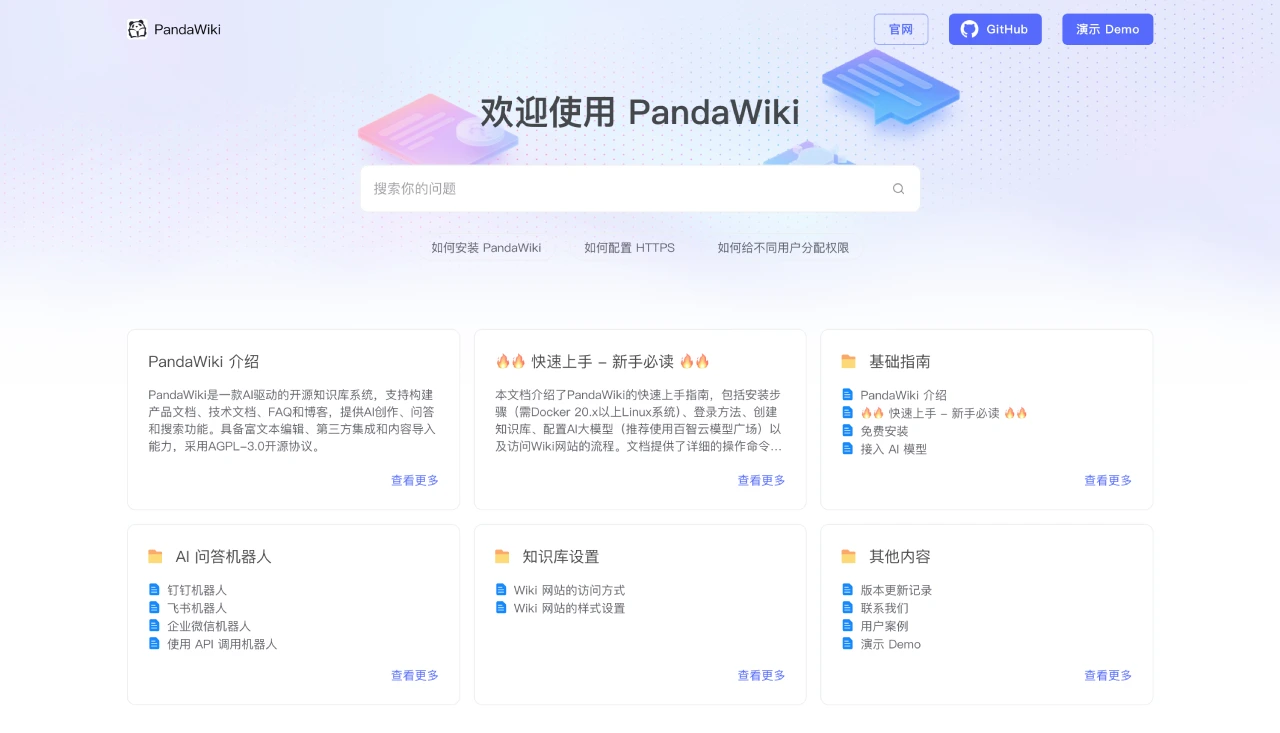
Installation and Usage Steps for PandaWiki
1. Install PandaWiki
Make sure your server or local environment supports Docker 20.x or above.
Use the following command to install:
bash -c "$(curl -fsSLk https://release.baizhi.cloud/panda-wiki/manager.sh)"
Follow the options prompted by the command to complete the installation. The process may take a few minutes.
2. Log in to the PandaWiki Console
After installation, the terminal will output the access URL and credentials (username and password).
Use a browser to visit the URL output by the terminal, then enter the username and password to log in to the console.
3. Create a Knowledge Base
After logging in to the console, you need to create a knowledge base for the first time.
A knowledge base is a collection of documents. PandaWiki will create a corresponding Wiki website based on the documents in the knowledge base.
4. Configure AI Models
In the "System Configuration" section of the console, configure the Chat model, Embedding model, and Rerank model.
It is recommended to use the Baizhi Cloud Model Hub to quickly access AI models. Sign up to receive a 5 yuan credit for model usage.
5. Import Content
You can import content in multiple ways, including website URLs, Sitemap, RSS subscriptions, and offline files.
You can also import content from third-party documents (such as DingTalk Docs, Tencent Docs, and Feishu Docs).
6. Edit and Manage Documents
Use the rich text editor in the console to create and edit documents.
Supports Markdown and HTML formats, and can be exported to Word, PDF, Markdown, and other formats.
7. Use AI Features
Use the AI-assisted creation feature to quickly generate document content.
Use the AI Q&A feature to provide intelligent Q&A services for users.
Use the AI search feature to enhance the accuracy and relevance of search.
8. Integration and Deployment
Integrate PandaWiki as a widget into other websites.
Integrate PandaWiki as a chat bot into DingTalk, Feishu, WeCom, and more.
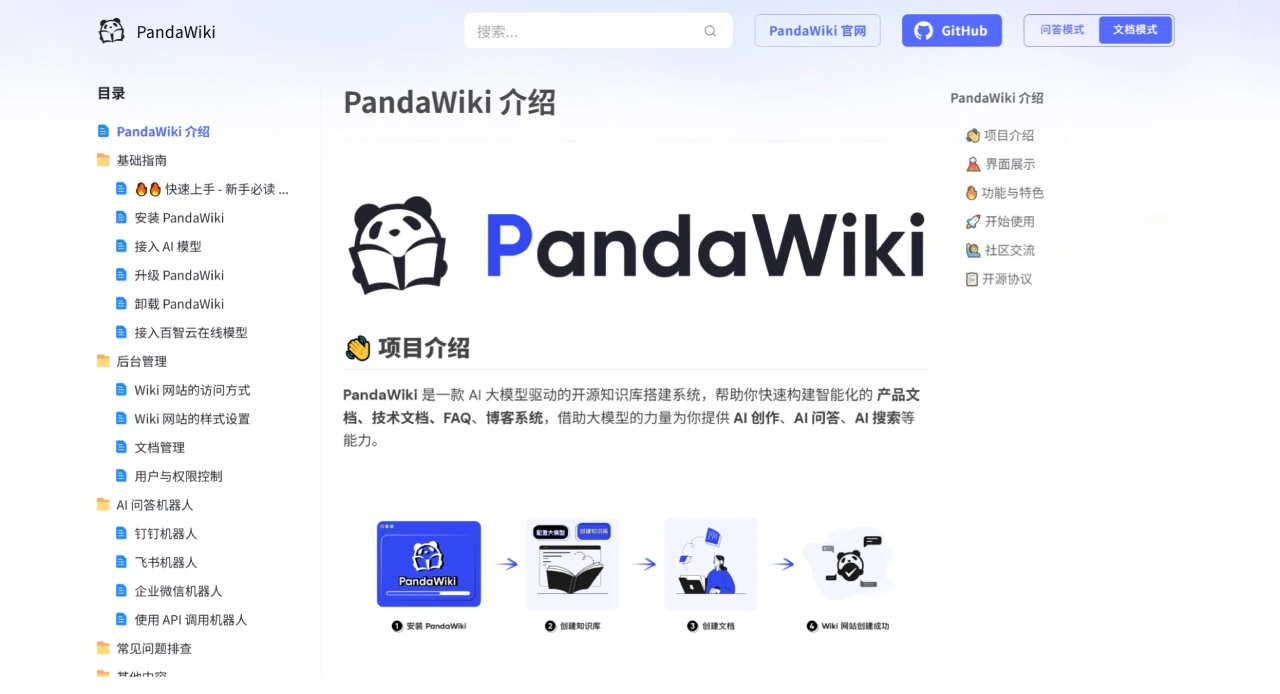
Frequently Asked Questions
Q: Is PandaWiki free?
A: Yes, it is an open-source project that can be used for free under its open-source license.
Q: Can the Wiki appearance be customized?
A: Yes, it offers rich appearance customization options including layout, colors, fonts, and positions.
Q: Does it support integrating third-party large models?
A: Yes, it supports integration with Baizhi Cloud official large models, local large models, OpenAI, DeepSeek, and other third-party large models.
Q: What is the core technical capability of PandaWiki?
A: The core technical capability is its built-in RAG (Retrieval-Augmented Generation) capability, which can be used in Q&A system scenarios such as intelligent customer service and education and training. It also relies on large models to implement AI creation, Q&A, and search features.
Q: What import methods does PandaWiki support for knowledge integration?
A: It supports 5 document import methods: import via online URLs, website Sitemap import, RSS online subscriptions, third-party documents (DingTalk/Tencent/Feishu Docs) import, and offline file import, enabling quick integration of scattered knowledge resources.
Q: What flexibility does PandaWiki offer in terms of technical integration?
A: It supports access to multiple types of large models (Baizhi Cloud official/local/OpenAI/DeepSeek, etc.) and can be quickly integrated with third-party business systems such as WeChat bots, DingTalk bots, and web widgets, embedding into existing workflows to enable efficient knowledge circulation.
Open Source Address:
https://github.com/chaitin/PandaWiki
Related News:












