
 Script Planner Assistant▸
 AI Apps
 AI News

DrawCut: Free Online Tool for Creating Custom-Shaped Crop Regions
DrawCut: Free Online Tool for Creating Custom-Shaped Crop RegionsIntroduction
What is DrawCut?
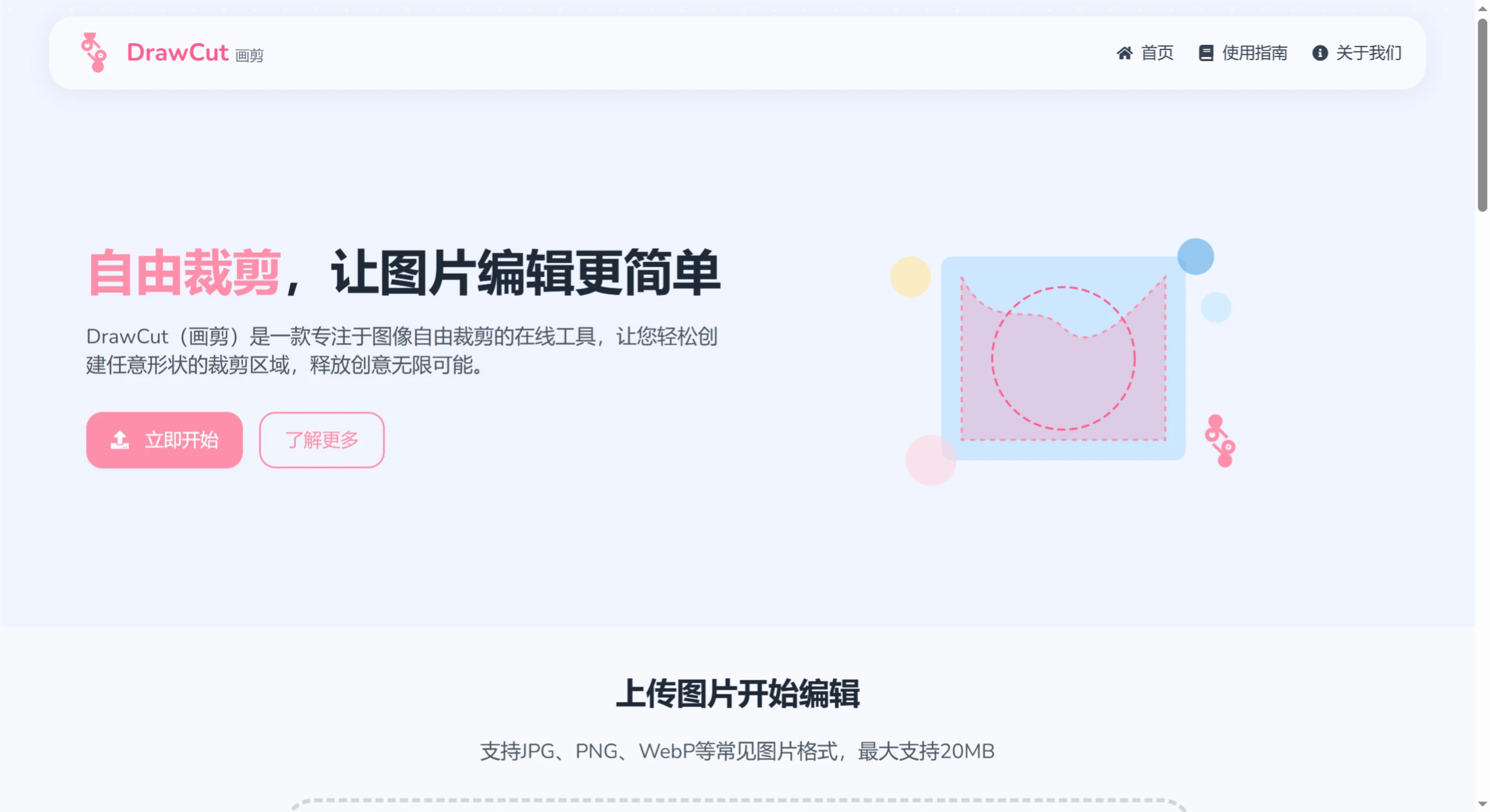
DrawCut is an online image cropping tool that runs entirely in the browser—no installation required, just open and use. It supports JPG, PNG, and WebP formats (single image no larger than 20MB). All processing is done locally on your computer and is never uploaded to a server, protecting your privacy. It's ideal for free-form cropping, creating irregularly shaped images, highlighting elements, custom avatars, e-commerce product displays, creative collages, and more.
DrawCut Core Features
Free Drawing: Use the brush tool to freely draw crop regions of any shape—crop however you like.
Multiple Preset Shapes: Circles, rectangles, stars... quickly handle regular crops.
Smart Magic Wand: Select regions of similar color with one click, making it easy to cut out complex backgrounds.
Filters & Enhancement: Adjust brightness, contrast, and saturation to make images stand out.
Undo & Redo: Made a mistake? One click to go back—no worries about messing up.
Multi-Format Export: Supports PNG, JPG, and WebP to meet different needs.
DrawCut Use Cases
Creative Design:
Crop out unique shapes (such as hearts or animal silhouettes) to make images less monotonous.
Create personalized avatars and brand logos to showcase your style.
Content Optimization:
Precisely crop the key parts to make the subject stand out.
Optimize e-commerce product images by removing unnecessary backgrounds.
Creative Collages:
Crop multiple images, add filters, and create artistic collages.
DrawCut Advantages
Local Processing: All image processing is done in the browser and never uploaded to a server, ensuring privacy and data security.
Powerful Features: Although it's an online tool, it offers a wealth of features that meet the image editing needs of most people in most cases.
DrawCut User Guide
Upload Image: Drag and drop or click to upload (supports JPG/PNG/WebP, ≤20MB).
Start Editing: Use the brush, shape tool, or magic wand to crop.
Save & Download: Export as PNG/JPG/WebP for easy sharing or use anytime.
DrawCut FAQs
Q: Do I need to be online to use it?
A:You need to open the webpage to use it, but all image processing is done locally and is never uploaded to a server.
Q: What formats are supported?
A:Import formats: JPG, PNG, WebP (max 20MB);
Export formats: PNG, JPG, WebP.
Q: What is it suitable for?
A:
Creative Design (free-form cropping, collages)
Content Optimization (highlighting the subject, e-commerce product images)
Personalized Needs (custom avatars, logos)















