
 Script Planner Assistant▸
 AI Apps
 AI News

DreamFace: An AI Video Generator That Turns Photos into Videos
DreamFace: An AI Video Generator That Turns Photos into VideosIntroduction
What is DreamFace?
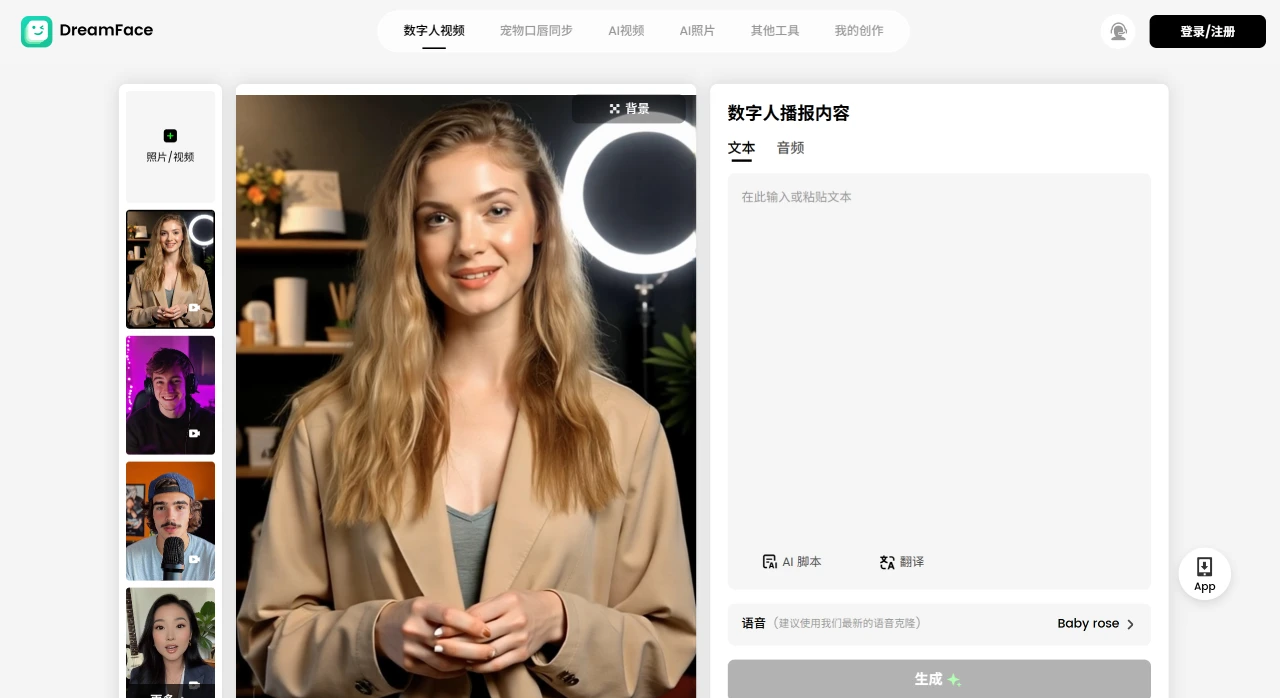
DreamFace is an AI tool that can easily turn photos into videos, and also create talking avatars and AI portraits. It offers several practical features, such as animating photos, converting text into speech, enhancing image quality, changing backgrounds, restoring old photos, and applying different styles to photos. It is particularly well-suited for creating social media content, educational materials, marketing advertisements, as well as for entertainment or professional presentations.
Core Features of DreamFace
Photo Animation: Turn static photos into dynamic videos where the subject can sing, dance, or talk.
Text-to-Speech: Input text to generate spoken narration, with mouth movements synchronized to the avatar. Supports multiple languages.
Dynamic Avatar Creation: Input scripts or upload audio to change the spoken content of characters in an existing video. It can also make characters in the video speak different languages, change the voice gender, and even perform video translation.
Image Enhancement: Make images clearer, remove noise, and increase resolution.
Background Removal and Replacement: Easily remove photo backgrounds and replace them with new ones.
Old Photo Restoration: Repair old photos, recover details, and make them clearer.
Artistic Style Transfer: Apply different artistic styles to your photos.
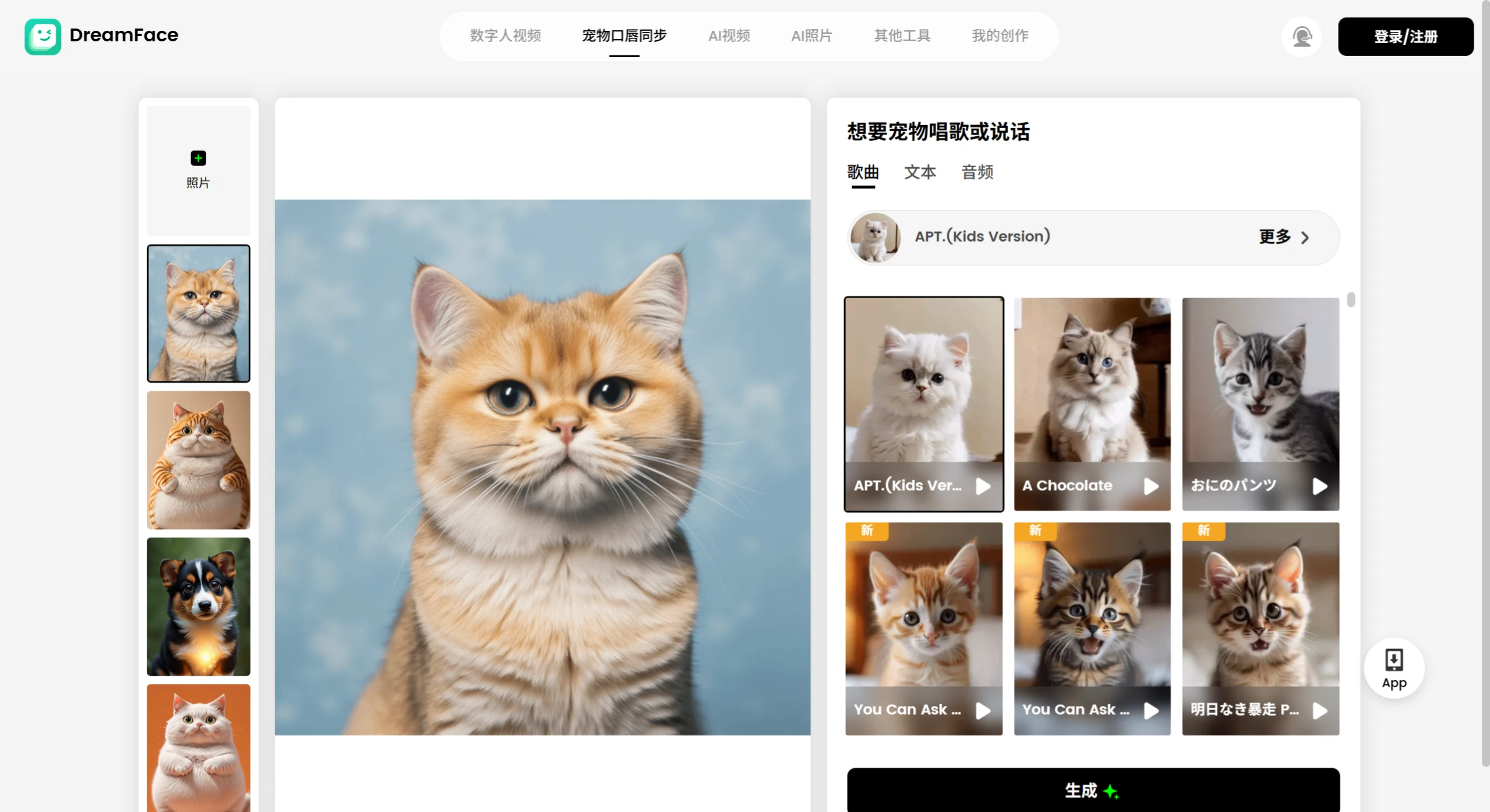
Pet Lip Sync: Make pets in photos appear to sing or talk.
Use Cases for DreamFace
Social Media Content Creation: Create engaging content for platforms like TikTok and Instagram to boost interaction.
Educational Material Production: Make animated explainer videos or talking avatars to make learning more engaging.
Marketing and Advertising: Use animated photos and talking avatars to create promotional content.
Personal Entertainment: Turn personal photos into animations for birthday greetings or memes.
Professional Presentations: Use dynamic visuals and talking avatars to make business presentations more engaging.
Pros and Cons of DreamFace
Pros:
Versatility: Suitable for a wide range of scenarios.
High-Quality Output: Images and videos are very clear.
Customizability: Personalized settings for avatars and voices.
Cons:
Some features require a subscription to fully access.
There are data collection and privacy risks.
An internet connection is required to use AI features.
How to Use DreamFace
1. Preparation
Download and Install: Search for "DreamFace" in the App Store or Google Play Store, then download and install it.
Register and Sign In: Follow the prompts to create an account and log in.
2. Choose a Feature
Launch the app and select a feature from options such as "Talking Avatar," "Animated Photo," or "AI Portrait" based on your needs.
3. Upload Photos and Input Text
Upload Photo: Select a photo from your computer or mobile device, or take a new photo with your phone. If you choose the "AI Avatar Generation" feature, you need to upload a facial photo.
Input Text: If you want the person in the photo to speak, you can input your pre-prepared text either by typing or by voice input.
4. Choose Effects and Templates
Choose Animation Effects: Browse the available templates, animations, or effects—such as smiling, blinking—and select one to apply to your photo. You can also adjust settings such as animation duration and speed.
Choose Voice Template: In the text-to-speech feature, pick a voice template you like, and choose the speech rate and style.
5. Generate and Edit
Generate Video: Click the generate button. Once generated, if you're not satisfied, you can further edit the video, such as adjusting the video length or adding special effects.
6. Download
Download Your Creation: Download the generated video to your PC. You can also publish it to WeChat Video Account, Weibo, Douyin, and other platforms.











