
 Script Planner Assistant▸
 AI Apps
 AI News

Planner 5D – AI-Powered Home Design Tool
Planner 5D – AI-Powered Home Design ToolIntroduction
What is Planner 5D?
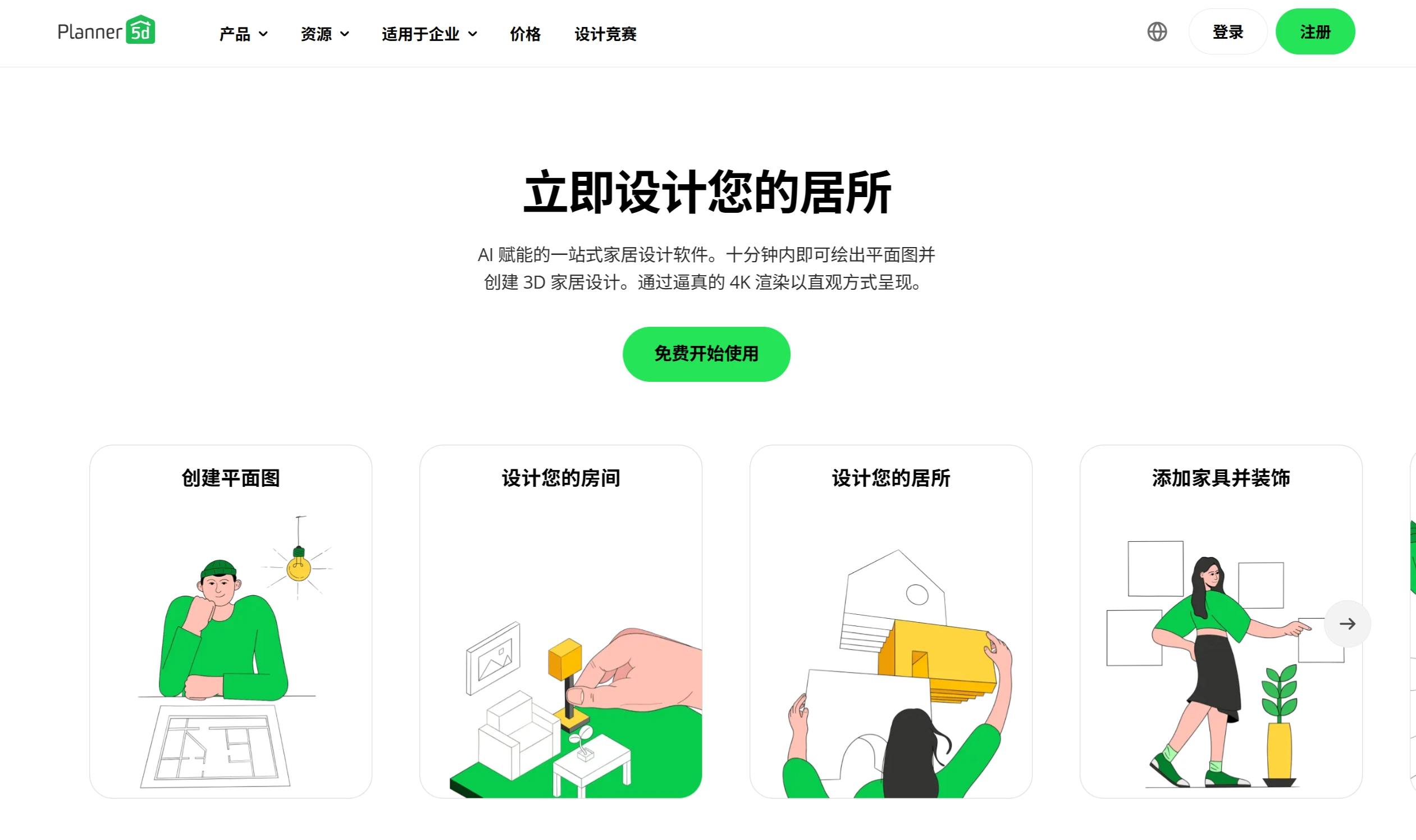
Planner 5D is a useful AI-assisted home design tool. It can help you draw a floor plan within 10 minutes and create 3D designs. The software offers over 8,000 furniture and decoration items, and uses 4K technology to render designs with realistic quality. It can also recognize room photos or floor plans and directly convert them into editable 3D models. Planner 5D is available on Windows, Android, iOS, and other systems, and has been used by more than 120 million people to complete over 400 million projects. Users find it easy to use and feature-rich, suitable for homeowners, designers, and businesses.
Features of Planner 5D
Floor Plan Recognition: Upload a room photo or floor plan, and the software will convert it into an editable 3D model.
Automatic Decoration: The software can quickly provide design solutions and offer you home layouts in many styles.
Furniture and Decoration Library: Choose from over 8,000 furniture and decoration items.
2D and 3D Design: Quickly draw floor plans and create 3D designs, with the ability to switch between 2D and 3D for an intuitive view of the results.
Virtual Reality and Augmented Reality: Supports VR and AR features, allowing you to place 3D models in real spaces to preview the effects.
Multi-Platform Support: Available on Windows, iOS, Android, and macOS, with real-time content synchronization across different devices.
Other Features: Includes 360° panoramic walkthroughs, custom furniture creation and editing, custom model import, advanced rendering, cost estimation, and more.
How to Use Planner 5D
Create an Account: Register on the official website or download the mobile app.
Start a New Project: Use the drag-and-drop interface to draw walls, add rooms, and define spaces.
Add Furniture and Decorations: Select items from the furniture and decoration catalog and adjust the layout.
Save and Share: After saving the project, you can share a link or export images.
Pros and Cons
Pros:
Rich Design Library: Offers a wide variety of furniture, textures, and decorations.
Realistic Rendering: High-definition and 4K visual effects are very realistic.
Cross-Platform Access: Available on multiple devices, allowing you to design anytime, anywhere.
Cons:
Performance Issues: The web version may slow down when handling large or complex projects.
Feature Limitations: Some advanced features are missing, such as detailed material customization, lighting control, and advanced architectural tools.
Paid Restrictions: Advanced features and full catalog access require a paid subscription.
Who is Planner 5D For?
Business Users: Suitable for real estate, commercial architecture, and other fields; 360° walkthroughs can improve communication efficiency with clients.
Interior Designers: Can create detailed 2D and 3D floor plans, present design concepts to clients, and produce high-quality renderings.
Students and Teachers: Can be used to study architecture and interior design, deepening understanding through hands-on projects.
Homeowners / Design Enthusiasts: Even beginners can quickly design their dream home, using AI automatic decoration and AR preview features to experience the decoration results in advance.
Frequently Asked Questions
Q: How do the AI features of Planner 5D improve design efficiency?
The floor plan recognition tool can quickly analyze drawings and generate professional floor plans, saving time on manual drawing; the automatic decoration feature allows you to preview decoration effects in a virtual environment.
Q: How large is Planner 5D's resource library and what about its compatibility?
Planner 5D's resource library includes over 8,000 furniture and decoration items, and supports importing custom 3D models (such as .obj format).
Q: Who is Planner 5D suitable for? How do business users benefit?
Individual Users: Homeowners and design enthusiasts can use it; even without a design background, they can easily bring their ideas to life.
Business Users: Real estate and interior design companies can use 360° walkthroughs and 4K rendering to present plans to clients, improving communication efficiency; the shopping list feature also helps with cost estimation and optimizes project management.
Related News:














