
 Script Planner Assistant▸
 AI Apps
 AI News
Komiko: An All-in-One AI Platform for Art, Anime & Comics
Komiko: An All-in-One AI Platform for Art, Anime & ComicsIntroduction
What is Komiko?
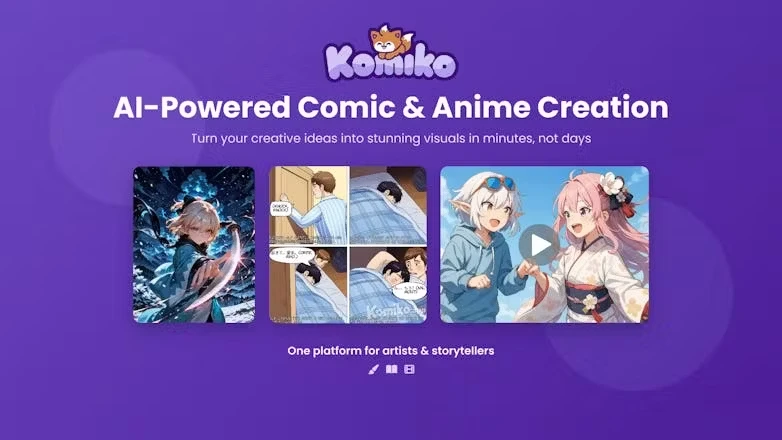
Komiko is an AI illustration and animation tool that assists with comic creation, webcomics, visual stories, anime, and other visual content. Komiko offers a variety of illustration and animation tools, such as generating anime-style images, photo-to-anime conversion, line art coloring, sketch enhancement, background removal, image upscaling, image relighting, and other image processing features. It also includes image-to-animation, AI motion portraits, video-to-video, in-between frame generation, video upscaling, frame interpolation, and other animation creation capabilities. It supports creating comics from a blank canvas as well as generating comics from creative input, making it suitable for serialized comic creators, storytellers, visual content creators, and those who lack professional drawing skills but want to create comics.
Core Features of Komiko
Generate Complete Comics: Enter simple text, and the AI can generate a complete comic storyline with flexible layout design, supporting multiple styles.
Character Design and Consistency: Create and maintain character consistency, making it easy to recognize characters across multiple storylines. Create and save character templates for reuse across works, ensuring stable character appearances in different scenes.
Infinite Canvas: Provides an infinitely expandable canvas, allowing users to freely arrange and design visual content.
Character Dialogue and Effects: Add dialogue bubbles and effects to make character expressions more impactful.
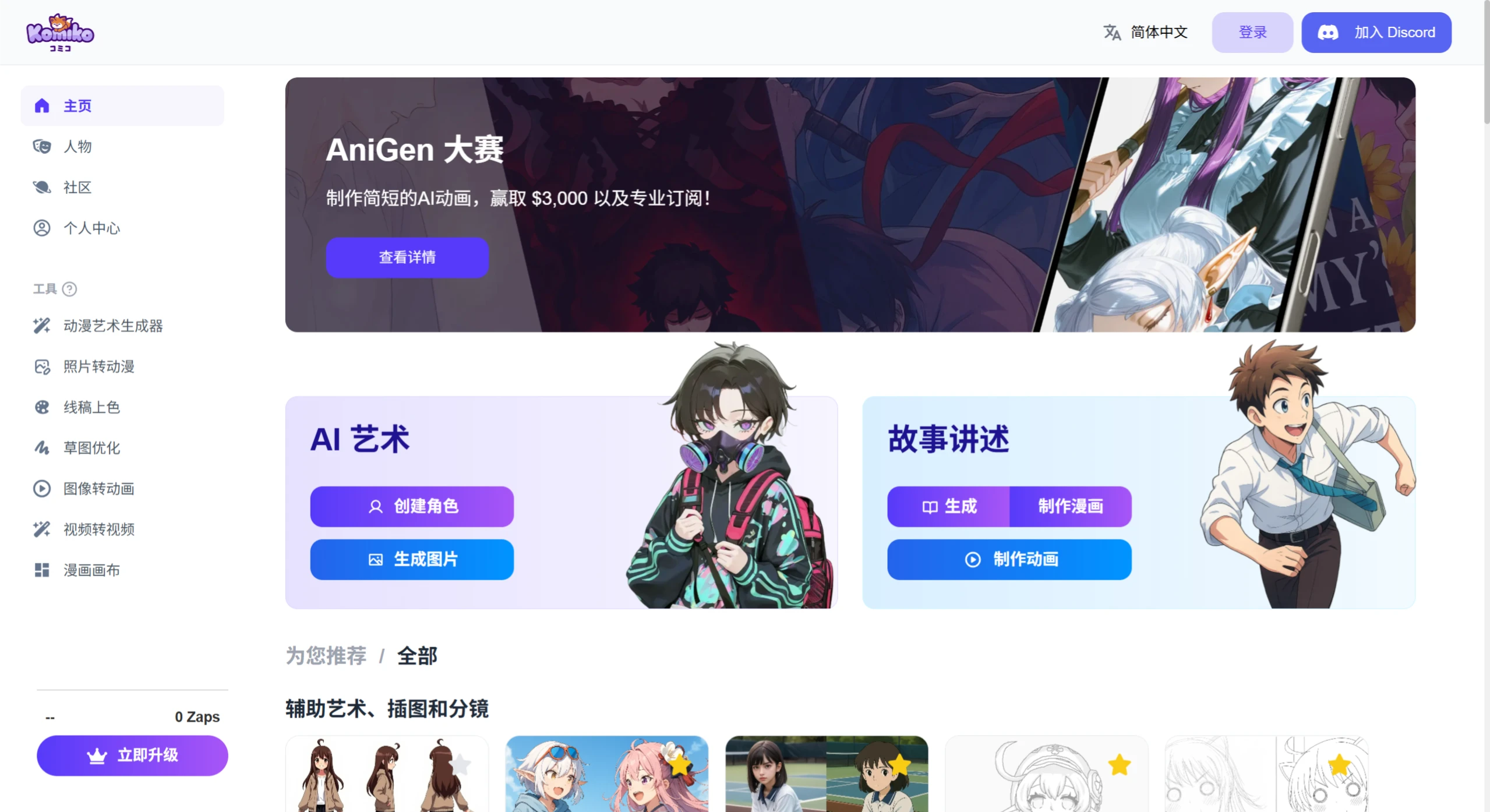
AI Animation Creation: Includes keyframe animation generation (smart frame interpolation, multi-model support, reducing manual keyframe workload), AI frame interpolation & super-resolution (improving smoothness, enhancing image quality, old footage restoration), and more.
AI Illustration & Image Processing: Features AI line art coloring (smart line art recognition, multi-style rendering, improved coloring efficiency), background removal & relighting (one-click cutout, light and shadow reshaping, reduced image processing time), and more.
Custom AI Characters & Canvas Creation: Generate unique characters based on descriptions, ensuring consistent character styles across different scenes with quick character design adjustments. The canvas breaks through the space limitations of traditional drawing software, supporting human-AI collaboration and creative adjustments on top of AI-generated content.
Who is Komiko For?
Individual Creators: Both comic beginners and professionals can use it to quickly bring their ideas to life.
Educators: Teachers and students can create educational comics to explain complex concepts or historical events in a more engaging way.
Marketers: Businesses can design comic-style marketing materials to attract target audiences.
Game Developers and Filmmakers: Useful for designing and testing characters, as well as building character backstories.
Komiko Getting Started Guide
Getting Started: Visit the official Komiko website (Komiko.app), sign up quickly, and start creating.
Enter Prompts: Generate storylines through text prompts and choose the appropriate character style.
Editing Process: Use the infinite canvas and character dialogue tools to edit and enrich story content.
Advanced Creation: Enhance the impact of your story through character consistency, dialogue bubbles, and effects.
Save and Download: Once creation is complete, save or publish your work for easy online display and sharing.
FAQ
Q: What is Komiko?
A: Komiko is a platform offering AI anime generation tools for creating comics, illustrations, and anime works.
Q: What tools does Komiko offer?
A: Komiko provides a range of AI tools, including character design, line art coloring, image upscaling, background removal, image relighting, image-to-animation, AI motion portraits, video-to-video, in-between frame generation, Layer Splitter, video upscaling, frame interpolation, and more.
Q: How does Komiko's AI Comic creation work?
A: Komiko's AI comic creation leverages its AI-powered canvas and text-to-image features, allowing users to freely arrange comic panels on an infinite canvas and add dialogue bubbles and effects.
Q: Can Komiko be used for free?
A: The link mentions that you can "create for free," but the specific scope and conditions of free usage are not detailed.
Q: Can I use Komiko to create comics and anime-style artwork?
A: Yes, Komiko offers a variety of tools, including an AI Comic Generator and anime art generator, for creating comics and anime-style artwork.
Q: What makes Komiko different from other AI art tools?
A: Komiko stands out as a one-stop platform offering comprehensive support from character design to animation creation, with dedicated tools for comic and anime creation.
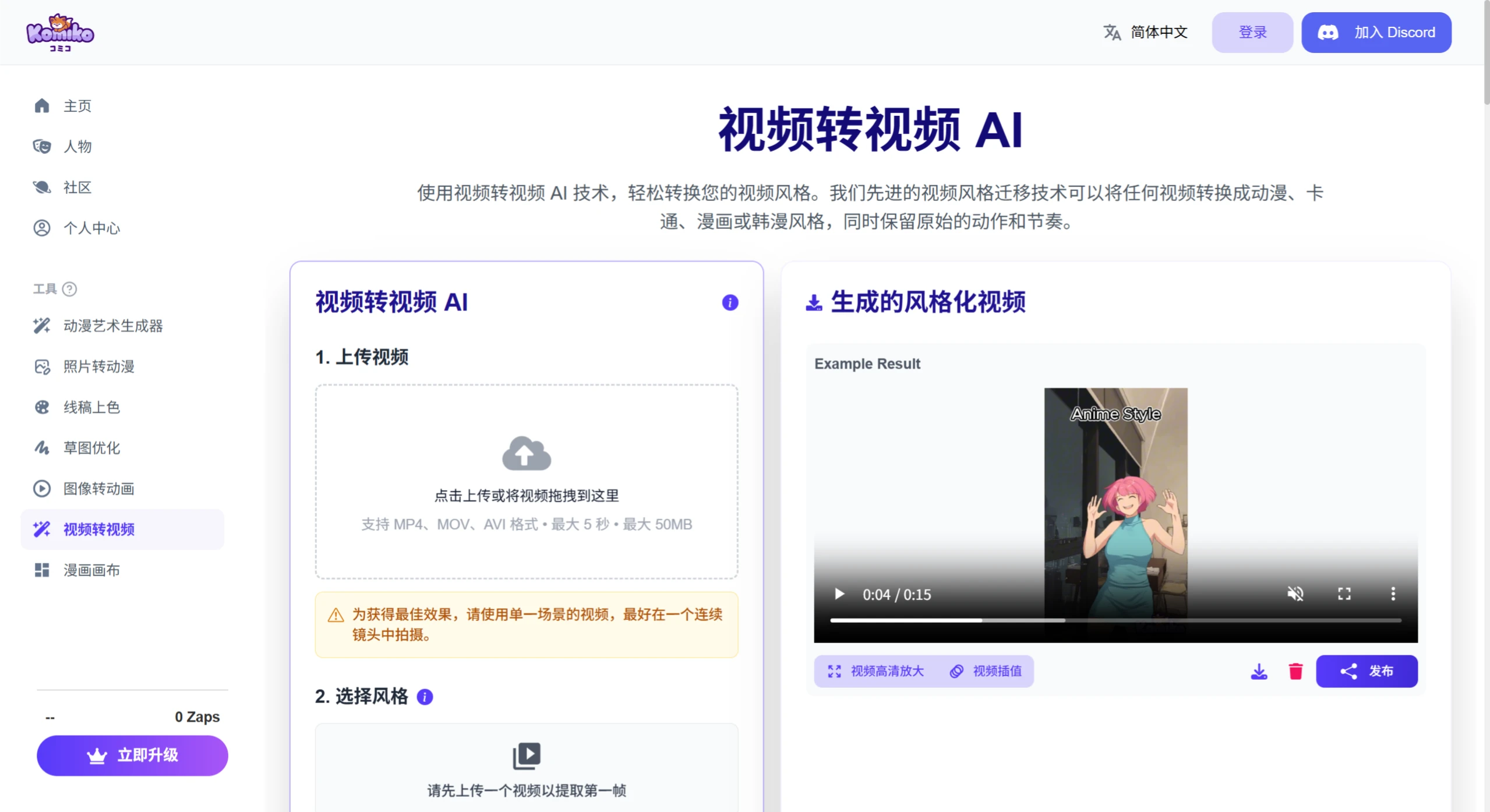
On June 4, 2025, Komiko launched a brand-new video-to-video feature. It allows users to upload videos and, through simple operations such as selecting an art style or entering a description, transform the video into dynamic content in different styles like anime, comic, or cyberpunk. For example, you can turn a real-life video into an animation style like "Naruto," or add artistic effects reminiscent of Studio Ghibli animation to your video.
Related News:















