
 Script Planner Assistant▸
 AI Apps
 AI News

Slides.bot: Free Online AI Presentation Generator
Slides.bot: Free Online AI Presentation GeneratorIntroduction
What is Slides.bot?
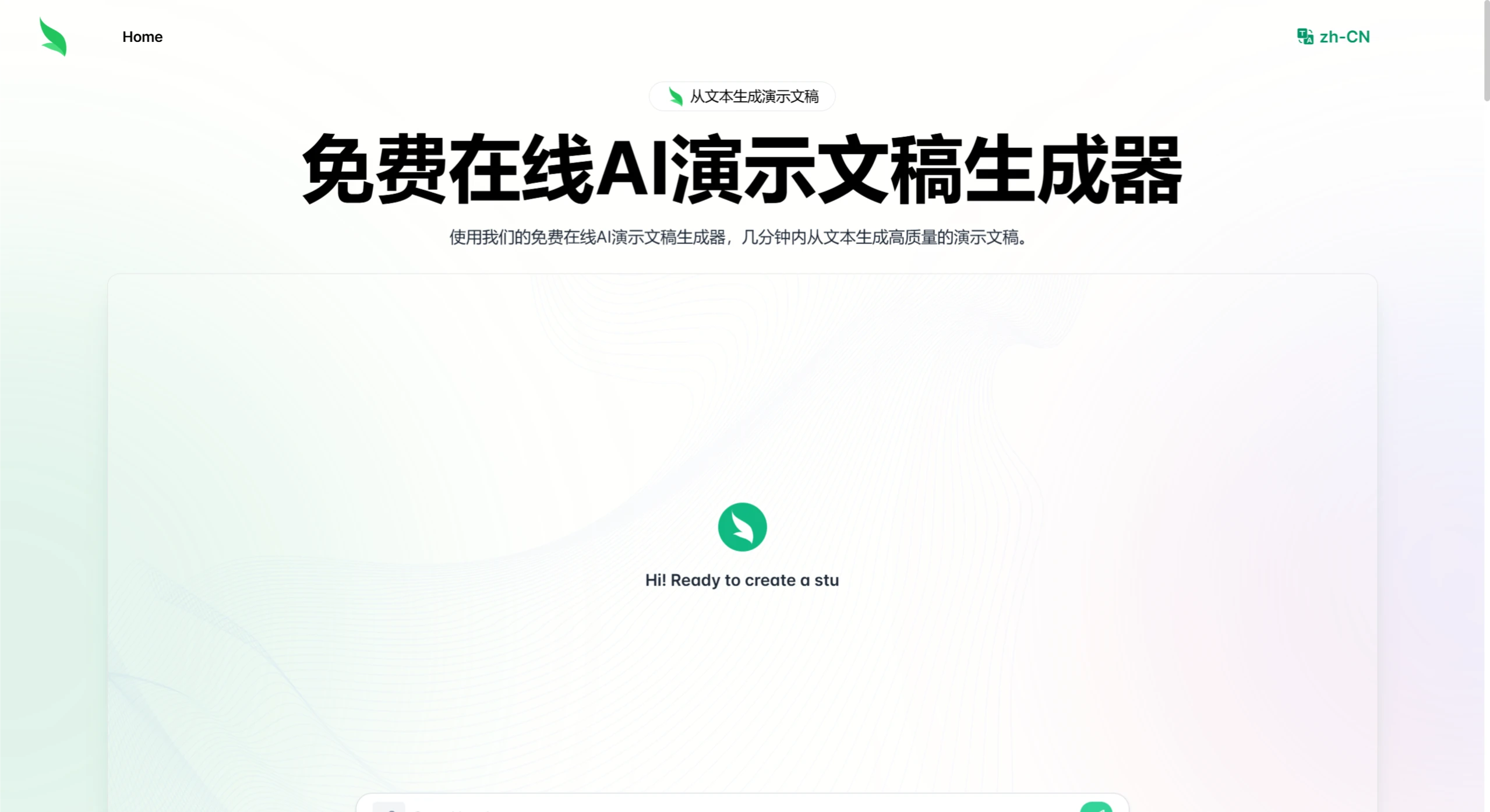
Slides.bot is a free online AI presentation PPT generator. Through a 4-step process of registering an account, entering a prompt, personalizing the design, and downloading, it quickly transforms text into structured, visually appealing professional slides. It offers features such as free usage, text-to-PPT conversion, automatic slide creation, multiple template customization, fast generation, and multi-language support.
Slides.bot Features
Text to PPT: After users input text content, Slides.bot can quickly convert it into slides.
Customized Design Templates: Provides a variety of design templates, allowing users to choose the appropriate template style based on the PPT's purpose and audience.
Multi-Language Support: Supports multiple languages, enabling users to input content in different languages and generate PPTs in the corresponding languages.
Quick and Simple Interface: The operating interface is clean and intuitive, making it easy to get started.
Multi-Format Output: The generated PPT can be downloaded in standard formats such as PDF and PowerPoint.
How to Use Slides.bot
Visit the Slides.bot website and register an account.
Enter text content or a topic.
Click the generate button, and the AI will create a PPT based on the input content.
Use the provided tools to customize and edit the generated slides.
Review and refine the content to ensure accuracy and coherence.
Add high-quality visual elements, charts, graphics, or other data elements as needed.
Download the completed PPT.
Who is Slides.bot For?
Business Professionals: Can quickly convert reports, proposals, or business plans into PPTs.
Educators and Students: Can easily create polished, well-organized slides for lectures, projects, or educational content.
Marketers and Creative Professionals: Can leverage custom templates and high-quality visual effects to generate PPTs.
Features
No Design Skills Required: Even without design experience, users can create high-quality PPTs.
Time-Saving: Significantly shortens PPT creation time.
Free to Use: Basic features are free, allowing users to generate PPTs at no cost.
Frequently Asked Questions
Q: Is there a fee?
A: No. This tool offers a completely free online service, and users can generate presentations without paying any fees.
Q: How fast is the presentation generation process?
A: The process is highly efficient. After completing registration, users only need to enter a prompt and make simple adjustments to generate complete slides within minutes, making it suitable for time-sensitive scenarios.
Q: How to ensure the generated slides meet professional requirements?
A: This can be achieved through the following methods:
Provide Detailed Prompts: Clearly define the topic, content structure, and key points to help the AI accurately understand your needs;
Use Custom Templates: Choose professional templates that match the scenario (such as business, education, etc.) to quickly enhance visual professionalism;
Manually Optimize Content: After generation, check text logic and data accuracy, and add high-quality charts, images, and other visual elements.
Related Information:















