
 Script Planner Assistant▸
 AI Apps
 AI News

VideoToWords AI: Free Online Video & Audio Transcription
VideoToWords AI: Free Online Video & Audio TranscriptionIntroduction
What is VideoToWords ai?
VideoToWords AI is a free online tool that transcribes video and audio into text. It easily converts video to text in the browser, adds subtitles, and more, with an accuracy rate of up to 99.9%. It supports over 98 languages and can process files up to 10 hours long and 5GB in size (such as MP3, MP4, and other formats). It also offers online editing, multiple format export options (TXT, DOCX, SRT, etc.), and automatic summary generation, making it suitable for journalists, students, content creators, and many other types of users.
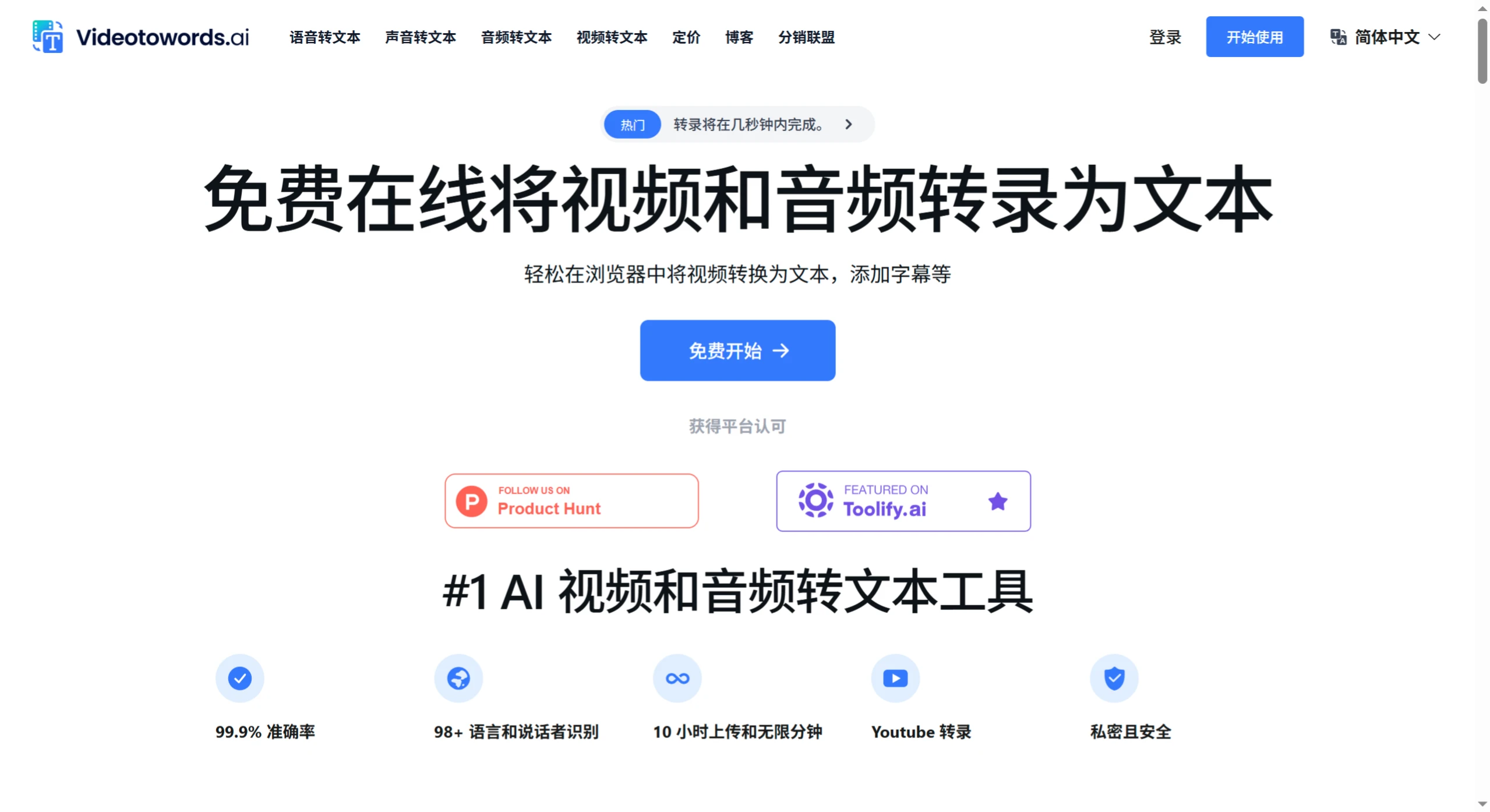
VideoToWords AI Features
High-Accuracy Transcription: Accuracy rate of up to 99.9%, delivering reliable text output.
Multi-Language Support: Covers over 98 languages, meeting the needs of different users.
Multiple File Format Support: Supports common formats such as MP3, WAV, MP4, and AVI with no conversion needed.
Long File Processing Capability: Can handle files up to 10 hours long, ideal for lectures, interviews, and similar scenarios.
AI-Generated Summaries: Quickly extracts key information.
Text Editing & Export: After transcription, content can be edited online and exported in multiple formats.
YouTube Video Support: Transcribe directly by entering a link, no download required.
VideoToWords AI Use Cases
Journalists: Quickly transcribe interviews and news materials.
Students: Obtain written records of classroom lectures and online courses.
Podcast Hosts: Provide listeners with more ways to consume content.
Researchers: Transcribe interviews and seminar materials.
Filmmakers: Quickly generate subtitles.
Content Creators: Convert video content into blog posts and more.
Marketers: Convert video marketing materials into text.
VideoToWords AI Pricing
Free Plan: A limited number of transcription minutes per month, providing basic features.
Pro Plan: $15 per month, up to 300 minutes of transcription, faster processing speed, unlimited downloads, and advanced summaries.
Premium Plan: $29 per month, up to 1,000 minutes of transcription, priority processing, and customer support.
Enterprise/Custom Plan: Custom transcription volume, with team collaboration and integration provided.
VideoToWords AI Tutorial
Create an Account: Visit the official website, click to sign up, fill in the information to create an account. Existing users can log in directly.
Choose a Plan: Select a paid plan based on your needs, or try the free plan for the experience.
Upload a File: After logging in, click the upload button and select your video or audio file.
Select Language: Choose the language of the file from over 98 options.
Start Transcription: Click the transcribe button, and the AI will automatically transcribe, typically completing within a few minutes.
Review and Edit: After transcription, the text is displayed in the online editor, where errors can be corrected.
Export and Save: After editing, content can be exported in formats such as TXT, DOCX, PDF, and SRT.
Download and Use: Download directly to your local device for use.
VideoToWords AI FAQ
Q: How accurate is the transcription?
A: It typically reaches over 95%, and errors in complex scenarios can be corrected through the editor.
Q: Which languages are supported?
A: It supports transcription and translation in over 98 languages.
Q: Is my data secure?
A: All files are stored with encryption and are not shared with third parties. Users can delete them at their own discretion.
Q: What are the main differences between the free and paid versions?
A: The free version supports single files up to 10 hours long, basic format export, and basic language transcription. The paid version ($19.90/month) unlocks unlimited-duration transcription, batch upload (50 files), advanced language support, and priority processing privileges.














