
 Script Planner Assistant▸
 AI Apps
 AI News

HeroUI Chat: Convert Text Prompts or Designs into React App Code
HeroUI Chat: Convert Text Prompts or Designs into React App CodeIntroduction
What is HeroUI Chat?
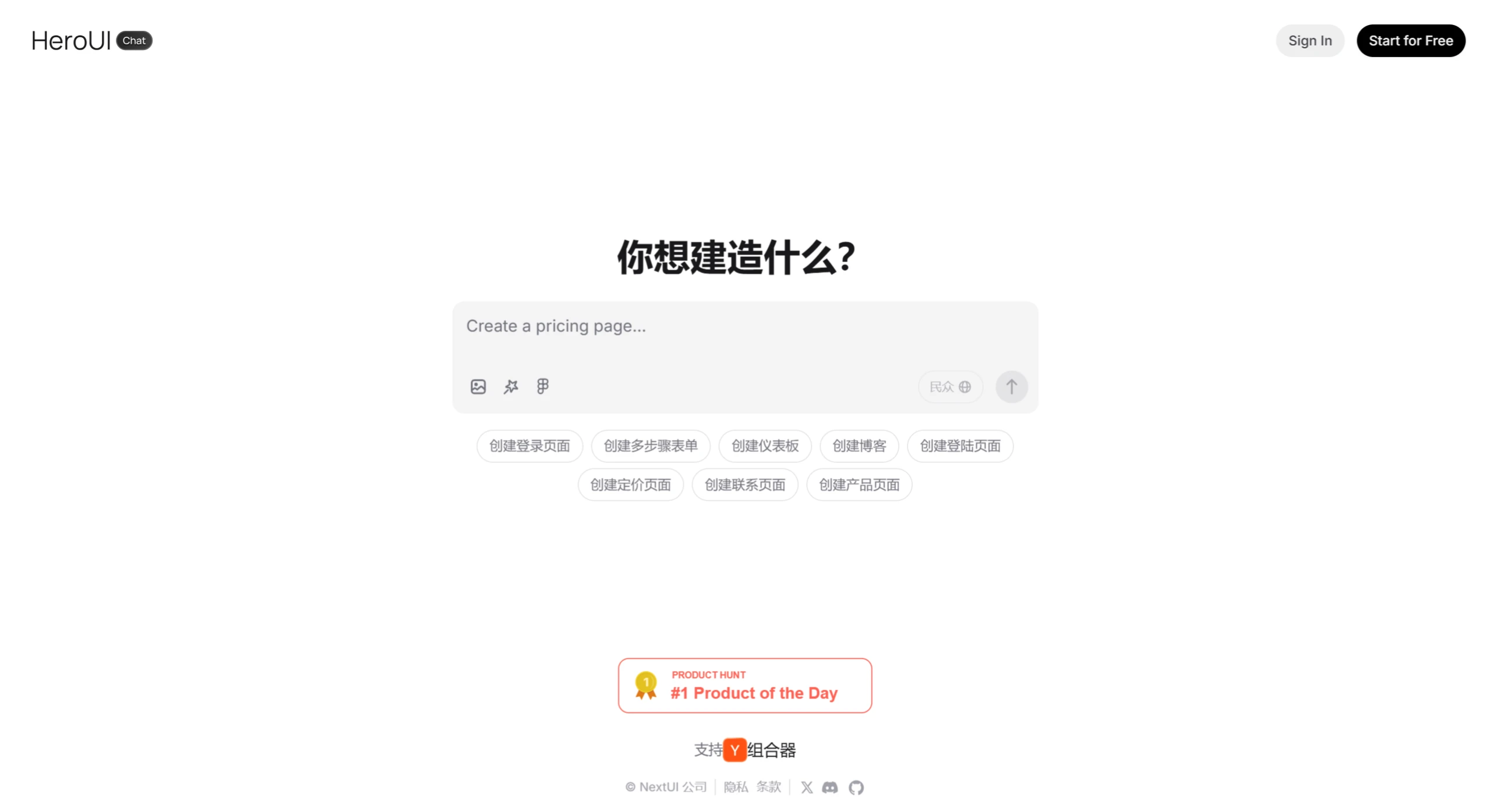
HeroUI Chat is a tool that can quickly convert user-provided text descriptions or design mockups into React application code. It combines powerful AI capabilities with a proven design system to help developers and designers rapidly build DEMOs, greatly accelerating the development workflow. It is well-suited for developers and designers working on websites.
Key Features of HeroUI Chat
AI Code Generation: Users can have AI quickly generate React UI code through simple text descriptions or uploaded screenshots.
Rapid Prototyping: Supports quick generation of interface prototypes to accelerate the development cycle.
Improved Development Efficiency: Saves front-end development time, allowing developers to focus on complex logic and interaction design.
Flexible Extensibility: The generated code can be further customized and supports integration with other React libraries.
Free AI Error Fixes: If the AI does not fully understand the user's input, users do not need to pay extra to correct its output.
Customize Existing Components: Users can directly select components from the HeroUI library and customize them.
Built on the HeroUI Library: Built upon the open-source HeroUI library, which has over 23k Stars and 600k+ downloads.
How to Use HeroUI Chat
Generate an Application: Log in to heroui.chat, enter a description in the input box, such as "Help me build a project management tool with a task panel, calendar view, and team collaboration features." HeroUI will automatically generate the corresponding interface and interaction logic, and the generated pages can run directly in the browser.
Mimic Website Interfaces: If you don't know how to describe the page style, you can upload reference images, such as screenshots of the Apple official website or the Notion homepage, and HeroUI will automatically generate a design with a similar structure.
Enhanced Prompts: If you're not sure how to write UI design prompts, after entering a single sentence, HeroUI will automatically supplement any missing elements to help refine the design description.
Import Figma Files: If you have design files created by a designer, you can upload Figma files, and the AI will automatically identify each element and continue editing and optimizing.
Use Cases for HeroUI Chat
Rapid Prototyping: Quickly generate interface prototypes to validate design ideas and user experience.
Front-end Development Acceleration: Automatically generate React UI code to save development time.
Seamless Transition from Design to Development: Convert design mockups (screenshots) directly into runnable code, reducing communication costs between design and development.
Quick Startup of Small Projects: Rapidly build basic interfaces for small projects or individual developers.
Team Collaboration: Designers provide mockups, and developers directly generate code and extend it.












