
 Script Planner Assistant▸
 AI Apps
 AI News

Fairies AI: The First True General-Purpose AI Agent Running Locally on Your PC
Fairies AI: The First True General-Purpose AI Agent Running Locally on Your PCIntroduction
What is Fairies AI?
Fairies AI is the first general-purpose AI agent tool that truly runs on your local computer. It supports over 1,000 operations including file management, email automation, code review, data analysis, and multi-app integration — for example, sorting files by size, generating CSVs, summarizing unread emails, analyzing GitHub commit history, and more. It emphasizes privacy-first (no training on user data) and currently serves users in more than 170 countries with over 20,000 users. The team includes experts from institutions such as MIT, Stanford, and Google. It offers a free tier and a Pro version, supports seamless data synchronization with tools like Notion, Airtable, and Excel, and lets users control their computer to complete various tasks simply by issuing prompt-based commands.
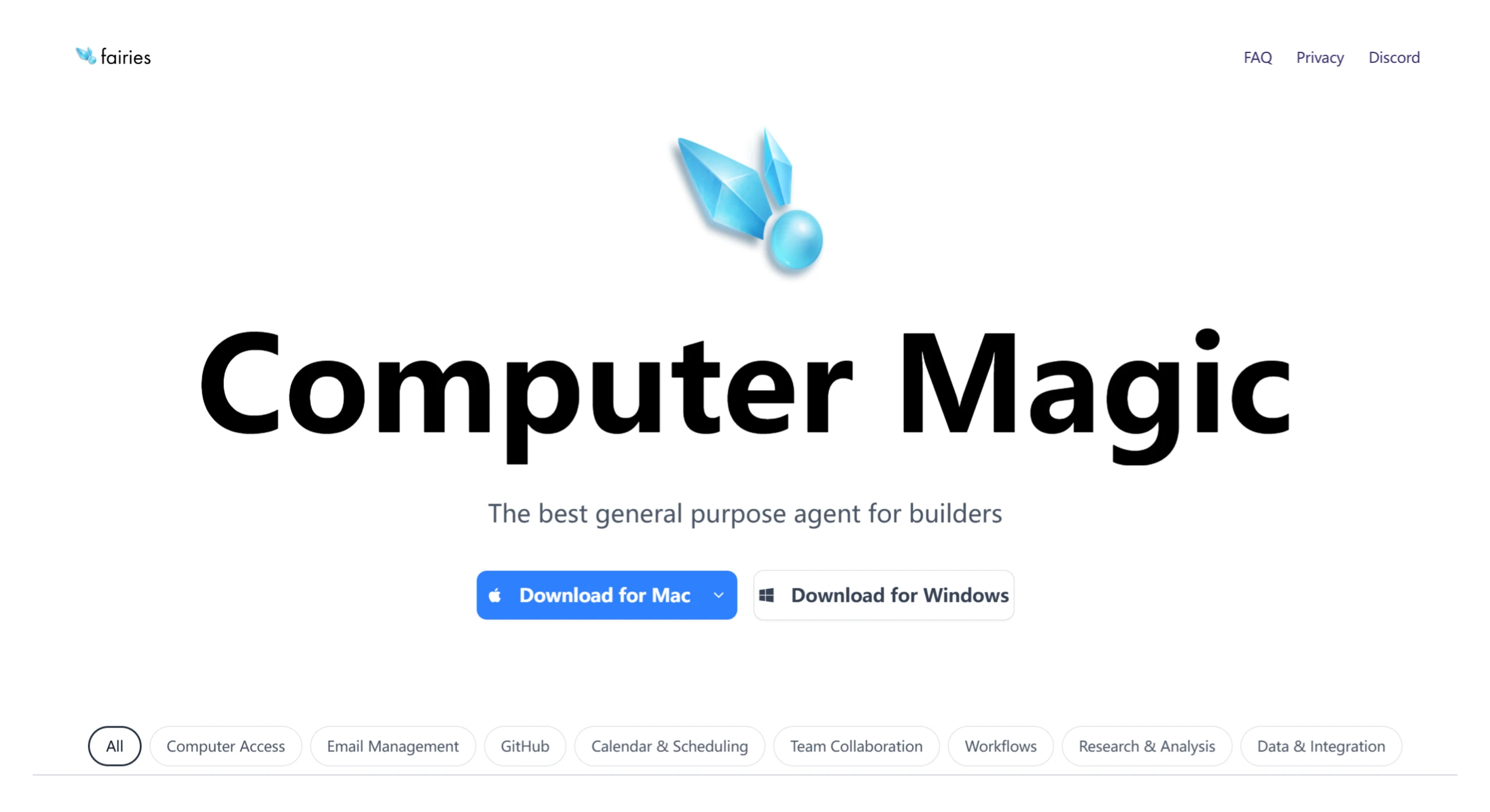
Features of Fairies AI
Multi-task execution capability: Fairies.ai can perform more than 1,000 operations, covering file management, code generation, email sending, schedule arrangement, data analysis, and more.
Natural language interaction: Users can communicate with Fairies.ai in natural language, and it understands and executes requests.
In-depth research and data analysis: It helps users conduct in-depth research and data analysis, such as summarizing industry news and analyzing competitors' pricing strategies.
Privacy protection: It uses end-to-end encryption; all data processing is done locally on the device, and user data is never used for model training, ensuring user privacy.
App integration: It integrates with hundreds of commonly used apps such as Slack, Gmail, Google Drive, Notion, and GitHub.
Human-in-the-loop collaboration mode: Before performing important steps, Fairies.ai requires the user to manually confirm, reducing potential risks from the agent.
How to Use Fairies AI
Download and install: Visit the official website, download the appropriate version of the app for your system, and open it to log in quickly after installation.
Choose a model: After logging in, you can select from multiple supported models, such as GPT 4.1, Gemini 2.5 Pro, and Claude 4.
Enter a command: Type a specific task instruction in the dialog box, such as "Move non-image files from the Desktop to the Trash."
Task execution and confirmation: Fairies.ai will analyze the task and display the operation steps. For important actions, it will require manual confirmation from the user. After confirming, click "Approve All" to execute.
View progress: During task execution, users can monitor progress and operation details in real time.
Fairies AI Application Scenarios
Personal productivity boost: Helps users manage files, arrange schedules, draft emails, and more, improving work efficiency.
Team collaboration: Assists teams in scheduling meetings, sharing information, coordinating tasks, and more, enhancing team collaboration efficiency.
Research and analysis: Provides data collection, analysis, and summarization services for researchers, analysts, and similar professionals.
Code development: Assists developers in generating code and conducting code reviews.
Fairies AI Pricing
Fairies.ai offers a free version and a Pro version. The free version supports unlimited chat, while the Pro version costs $20 per month and unlocks more advanced features.
Advantages of Fairies AI
Simple and intuitive interface: New users can get started easily without friction.
Strong file management capabilities: Accurately identifies file properties and completes simple tasks such as classification and deletion.
Safe human-in-the-loop mode: All important operation steps require manual confirmation from the user, reducing risk.
High task execution efficiency: For example, moving non-image files from the Desktop to the Trash takes only 18 seconds.
Frequently Asked Questions
1. What commitments do you have regarding privacy and security?
Answer: Fairies AI commits to never using users' personal data for model training. Users retain full control over the tool's access permissions on their computer, ensuring transparent operations and data security.
2. How many operation commands are currently supported? What is the user coverage like?
Answer: The tool supports over 1,000 operation commands, covering scenarios such as file management, code review, and data analysis. Users are spread across more than 170 countries, totaling over 20,000+, including enterprise users, students, and tech enthusiasts.
3. What are the core differences from other AI tools?
Answer: The core difference lies in its local execution model (not a cloud-based service) and its deep computer control capability. It can directly operate local files and applications (such as GitHub, Slack, and Excel) to automate workflows, while also possessing autonomous execution capability for both short-term and long-term tasks — making it closer to developers' needs for local development and office work.












