
 Script Planner Assistant▸
 AI Apps
 AI News

PNGAI: Free Online AI PNG Image Generator
PNGAI: Free Online AI PNG Image GeneratorIntroduction
What is PNGAI?
PNGAI is a free online AI PNG generation tool built on the Flux model. It enables designers, artists, and other creators to generate high-quality PNG images from text descriptions, and can be used without registration.
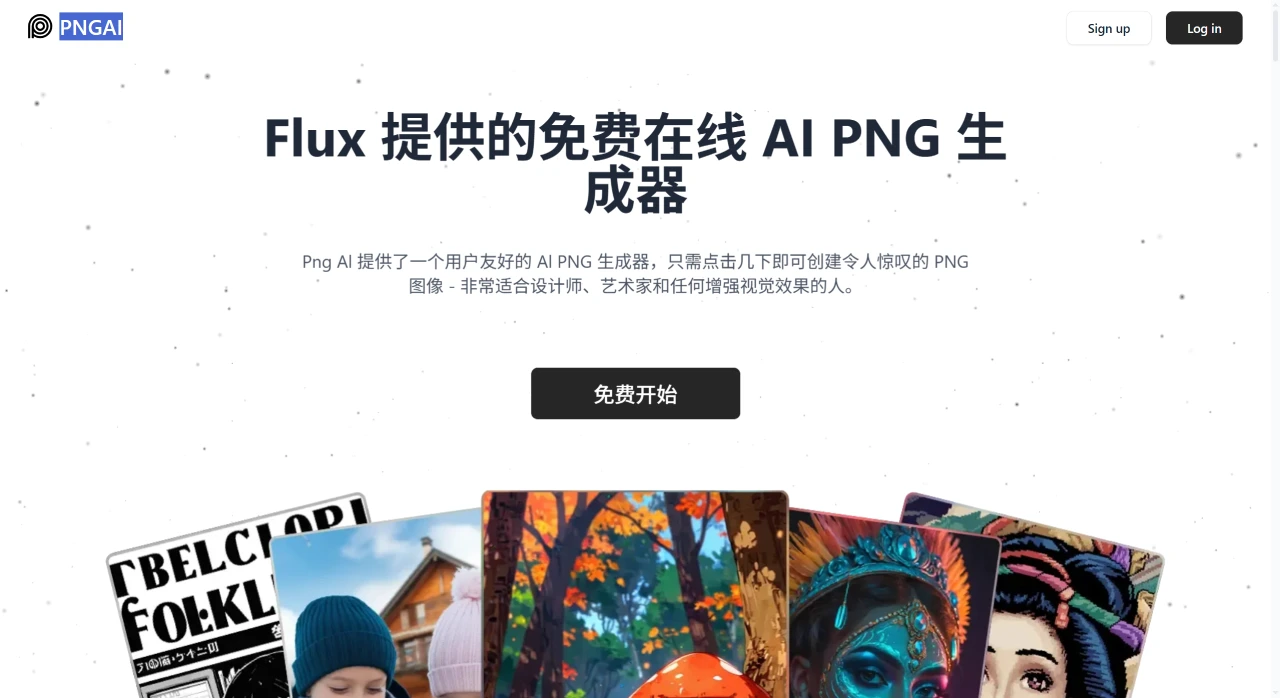
PNGAI Features
Text-to-PNG: Enter a detailed description of the image, and the AI will automatically generate the corresponding PNG, supporting diverse styles and themes (such as illustrations, logos, icons, concept art, etc.).
Image Remix: Upload local images or use existing materials, and use AI to blend them into a brand-new visual effect.
Description Extraction: Click "Describe" to automatically extract key details from an image, which can be used as prompts for generating new images.
Image Upscaling: Increase the resolution and quality of generated images.
Parameter Adjustment: Supports advanced settings to customize the generation effect.
How to Use PNGAI
Enter Your Idea: Describe the image you want in detail in the input box (for example, "a colorful fantasy forest with large orange mushrooms lining a trail").
Wait for Generation: After submitting your description, the AI will process the request and generate the image within seconds.
Review and Adjust: Review the generated PNG image. If it doesn't meet your expectations, you can modify the description and regenerate.
PNGAI Pricing
Free Plan Free
Description extraction feature
Access to the community gallery
Download compressed JPG
Basic Plan $10 / month
Includes all features of the Free Plan
400 priority credits / month
200 images per month
Original PNG download
Image upscaling
Plus Plan $20 / month
Includes all features of the Basic Plan
800 priority credits / month
400 images per month
Image upload
Private generation
Image deletion
Frequently Asked Questions
Q: What features are available to free plan users?
A: The Free Plan supports description extraction (Describe), access to the community gallery, and downloading compressed JPG images. However, the number and quality of generated images are limited, and there is no permission to download original PNG files.
Q: How can I improve the quality of generated images?
A: Providing detailed prompts is key. Include details such as colors, elements, scene, and style (for example, "a sunny beach with blue waves crashing onto golden sand and palm trees in the distance"), and avoid vague descriptions.
Q: Is authorization required for commercial use?
A: Generated images can be used directly in commercial scenarios, but you must comply with PNGAI's Terms of Service. Specific usage rights and restrictions can be found on the official website, and no additional payment for authorization is required.














