
 Script Planner Assistant▸
 AI Apps
 AI News

Video2PPT: An Open-Source Free Tool to Convert Videos into Beautiful PPTs
Video2PPT: An Open-Source Free Tool to Convert Videos into Beautiful PPTsIntroduction
What is Video2ppt?
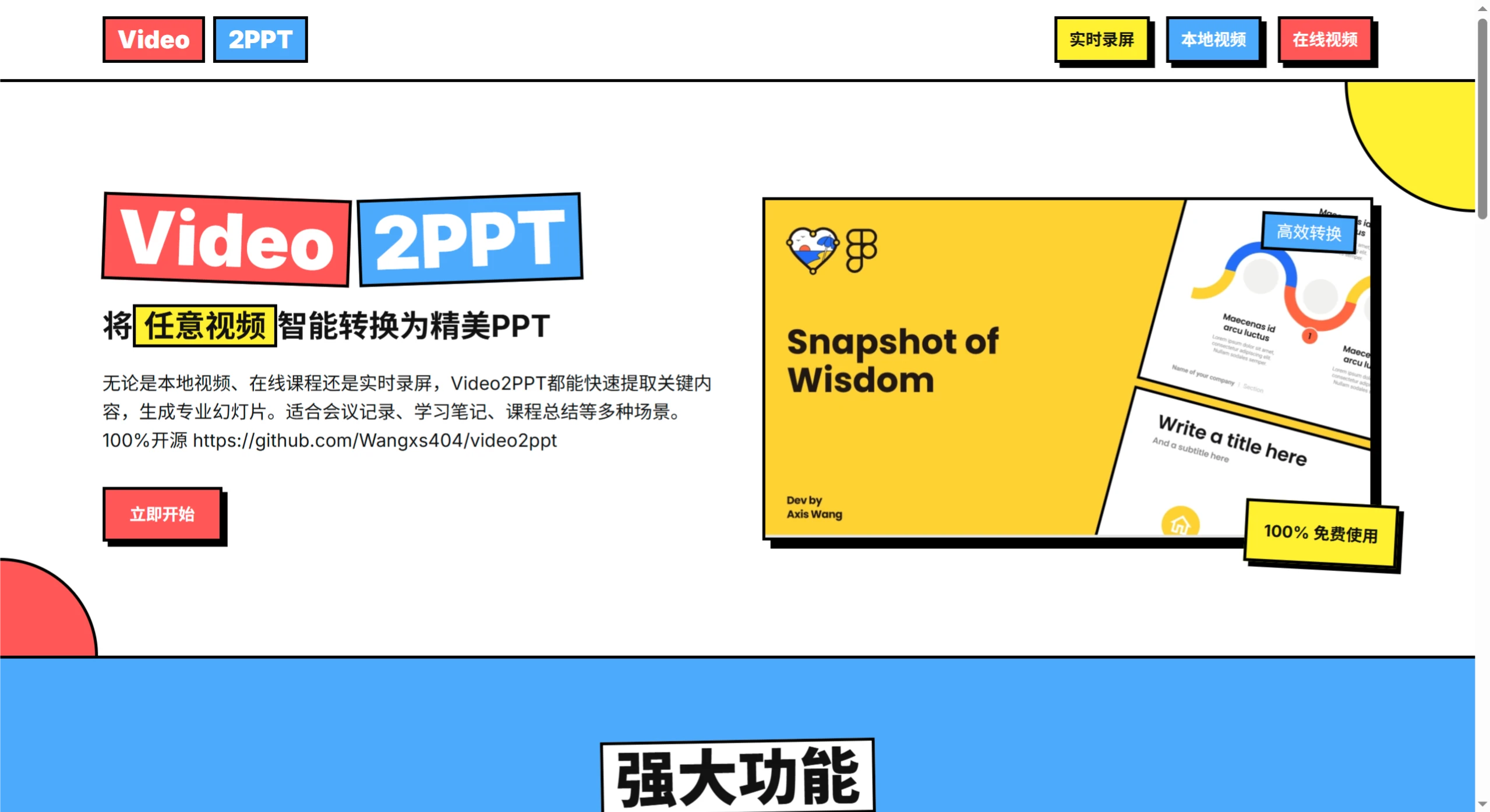
Video2PPT is an open-source, free tool that can intelligently convert any video into a beautiful PPT. It supports multiple video sources, including local video files, online video links (such as YouTube, Bilibili, etc.), and also supports real-time screen recording. It features intelligent content extraction and other functions, making it suitable for scenarios such as meeting records, study notes, and course summaries. To use it, simply upload or provide a video, wait for intelligent processing and analysis, and then download the PPT file.
Video2PPT Features
Supports multiple sources: local videos, online video links, and videos from platforms such as YouTube and Bilibili can all be imported with one click.
Real-time screen recording extraction: record while in a meeting, automatically identify screen content, and extract key information.
Intelligent content extraction: automatically recognize text, charts, and key content in videos, and generate structured PPTs.
100% completely free: no registration required, no payment required, use it and go.
Video2PPT Tutorial
Upload or provide a video: upload a local video file, or provide an online video link, or you can choose to directly record your screen.
Intelligent processing and analysis: the ai system automatically analyzes the video content, identifies key information, and extracts important frames and text.
Download the PPT file: processing is completed within a few minutes, generating a professional PPT file that can be directly downloaded for use or further edited.
Video2PPT Use Cases
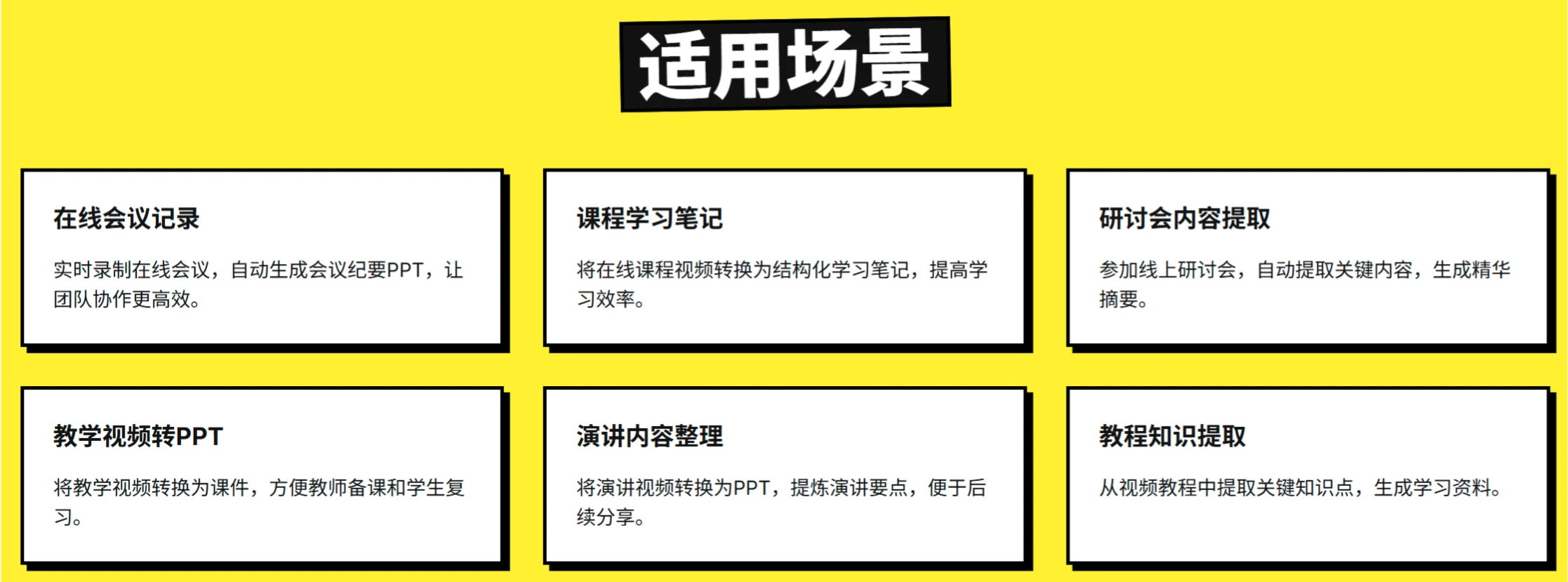
Online meeting records: record online meetings in real time and automatically generate meeting minutes as PPT.
Course learning notes: convert online course videos into structured study notes.
Webinar content extraction: when attending online webinars, automatically extract key content and generate concise summaries.
Teaching video to PPT: convert teaching videos into courseware, making it convenient for teachers to prepare lessons and students to review.
Speech content organization: convert speech videos into PPTs and distill the key points of the speech.
Knowledge extraction from tutorials: when extracting knowledge points from video tutorials, generate study materials.
Video2PPT Frequently Asked Questions
Q: Does Video2PPT require payment?
A: No, this tool is 100% free to use and open-source (open-source address: https://github.com/Wangxs404/video2ppt).
Q: Which video sources are supported?
A: It supports uploading local video files, online video links (such as platforms like YouTube, Bilibili, etc.), as well as real-time screen recording content.
Q: How is the intelligent content extraction feature implemented?
A: Through the AI system, the video content is automatically analyzed, recognizing text, charts, and key content within it, and generating structured PPTs without the need for manual organization, saving time and effort.
Q: What pain points does Video2PPT solve?
A: It solves four core pain points:
Solves the core pain point of difficulty in archiving and retrieving video content
Eliminates the repetitive labor of manually taking screenshots and organizing courseware
Converts video knowledge into structured assets, improving the efficiency of knowledge acquisition
Lowers the technical threshold for video content extraction, enabling inclusive AI applications
Open-source address:https://github.com/Wangxs404/video2ppt















