
 Script Planner Assistant▸
 AI Apps
 AI News

WorkPPT: AI PPT Generator by SoftTooler
WorkPPT: AI PPT Generator by SoftToolerIntroduction
What is Workppt?
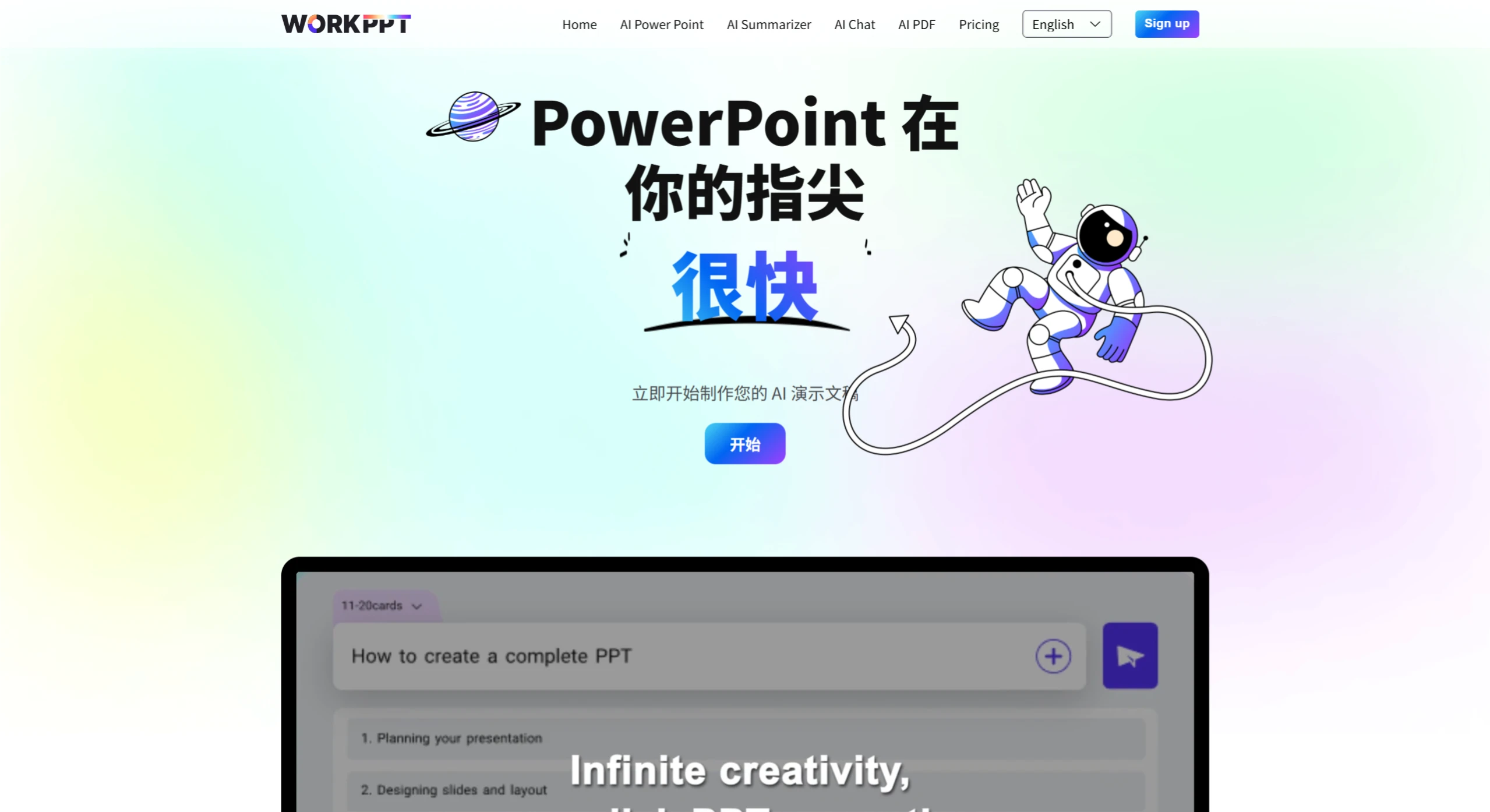
WorkPPT is an AI PPT generator tool developed by SoftTooler. It can generate unlimited PPTs and websites in seconds, quickly creating and refining content with AI. In just a few minutes, it can generate attractive points for your PPT, and supports online links, local documents, and PDFs. It can generate document summaries with one click and upload documents. It can be used on any device and offers different pricing plans including an annual unlimited plan, lifetime plan, 1-month plan, and 1-quarter plan.
WorkPPT Features
AI PPT Generation: Users only need to enter a topic or keywords, and Workppt can use AI technology to automatically generate visually consistent and professionally styled PPTs in a short time.
Template Customization: Provides a variety of templates for users to choose from, and supports customization according to individual needs, meeting presentation requirements for different scenarios and styles.
Unlimited PPTs: Users can create unlimited PPTs to meet various work and learning needs.
Collaboration Tools: Supports team collaboration, allowing members to jointly edit and modify PPTs, improving team work efficiency.
Download Formats: Supports exporting PPTs to multiple formats, such as PDF and PPTX, making it convenient for users to use in different occasions.
AI Summarizer: Supports online links, local documents, and PDF files, and can generate document summaries with one click, helping users quickly extract key information.
Multi-device Support: Users can use Workppt on web browsers, Windows, and Mac devices, making it convenient to present and edit on different devices.
WorkPPT Use Cases
Workplace Professionals: Quickly create work reports and project proposals, saving time on layout and content organization.
Educatorss: Generate teaching courseware and use AI to optimize the logic of knowledge point presentation.
Entrepreneurs / Teams: Batch generate business plans and product presentations, supporting multi-person collaboration and multi-device synchronization.
Students / Researchers: Efficiently complete academic reports and thesis defense PPTs, automatically extract literature summaries to assist content creation.
How to Use WorkPPT
Register a Workppt account.
Log in to the platform.
Enter a presentation topic or keywords.
Select a template from the available designs.
Customize the PPT using editing tools.
Save and export the presentation to the desired format.
WorkPPT Pricing
1-Month Plan: $19.99/month, auto-renewed.
1-Quarter Plan: $16.66/month, one-time payment of $49.99.
1-Year Plan: $8.33/month, one-time payment of $99.99.
Lifetime Plan: One-time payment of $139.99.
WorkPPT FAQs
1. Does it support team collaboration?
Yes, Workppt supports team collaboration, and members can jointly edit and modify PPTs.
2. Does it support export?
Supports exporting PPTs to formats such as PDF and PPTX.
3. Is it suitable for users of all skill levels?
Yes, Workppt is suitable for users of all skill levels.
4. Is it secure?
Workppt values user data security and privacy, so users can use it with confidence.
5. Does it support custom templates?
Absolutely! Templates can be customized according to user needs.
6. Does it support multiple devices?
Yes, it can be used on web browsers, Windows, and Mac devices.
7. Does it support AI features?
Yes, the AI feature can help users quickly generate PPTs and provide design enhancement suggestions.















