
 Script Planner Assistant▸
 AI Apps
 AI News

Opera Neon: An AI Agent Browser by Opera
Opera Neon: An AI Agent Browser by OperaIntroduction
What is Opera Neon?
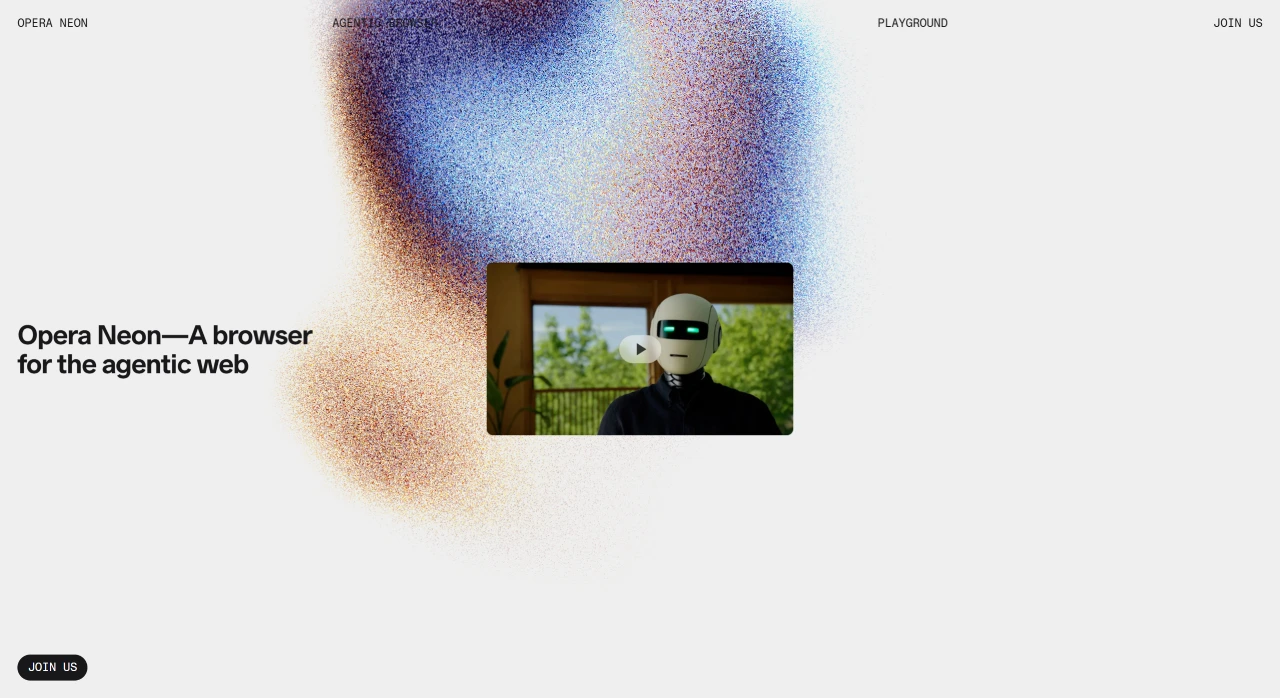
Opera Neon is an innovative browser that integrates AI agent capabilities. It has three main features: the chat module can instantly answer questions, analyze web content, and support multiple languages; the action module can automatically complete interactive tasks on web pages, such as filling out forms and booking tickets, with users able to view the entire progress; the creation module can take ideas from conception to generating content or applications, covering code writing, data analysis, and more, while providing reusable workflows. In addition, it offers tab management, image generation and analysis, and other features, suitable for travel planning, shopping, game development, and many other scenarios.
Opera Neon Features
Interface and Operations
Multi-function box: Features a brand new multi-function box that supports popular search engines and open search, making it easier to find information.
Visual tabs and address bar: A novel design that floats in the window for quick browsing. The address bar and frequently used tabs are at the top, and frequently used tabs are automatically moved to a prominent place in "My Navigation".
Split-screen mode: Visual tabs can be dragged to the left and right panels to view two web pages simultaneously. Moving the mouse between pages syncs them, and the operation is simple.
Content handling: Supports popping out web content into a separate window for playback, as well as cropping, snapping, and saving images, videos, etc. from web pages. Images are tagged with their web addresses for easy retrieval later. Images can be saved to the gallery tab, and media playback tabs are integrated into the player panel.
Featured Highlights
Integrated tools: Integrates messenger, ad blocker, and stream file sharing functions. The left sidebar has buttons for the player, screenshot tools, gallery, downloads, and more, meeting diverse needs.
Physics engine: A new physics engine makes tabs and other objects respond to operations like real objects, with a sense of weight, moving naturally when dragged or pressed.
Wallpaper integration: Uses computer wallpapers within the browser, keeping the desktop cleaner. It also collaborates with designer Luke Choice, offering two free Neon-style wallpapers.
AI-Related Features
Intelligent task execution: Built-in advanced AI engine that understands user needs and efficiently completes tasks through cloud-based AI agents, such as creating games, reports, code snippets, and websites. It can also handle multiple tasks offline.
Chat search: Offers AI tools similar to Microsoft Copilot and OpenAI Operator. Through a chat bot interface, it can search the web, find answers, and extract "contextual information" from the current web page.
Automated operations: Integrates a "Browser Operator" AI agent that can locally automate routine web tasks such as shopping, filling out forms, and booking events, ensuring privacy and security.
Creation assistance: Neon Make uses cloud technology to perform complex tasks, such as generating reports, designing game prototypes, building web applications, and even writing code offline, helping users turn ideas into shareable content. However, this feature is not currently free.
Use Cases
Travel planning: 5-day romantic trip planning for Lisbon (including budget control, flight filtering, hotel recommendations); dynamic travel handbook generation for La Paz.
Smart shopping: Automatically purchase 12 pairs of specified brand (Nike / Adidas / Puma) men's size 10 white socks, delivered to your door.
Game and application development: Retro Snake web game (with animations and scoring system); interactive car insurance consultation tool (supports policy translation and policy comparison).
Finance and data scenarios: Stock intelligence reports integrating financial data and market sentiment; UEFA Champions League winner prediction based on historical data and transfer information.
Currently, Opera Neon is in the concept stage, with no specific release date or pricing announced, and uses a paid subscription model. It only supports Mac and Windows systems, has a software size of 37.5MB, and the language is Simplified Chinese.















