
 Script Planner Assistant▸
 AI Apps
 AI News
ThetaWave AI: 10x Your Learning Efficiency
ThetaWave AI: 10x Your Learning EfficiencyIntroduction
What is ThetaWave AI?
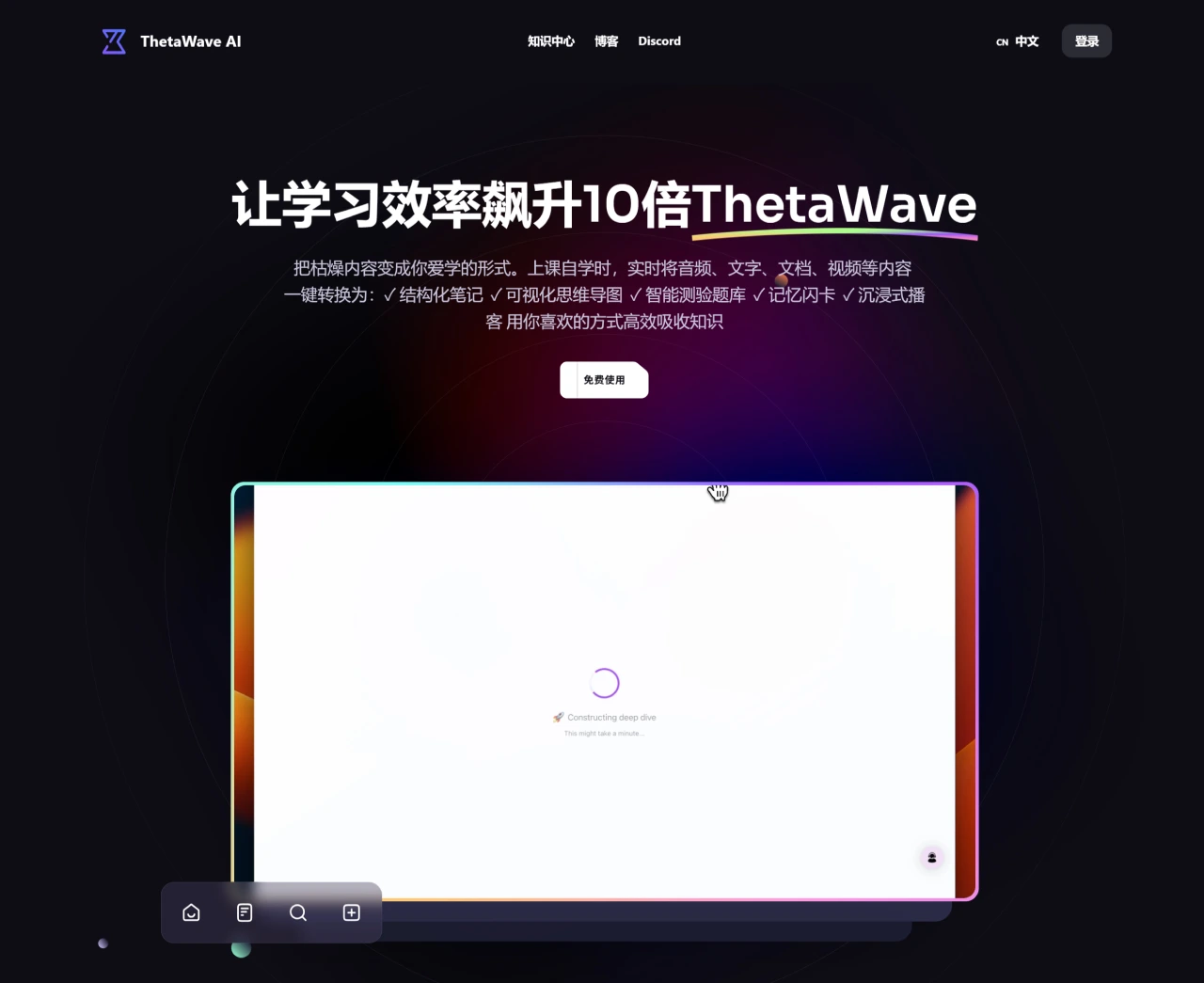
ThetaWave AI is an AI learning tool that helps students turn class notes, documents, videos, and more into well-organized notes. It can also generate quizzes and create mind maps. It greatly boosts learning efficiency and is now used by students at many schools, who report that note organization is faster and memory retention is stronger. If you're interested, you can download it from the app store or join the beta program.
ThetaWave AI Core Features
Real-time transcription: Converts lecture content directly into organized notes.
File conversion: Converts PDFs, Word documents, and other files into summarized notes.
Customizable notes: Adjust the level of detail in your notes according to your needs.
Learning tool generation: Creates quizzes, flashcards, and mind maps from your notes.
Chat bot: A chatbot is available to answer study-related questions.
ThetaWave AI Use Cases
Class notes: Use it in college lectures for real-time recording, so you never miss key points.
Exam preparation: Review with the quizzes and flashcards it generates for higher efficiency.
Paper summarization: When reading papers, it can summarize content into concise notes, saving time.
ThetaWave AI Advantages
High learning efficiency: Automatically generates notes, saving recording time so you can focus more on understanding content.
Better memory retention: Tools like quizzes and flashcards help you remember complex concepts more effectively.
Personalization: Adjust note format and content according to your own needs.
ThetaWave AI Target Users
Students: College students, graduate students, and online learners can all use it to improve learning efficiency.
Educators: Teachers can use it to prepare lessons and organize teaching materials.
Professionals: Those who need to organize meeting notes and industry reports can also use it.
ThetaWave AI Pricing
Free plan: Includes basic note-taking features.
Student plan: $9.99 per month, supports real-time audio and YouTube.
Professional plan: $19.99 per month, with more advanced features and unlimited file uploads.
Institutional plan: Customizable for schools and universities; pricing upon request.
How to Use ThetaWave
Download and install: Search for "ThetaWave" in the app store to download, or use the web version directly.
Sign up and log in: Register with your email and log in.
Choose a plan: Select the free, student ($9.99/month), or professional ($19.99/month) plan based on your needs.
Use the features:
Real-time transcription: Click "Real-time Transcription" during class to start recording and automatically convert speech to text notes.
File conversion: Click "Upload File" and select a PDF, Word document, or other file; the app will convert it into summarized notes.
Customizable notes: When generating notes, you can choose levels such as "Concise," "Standard," or "Detailed."
Learning tools: On the notes page, you can click to generate "Quizzes," "Flashcards," or "Mind Maps."
Chatbot: Ask questions via the chatbot entry, such as "What does this concept mean?" and it will provide an answer.
Manage notes: You can categorize, edit, and share your notes.
ThetaWave is a helpful learning assistant that makes note-taking simple and learning more efficient.















