Script Planner Assistant▸
 AI Apps
 AI News

Dpdf: A Free and Easy-to-Use Online PDF Tool Website
Dpdf: A Free and Easy-to-Use Online PDF Tool WebsiteIntroduction
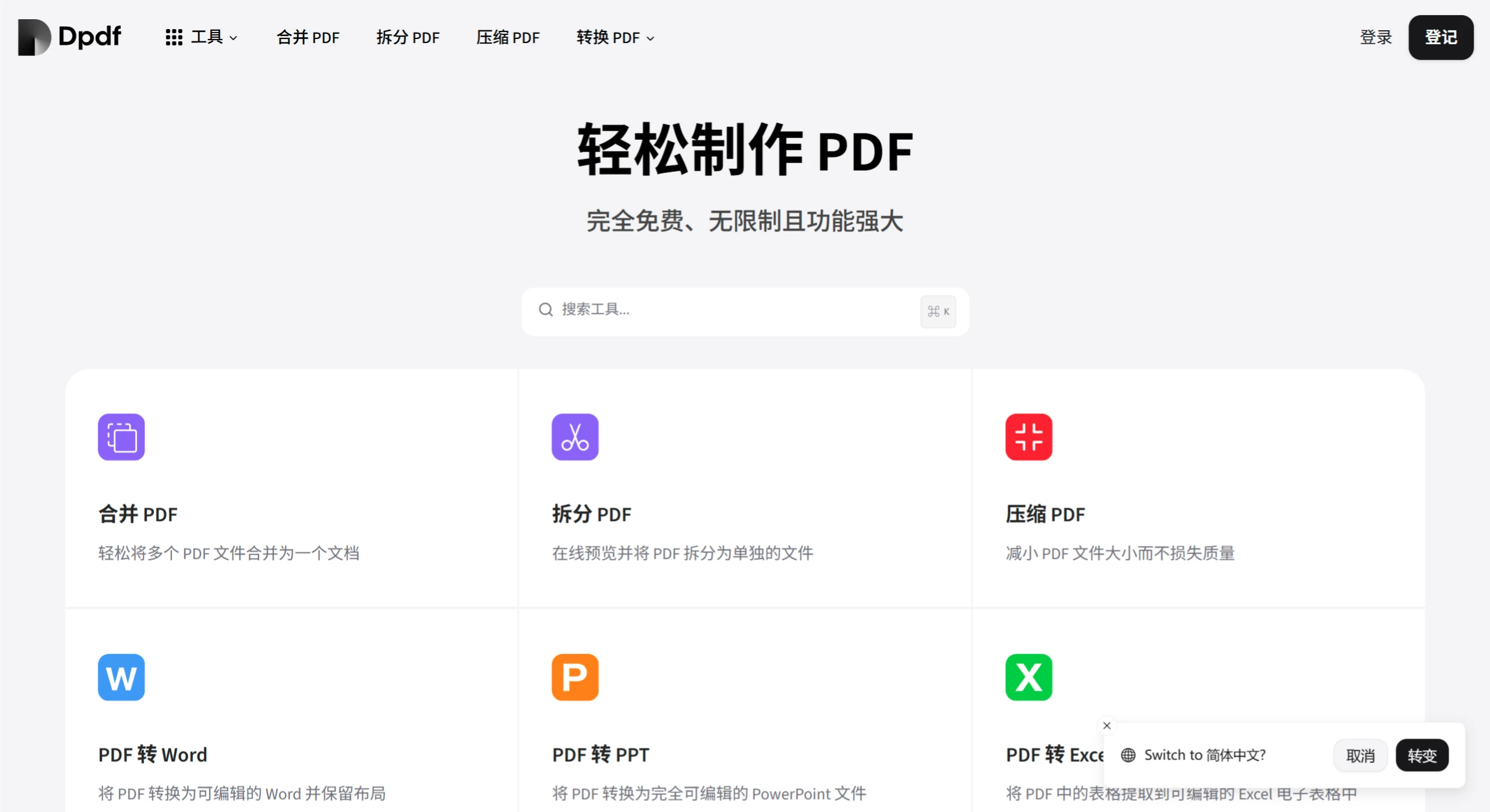
Dpdf is a free and easy-to-use online PDF tool website packed with features. It can merge and split PDFs, as well as compress and convert formats—converting between PDF and Word, PPT, Excel, images, EPUB, CAJ, and more. It can also add or remove watermarks, encrypt and decrypt files, rotate, delete, extract, organize, crop, and resize pages. Plus, it offers OCR text recognition and file repair features, making it extremely practical.
Dpdf Features
Basic Operations
-
Merge and Split: Combine multiple PDF files into one for easy document consolidation; or split PDFs as needed, extracting specific pages into new files.
-
Compression and Conversion: Reduce PDF file size for easier storage and transfer; supports conversion between PDF and Word, PPT, Excel, images, and other formats to meet various needs.
-
Editing and Optimization: Add or remove watermarks to protect document copyrights; encrypt or decrypt PDFs to ensure file security; also rotate pages, delete or extract specific pages, adjust page size, crop, and more.
Advanced Processing Features
-
PDF/A Conversion: Convert standard PDFs into PDF/A format that complies with archival standards, ideal for long-term preservation.
-
OCR Recognition: Convert scanned PDFs into searchable, editable documents, making them more useful.
-
Image Conversion: Supports converting HEIC, AVIF, and other image formats to JPG or PNG, and can also convert HEIC images to PDF.
Auxiliary Features
-
Repair PDF: Repair damaged PDF files and restore their content.
-
PDF to Text and EPUB: Extract PDF text while preserving layout, or convert to EPUB e-book format for easier reading on electronic devices.
-
Professional Format Conversion: Supports direct conversion of DWG files to PDF, suitable for engineering and design fields.
Dpdf Use Cases
Office Scenarios
-
Document Organization: Combine multiple related PDF reports into one, or split lengthy PDFs into smaller sections for easier sharing.
-
File Sharing: Convert Word, PPT, and other files to PDF to ensure consistent formatting for easier communication with colleagues; also convert PDFs to Word for easy editing and modification.
-
Document Archiving: Convert important PDF files to PDF/A format for long-term preservation.
Learning Scenarios
-
Textbook Processing: Use OCR to recognize scanned textbooks for editing and note-taking; also convert PDF textbooks to EPUB for reading on e-readers.
-
Assignment Submission: Convert files to specific formats as required by teachers, such as converting documents to PDF.
-
Design Field: Designers can convert DWG design drawings directly to PDF for client presentation or delivery.
-
Personal Use: Repair damaged PDF files to prevent loss of important information; also convert HEIC-format travel photos to JPG or PDF for sharing.
How to Use Dpdf
-
Access the Platform: Open the Dpdf official website at https://www.dpdf.com/.
-
Select a Tool: Find the desired feature entry on the website interface, such as clicking the "Merge PDF" option to combine PDFs.
-
Upload Files: Click the upload button and select the PDF or other format files to be processed from your local folder.
-
Set Parameters: Some features require setting parameters, such as selecting the target format during conversion or choosing the compression level when compressing.
-
Start Processing: Once parameters are set, click the "Start" or "Convert" button and wait for processing to complete.
-
Download the Result: After processing is complete, click the download link to save the processed file to your local device.
In actual use, the specific steps for different features may vary; just follow the instructions on the page.