
 Script Planner Assistant▸
 AI Apps
 AI News

Pake Plus: An Open-Source Packing Tool to Turn Web Pages into Apps
Pake Plus: An Open-Source Packing Tool to Turn Web Pages into AppsIntroduction
PakePlus is an open-source and free application packaging tool that can quickly package web pages, compiled dist files from Vue/React projects, and static HTML files into desktop applications (Windows/macOS/Linux) and mobile applications (Android/iOS). PakePlus is built on Rust Tauri technology. It packs pretty fast—getting it done in 9 minutes—and the packed application is only about 5MB, much smaller than Electron apps, with better performance. This tool supports Windows, Mac, Linux, Android, and iOS systems. Its main features include webpage-to-desktop conversion, cloud-based automatic packaging, JS custom injection, and static file packaging, making it convenient for users to extend as needed. It also offers both online use and client download options.
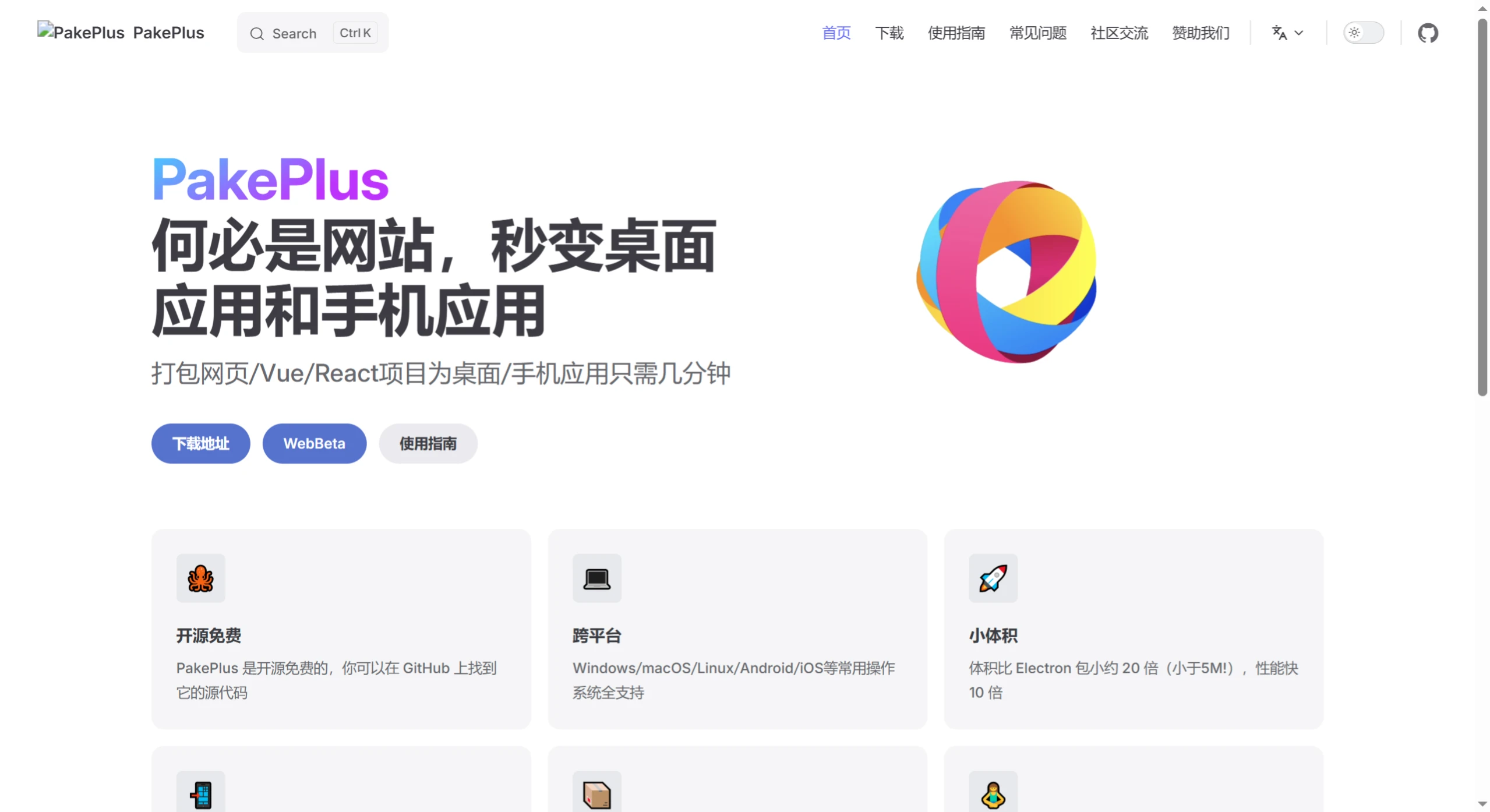
Pake Plus Features
Small size, high performance: The package size is about 20 times smaller than Electron, and performance is 10 times faster.
Based on Rust Tauri: Lighter and faster than JS-based frameworks.
Rich built-in feature packages: Supports shortcuts, immersive windows, and minimalist customization.
GUI-based operation: No need to understand command lines or various complex configurations. The GUI-based operation is simple and easy to use—even elementary school students can get started easily.
Multi-platform support: Supports common operating systems such as Mac, Windows, Linux, Android, and iOS.
No complex local dependencies required: No need to install heavy and complex Rust and Node dependency environments locally. Uses Github Actions for cloud-based automatic packaging.
Internationalization support: Very friendly to users worldwide, and automatically follows the computer's system language.
Custom JS injection support: You can write your own JS code and inject it into the page.
Data security: Tokens are only stored locally and will not be uploaded to the server. Projects are also securely stored in your own Git repository.
Static file packaging support: Simply drop in the compiled dist directory of Vue/React projects or an index.html file, and it becomes a client application.
Debug mode support: Whether in the preview stage or the release stage, you can find bugs and eliminate them.
Pake Plus Use Cases
Web tool appification: Convert frequently used web pages into standalone desktop or mobile applications
Frontend project packaging: Supports direct packaging of the dist directory of Vue/React framework projects
Multi-platform synchronized release: Generate installation packages for multiple platforms with one operation, adapting to different user devices
How to Use Pake Plus
Download and install: Download the installation package for the corresponding operating system from the PakePlus release page, then double-click to install and run it.
Configure Github Token: Obtain and configure the appropriate Github Token, create a new project, and make related settings.
Set packaging parameters: Enter the target website address, and set the application name, custom icon, window configuration, etc.
Start packaging: Click the "Start Packaging" button, and PakePlus will automatically run the packaging process.
Download and use: After packaging is complete, you can download the generated application from the release page.
Frequently Asked Questions
What are the core features of PakePlus?
The core feature is the ability to quickly package web pages, Vue/React projects, or static HTML files into cross-platform desktop applications (Windows/macOS/Linux) and mobile applications (Android/iOS), with support for one-click simultaneous compilation of multi-platform installation packages.
Compared with Electron and Tauri2, what are the advantages of PakePlus?
Size: About 20 times smaller than Electron (less than 5MB), and smaller than Tauri2
Performance: 10 times faster than Electron, with better mobile packaging speed than Tauri2
Operation: No local development environment required, simpler and easier-to-use UI
How does PakePlus ensure user data security?
PakePlus does not upload any user data. All packaging processes and data are stored on the user's local computer, ensuring privacy and data security.
Github:https://github.com/Sjj1024/PakePlus












