
 Script Planner Assistant▸
 AI Apps
 AI News

MagicEraser.Pro: Free Tool to Remove Unwanted Objects, People & Text from Images
MagicEraser.Pro: Free Tool to Remove Unwanted Objects, People & Text from ImagesIntroduction
What is MagicEraser.Pro?
MagicEraser.Pro is a free online ai object removal tool for images, offering unlimited free usage. It can remove people, text, watermarks, background clutter, blemishes, and other elements from photos, featuring precise editing, batch processing, and high-quality image preservation. The process is simple: upload an image → mark the area to be removed → download the processed image. It supports formats such as JPEG and PNG, making it ideal for real estate photography, e-commerce, and other scenarios.
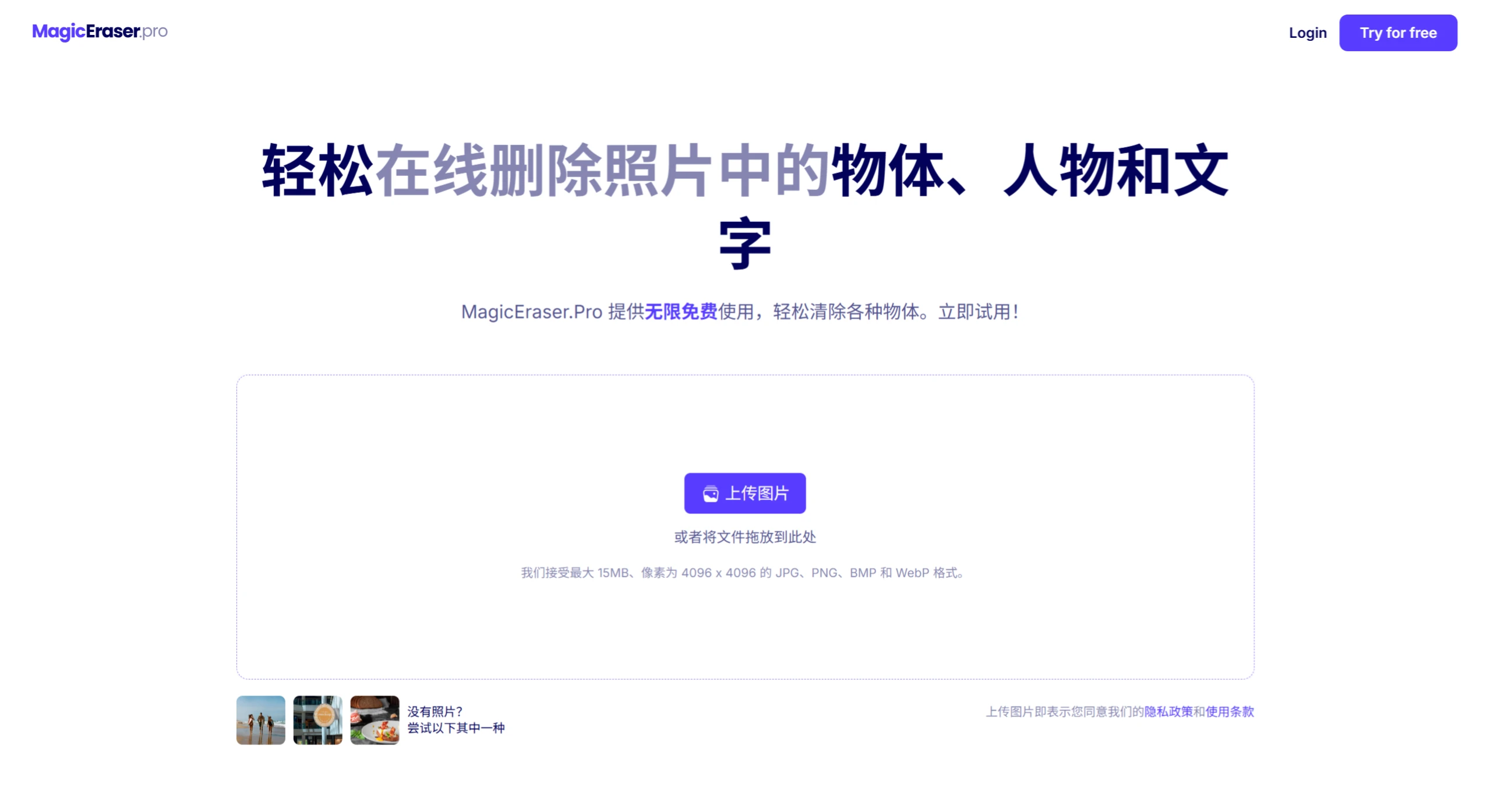
MagicEraser.Pro Features
Object Removal: Easily removes unwanted objects, people, text, and other distracting elements from photos, such as passersby at tourist spots, onlookers at events, and unwanted background clutter.
Blemish Repair: Capable of fixing small blemishes or defects in photos, such as scratches, dust, or stains, ensuring every detail is displayed.
Precise Editing: Users can precisely control the editing area by adjusting the brush size and zoom level, zooming in to target even the smallest details with unmatched precision.
Batch Processing: Supports removing unwanted objects from multiple images simultaneously, streamlining the workflow and saving time.
Quality Preservation: Retains the original quality of the image while removing elements.
MagicEraser.Pro Advantages
Precise Editing: Supports zooming in on images to accurately target details, with adjustable brush sizes to suit objects of different dimensions.
Batch Processing: Supports processing multiple images simultaneously, boosting work efficiency.
High-Quality Output: Automatically fills in pixels that blend with the background after element removal, preserving the original resolution and image quality.
Easy to Use: Completed in three steps — upload image → mark area to be removed → generate results with one click, requiring no professional skills.
Completely Free: No usage limits, no payment or registration required.
MagicEraser.Pro Use Cases
Travel Photography: Remove cluttered passersby or obstructions from scenic photos to make them cleaner and tidier.
E-commerce Photo Editing: Helps clear background watermarks or blemishes from product images, enhancing the product presentation.
Social Media: Create clean portrait photos or landscape wallpapers to enhance the aesthetic appeal of shared content.
Old Photo Restoration: Remove stains and creases from old photos to restore their original appearance.
Real Estate Photography: Remove unwanted objects or people from property photos to showcase the property's best features.
How to Use MagicEraser.Pro
Upload Image: Import the image to be processed (supports local files or copy-and-paste).
Mark the Area: Use the brush tool to circle or paint over the objects/areas to be removed.
Download Result: After AI processing is done, download the high-definition image without watermarks.
Frequently Asked Questions
Q: What is the core difference between MagicEraser.Pro and other similar tools?
A: It is completely free with no usage limits, and also supports batch processing and high-precision detail editing, balancing efficiency and professionalism.
Q: Which scenarios are suitable for using MagicEraser.Pro?
A: It is suitable for real estate photography (removing cluttered furniture), e-commerce product images (removing background distractions), travel photography (eliminating passersby), old photo restoration (removing scratches and stains), and other scenarios where the main subject of the image needs to be optimized.
Q: How to ensure natural removal results during operation?
A: It is recommended to zoom in on the image to accurately mark the target area, and appropriately adjust the brush size to fit the edges of the object. For complex backgrounds, multiple markings can be made to avoid accidental removal.















