
 Script Planner Assistant▸
 AI Apps
 AI News

Addsubtitle AI: AI Video Translation, Subtitling & Dubbing
Addsubtitle AI: AI Video Translation, Subtitling & DubbingIntroduction
What is Addsubtitle ai?
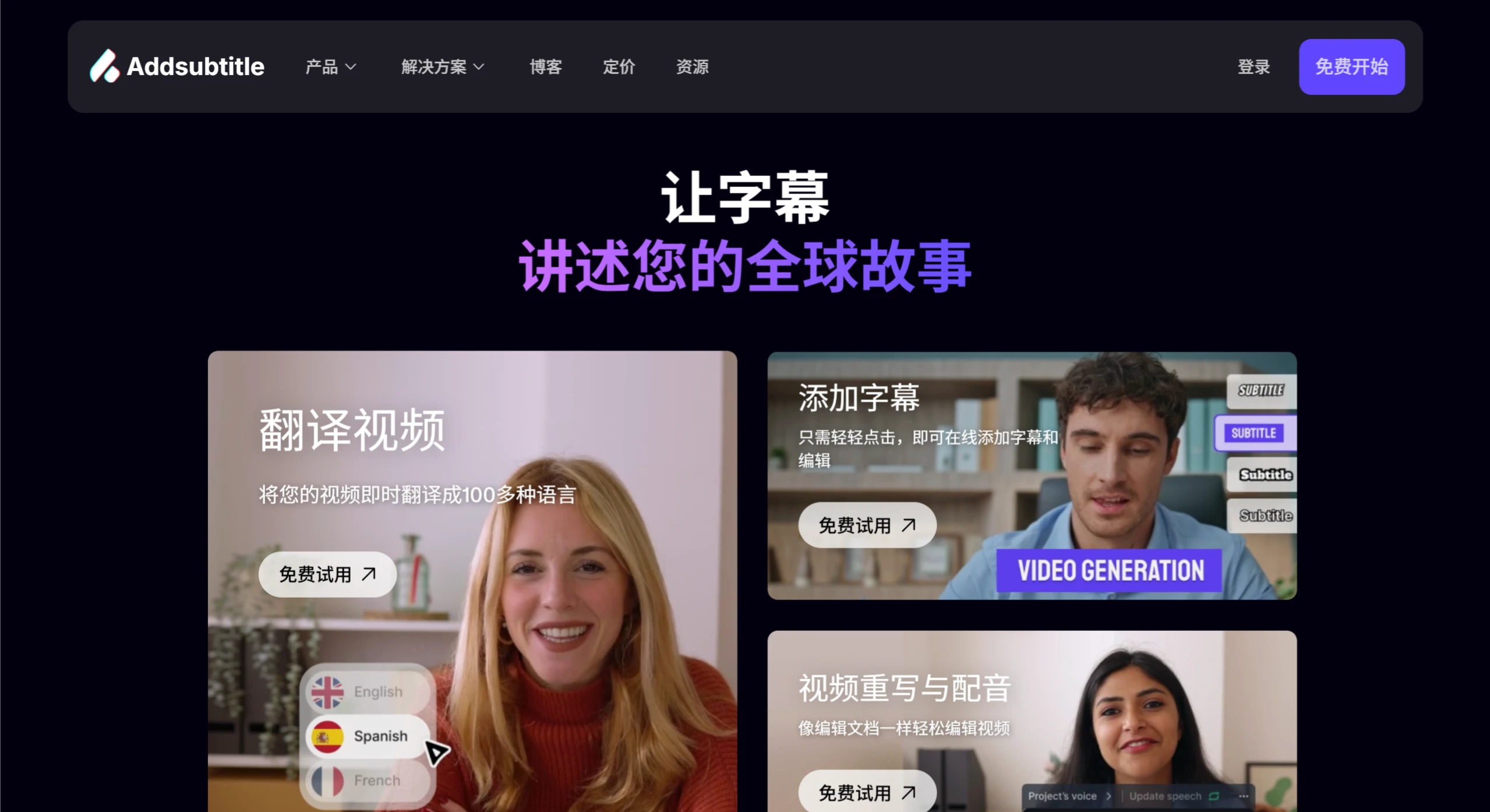
Addsubtitle.ai is an online video editing tool that offers video translation (covering 100+ languages), multilingual subtitle addition (with customizable styles), video rewriting, and dubbing capabilities. It helps you rapidly expand into global markets with a convenient and efficient workflow—delivering editing speeds 2x faster than traditional tools—and is trusted by over 10,000 businesses and video creators.
Addsubtitle AI Core Features
1. Multilingual Video Translation & Localization
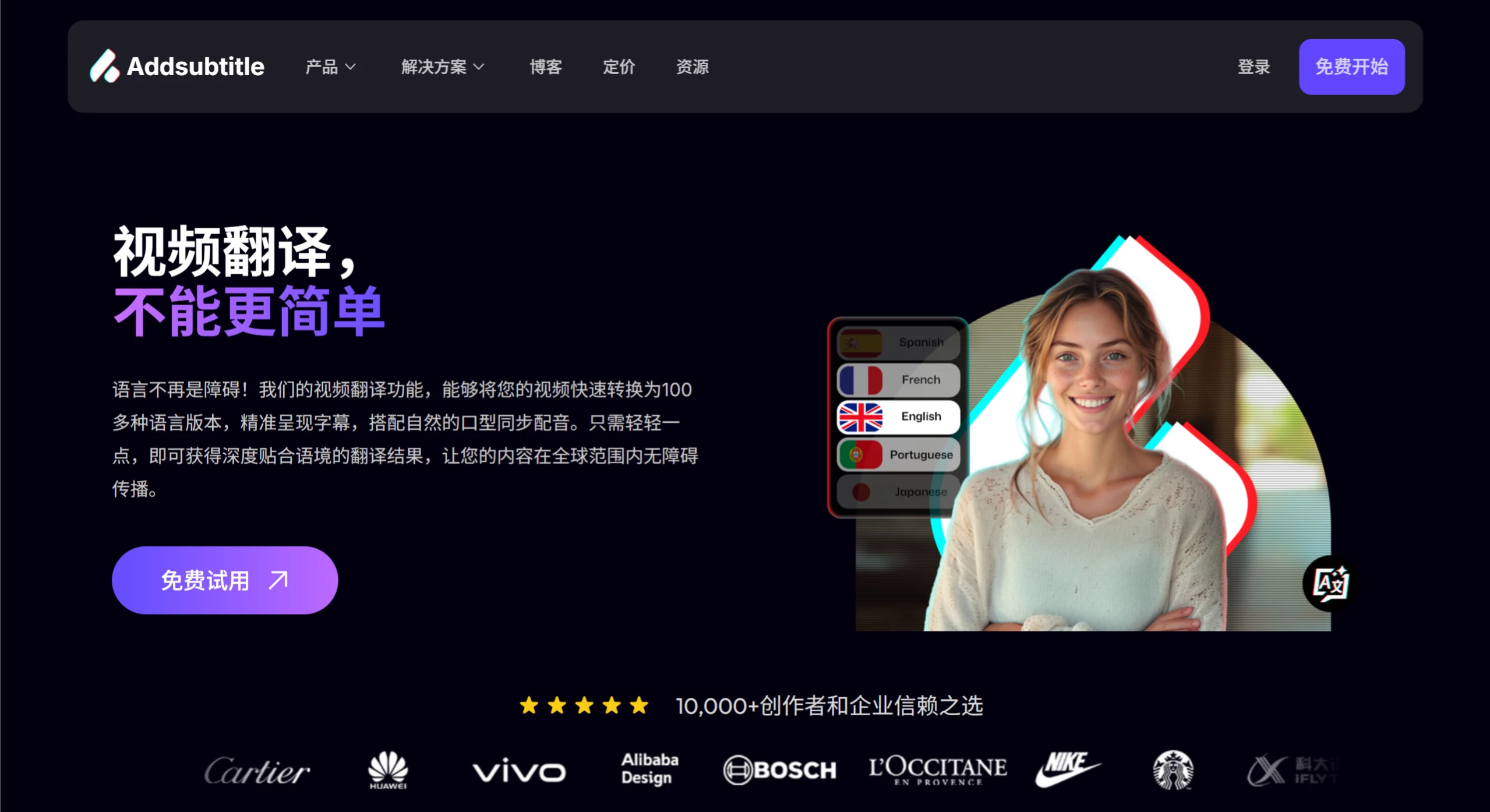
100+ Languages Supported: Instantly translate video content into major global languages and less common ones while preserving the original style and brand voice—enter international markets without reshooting or remaking.
2. Intelligent Subtitle Generation & Editing
Accurate Subtitle Generation: Automatically recognizes speech and generates subtitles in 100+ languages, perfectly synced with audio—ideal for meeting records, film & TV content, online courses, and more, ensuring no information is missed.
Highly Customizable: Adjust subtitle styles, fonts, colors, and other visual elements to meet publishing requirements across platforms like YouTube, Instagram, and TikTok, boosting content appeal.
One-Click Multilingual Subtitles: Add multilingual subtitles to your videos with one click, catering to audiences in different regions—perfect for educational videos or multi-language content production.
3. Video Rewriting & Dubbing
Text-Driven Content Rewriting: Modify video dialogue by editing the text—AI automatically syncs voice and lip movements, supporting comedy creation, plot adaptation, and more, reducing the cost of secondary creation.
Efficient & Simple: No video editing skills required—modifying video content is as easy as editing a document.
How to Use Addsubtitle AI
Upload Video: Select a function (translation / subtitles / rewrite) → Upload a file or paste a YouTube link.
AI Editing: Use translation, subtitle generation, text rewriting, and other tools to process your video content, with real-time preview and adjustment.
Export & Share: Download the edited video, or generate a link to share directly on social media or with partners.
Use Cases for Addsubtitle AI
Enterprise Globalization: International brand promotion, cross-border product marketing, multilingual customer training videos.
Content Creation: Creators producing multilingual vlogs, educational institutions developing courses in less common languages, short video operators expanding overseas traffic.
Efficient Office Work: Transcription and translation of meeting recordings, rapid localization of business videos.
Addsubtitle AI FAQ
1. How many languages does Addsubtitle.ai support for video translation and subtitle generation?
It supports 100+ languages, covering major languages and some less common ones, and can add multilingual subtitles to videos with one click to meet global communication needs.
2. How much more efficient is Addsubtitle.ai compared to traditional video editing tools?
User feedback indicates editing speeds are 2x faster. For example, users switching from Final Cut Pro to Addsubtitle report significant efficiency gains, and auto-generated AI subtitles save hours of manual editing time.
3. What types of users or businesses are suitable for Addsubtitle.ai?
It is suitable for businesses needing global reach (e.g., tech, luxury, FMCG industries), content creators (bloggers, social media operators), online education institutions, and more. Typical scenarios include international event promotion, multilingual course production, and cross-border social media content publishing. It currently serves over 10,000 customers, including well-known brands such as iFlytek, Huawei, and Cartier.
Addsubtitle Pricing
| Plan Type | Price | Core Benefits | Target Users |
|---|---|---|---|
| Standard | Free | 30 credits 3 voice clones 7-day cloud storage (with watermark) Standard customer support | Personal trial, light-need users |
| Starter | $15/month | 100 credits 5 voice clones 180-day cloud storage (no watermark) Priority custom support | Small to medium creators, small businesses |
| Creator | $25/month | 200 credits (Most Popular) Unlimited voice clones Permanent cloud storage Priority custom support | Professional creators, content teams |
| Enterprise | Custom | Unlimited credits Permanent cloud storage Dedicated account manager API/SDK access Private deployment | Large enterprises, global teams |
Related News:
Subtitle Translator: A Free, Open-Source Batch Subtitle Translation Tool











