
 Script Planner Assistant▸
 AI Apps
 AI News

Vidgo AI: All-in-One AI Image, Music, and Video Generator
Vidgo AI: All-in-One AI Image, Music, and Video GeneratorIntroduction
What is Vidgo ai?
Vidgo AI is a versatile creative platform that can transform text, images, and other materials into multimedia content such as images, music, and videos. It offers three core features: AI image generation, video generation, and editing, along with a variety of models and effects to choose from.
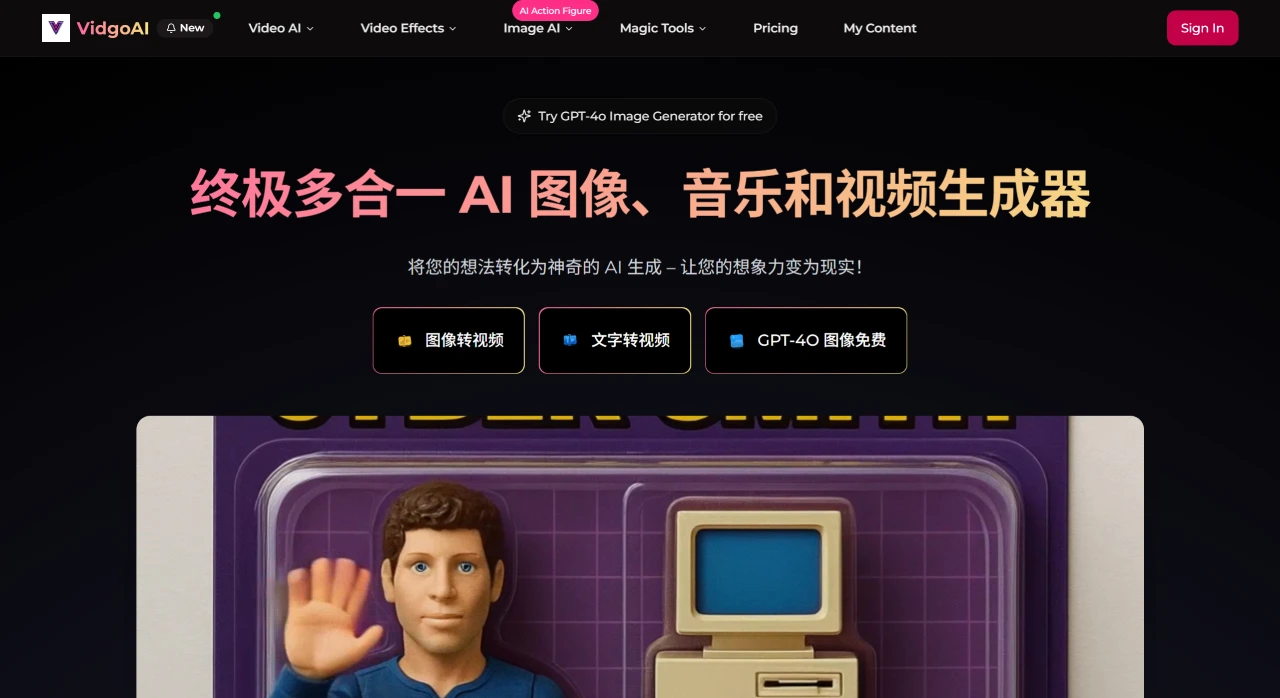
Vidgo AI Core Features and Tools
Image Generation
GPT-4O Image Generator: Powered by GPT-4O technology, it can quickly generate and edit high-quality images with customizable styles, offering good stability and high cost-efficiency.
Flux AI Image Generator: Excels at creative visual effects with multiple artistic styles, ideal for design and artistic creation.
Video Generation
Image-to-Video: Turn static images into dynamic videos with smooth motion and customizable effects, such as Ghibli-style animations, bringing photos to life.
Text-to-Video: Generate professional animated videos from text descriptions, ideal for content creation and advertising.
AI Motion Puppet Generator: Create customizable character models with GPT-4O to generate motion puppet videos, perfect for virtual character design and animation production.
Popular Effects Tools: Includes AI kissing, hugging, muscle generation, face swap, video enhancement (supports 8K resolution), and more to meet a variety of needs.
Model Support
Integrates mainstream AI video models such as Kling AI, Runway, Luma AI, and Hailuo AI, capable of generating a wide range of videos from dance performances to morphing effects. Using WanX Lora technology, it provides over 30 video effects and continuously updates cutting-edge technologies such as Gemini Magic Edit image editing.
Vidgo AI Target Users
Content Creators: Such as YouTubers, influencers, and bloggers who can quickly generate images or videos without buying expensive software or learning complex techniques.
Digital Marketers: Generate product promotional videos to enhance advertising campaigns, social media engagement, and product storytelling.
Educators and Trainers: Generate instructional videos from course materials.
Vidgo AI Usage Process
Choose Input Type: Select text or an image as the video source.
Choose Model and Effects: Select from multiple AI models and apply video effects such as dancing, hugging, or muscle enhancement.
Generate and Download: Click generate, preview the video, then download it in high resolution for sharing or publishing.
Vidgo AI Pricing
Lite Plan: $10 per month, providing 600 credits, up to 30 Image-to-Video AI Generator videos, and many more features.
Pro Plan: $25 per month, providing 1,600 credits, up to 80 Image-to-Video AI Generator videos, and many more features.
Free Plan: Provides 20 credits, up to 1 Image-to-Video AI Generator video, and many more features, but output contains a watermark.















