
 Script Planner Assistant▸
 AI Apps
 AI News
ScreenToGif_云技派,专注ai人工智能!
ScreenToGif_云技派,专注ai人工智能!Introduction
ScreenToGif, a free, open-source, compact, and practical Gif animation recording tool from abroad! Using ScreenToGif, you can record any area of the screen and the operation process into GIF format animated images, and you can also edit and optimize the GIF animations during the saving process.
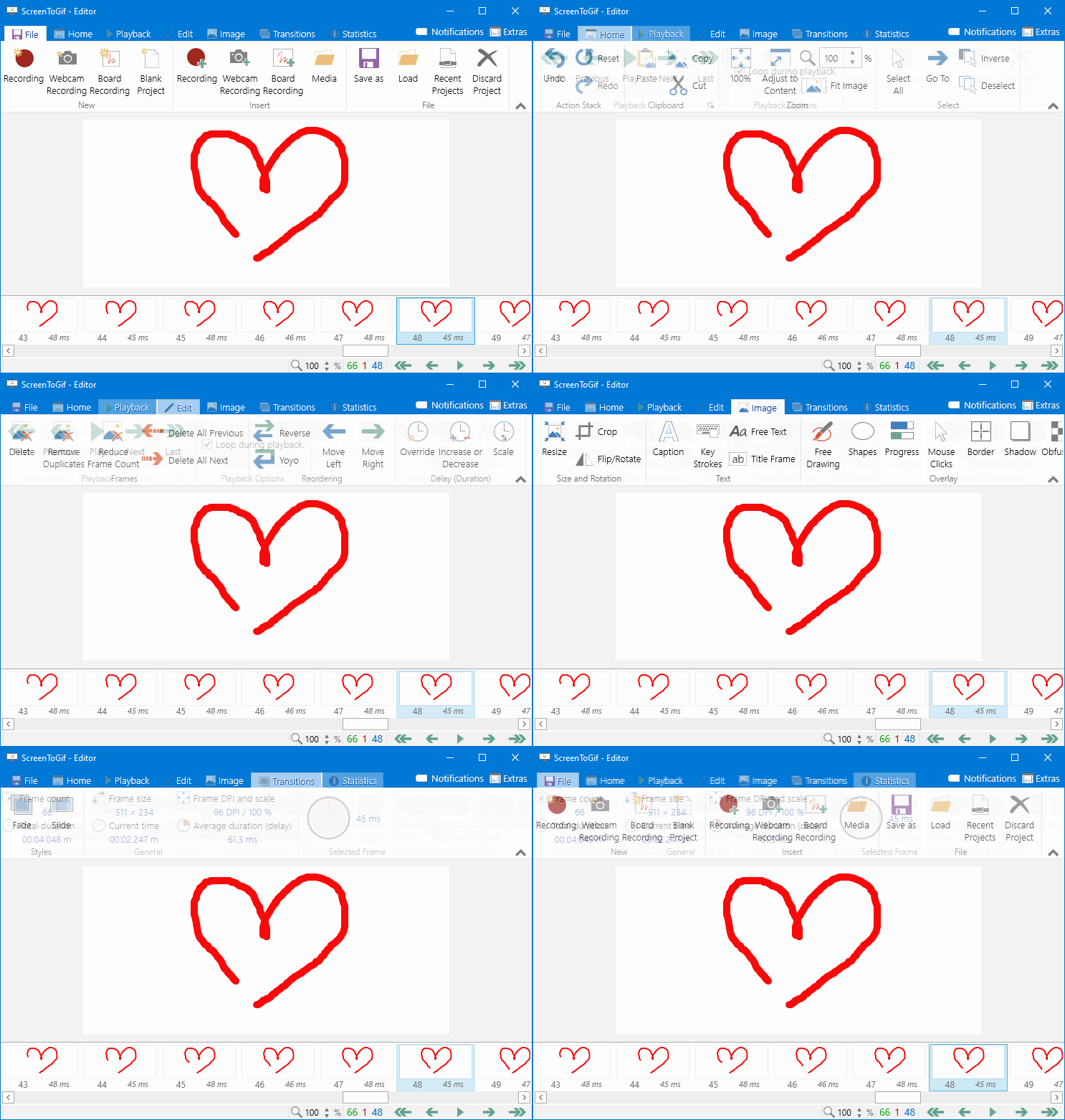
This excellent tool is a native single executable file with a very simple interface and practical functions. It features screen recording, camera recording, sketchboard recording, editor, and more. The editor function is very powerful, supporting custom GIF loop playback count. For frames you don't want, you can also delete them individually, which is quite simple and convenient!
ScreenToGif Tutorial
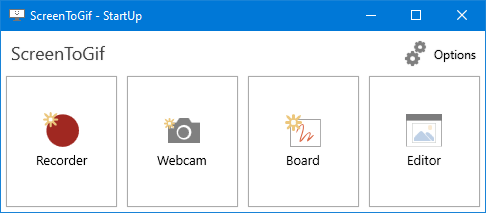
1. When the program starts, click the Recorder button.
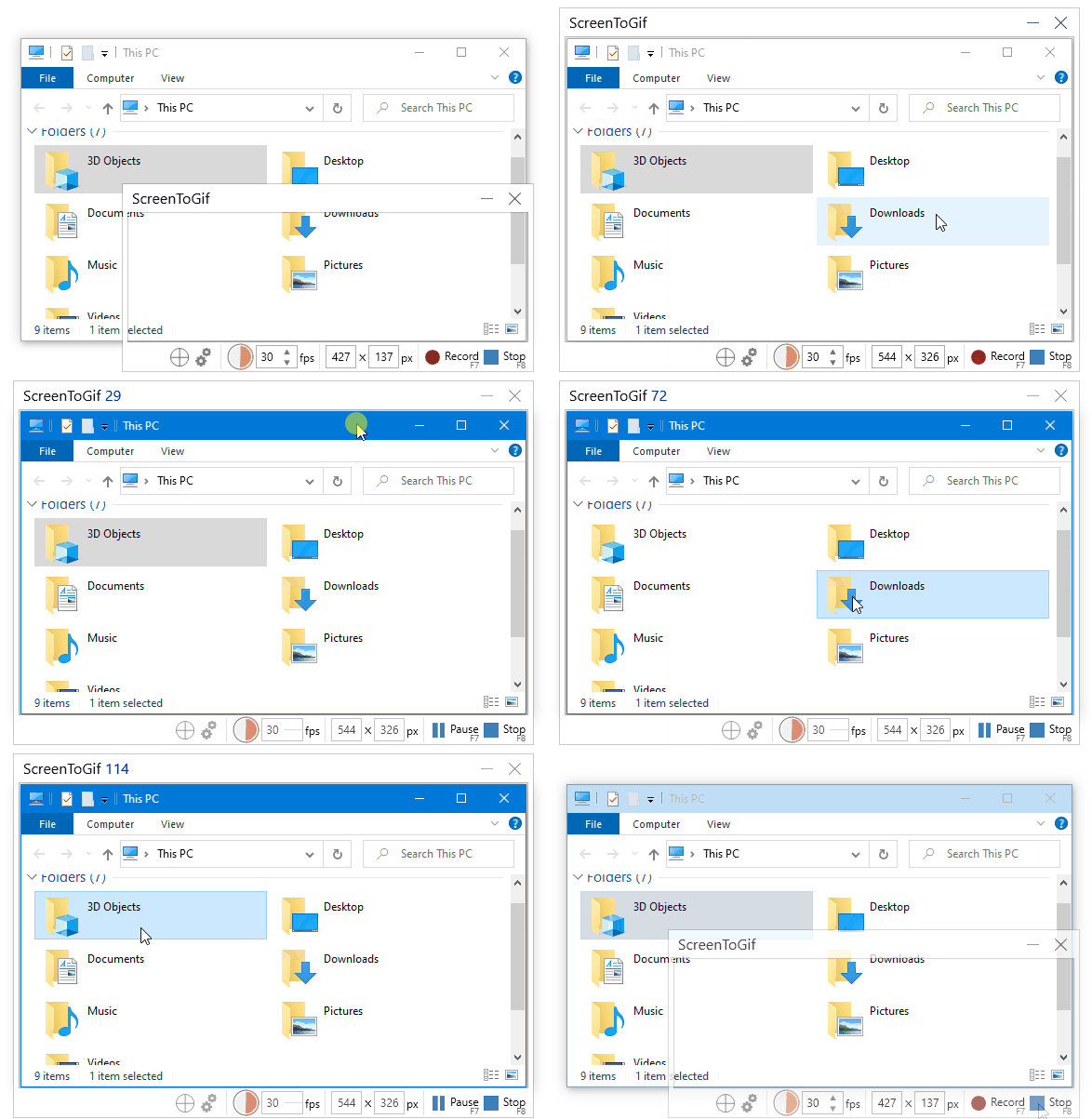
2. A window with a cutout will appear. Align it with the area you want to record, and click Record. When recording is complete, click the Stop button.
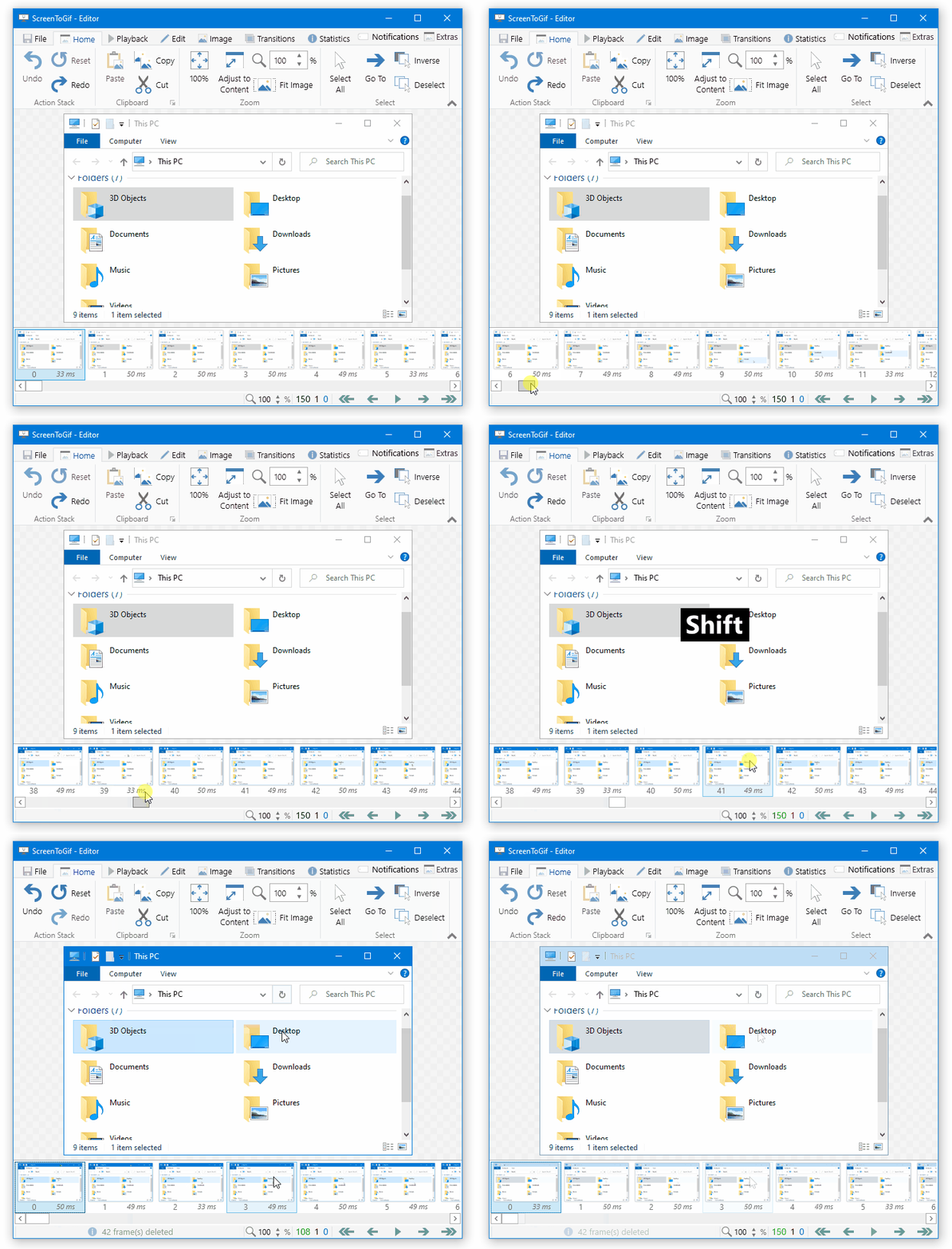
3. Shift-click the frames you don't want, and press Delete.
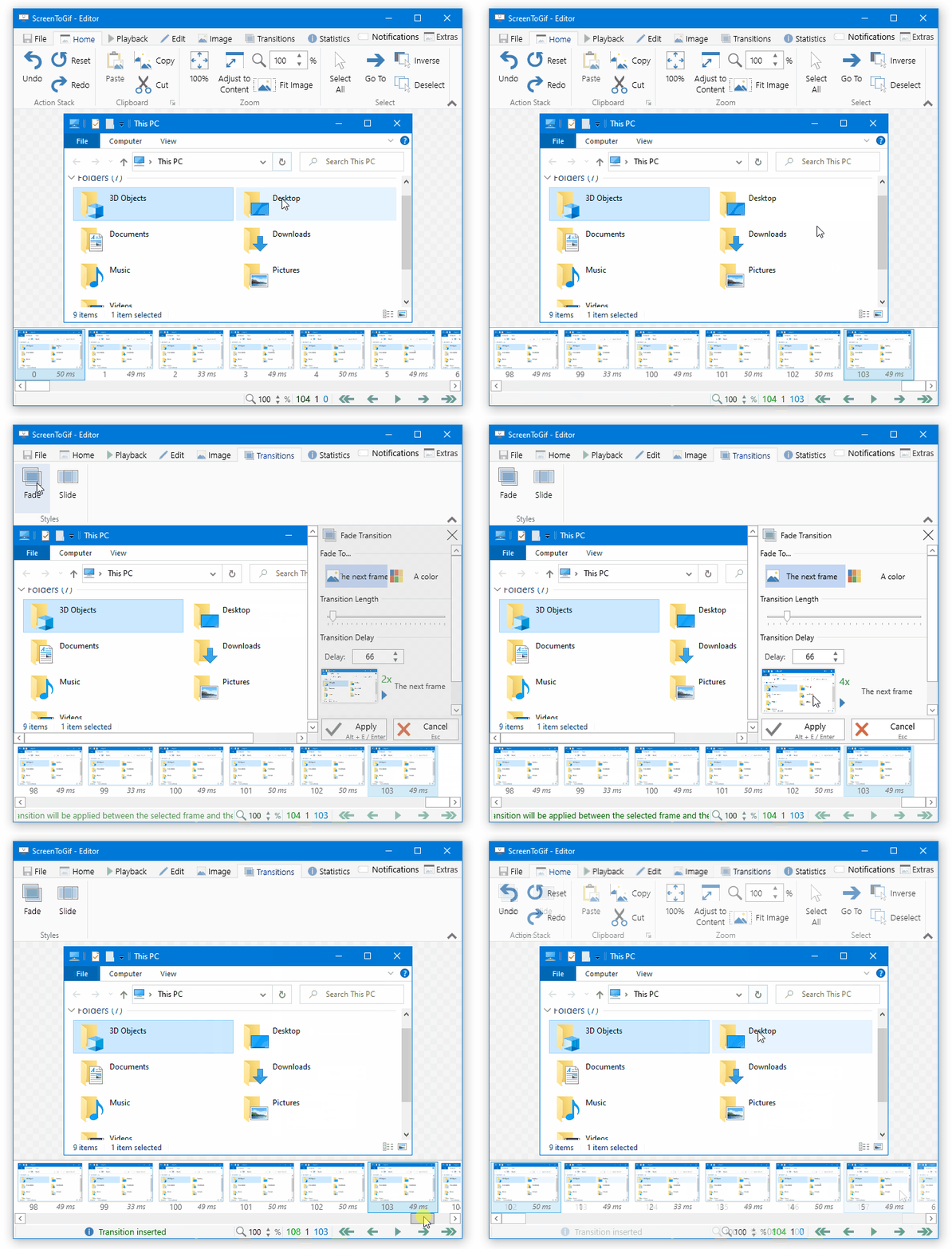
4. Add a transition to the last frame so that the entire animation can loop smoothly.
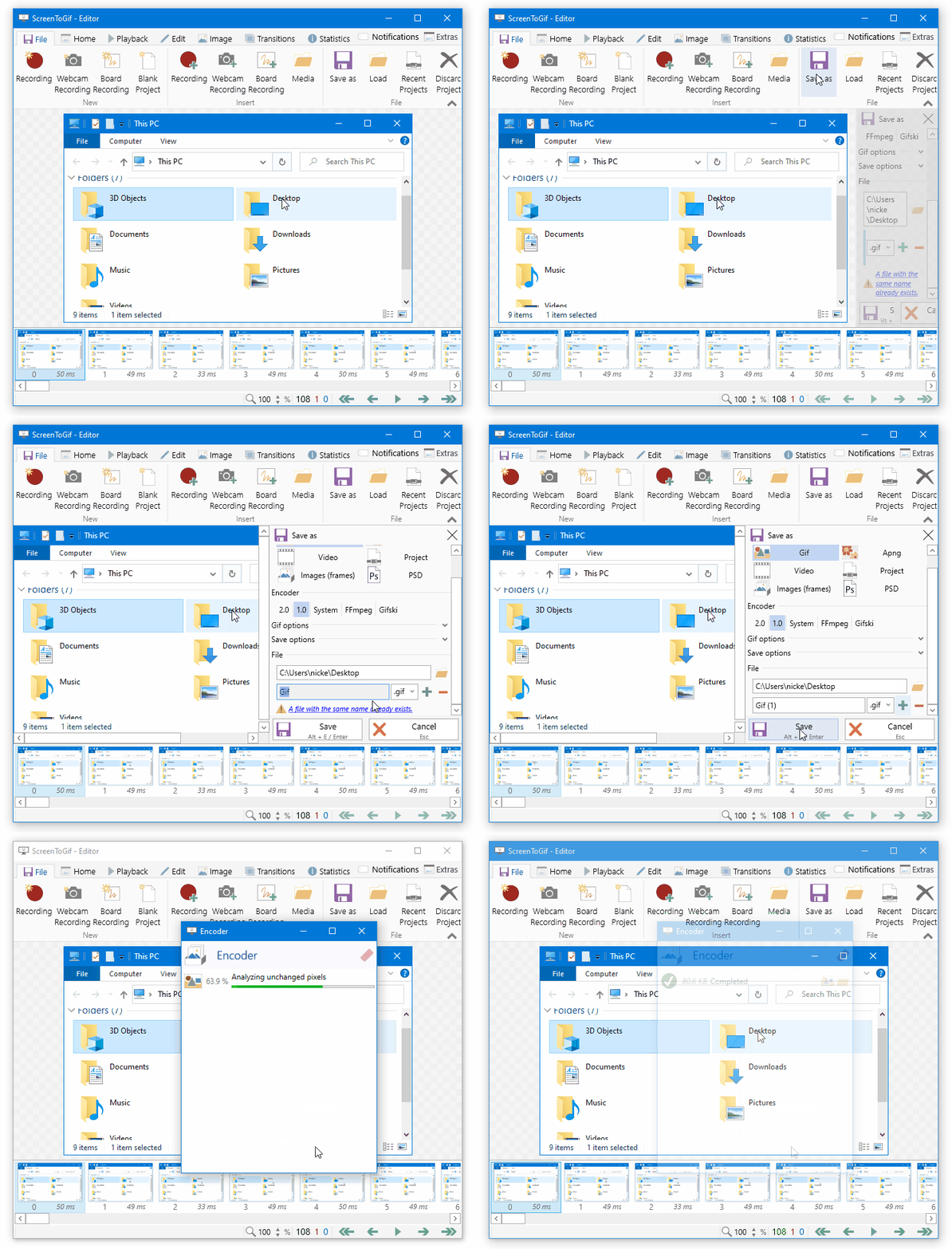
5. After editing is complete, click Save As to export the animation to your desired format.
ScreenToGif Github Source Code Download Link:https://github.com/NickeManarin/ScreenToGif















