
 Script Planner Assistant▸
 AI Apps
 AI News

Lanren Excel – Free & Practical Excel Learning Site
Lanren Excel – Free & Practical Excel Learning SiteIntroduction
LazyExcel is a practical Excel efficiency-boosting platform that provides a wealth of tools and resources to help users use Excel efficiently. LazyExcel offers thousands of templates covering scenarios such as finance, human resources, and data analysis. In addition, it comes with an AI formula generator that allows users to quickly generate complex Excel formulas by simply describing their needs in natural language, greatly simplifying operations. At the same time, LazyExcel's one-click chart beautification feature can quickly generate professional charts to meet reporting needs. The online function assistant makes it easy for users to look up functions and learn how to use them, avoiding ineffective searches. Furthermore, LazyExcel provides systematic office tutorials to help users progressively improve their Excel skills.
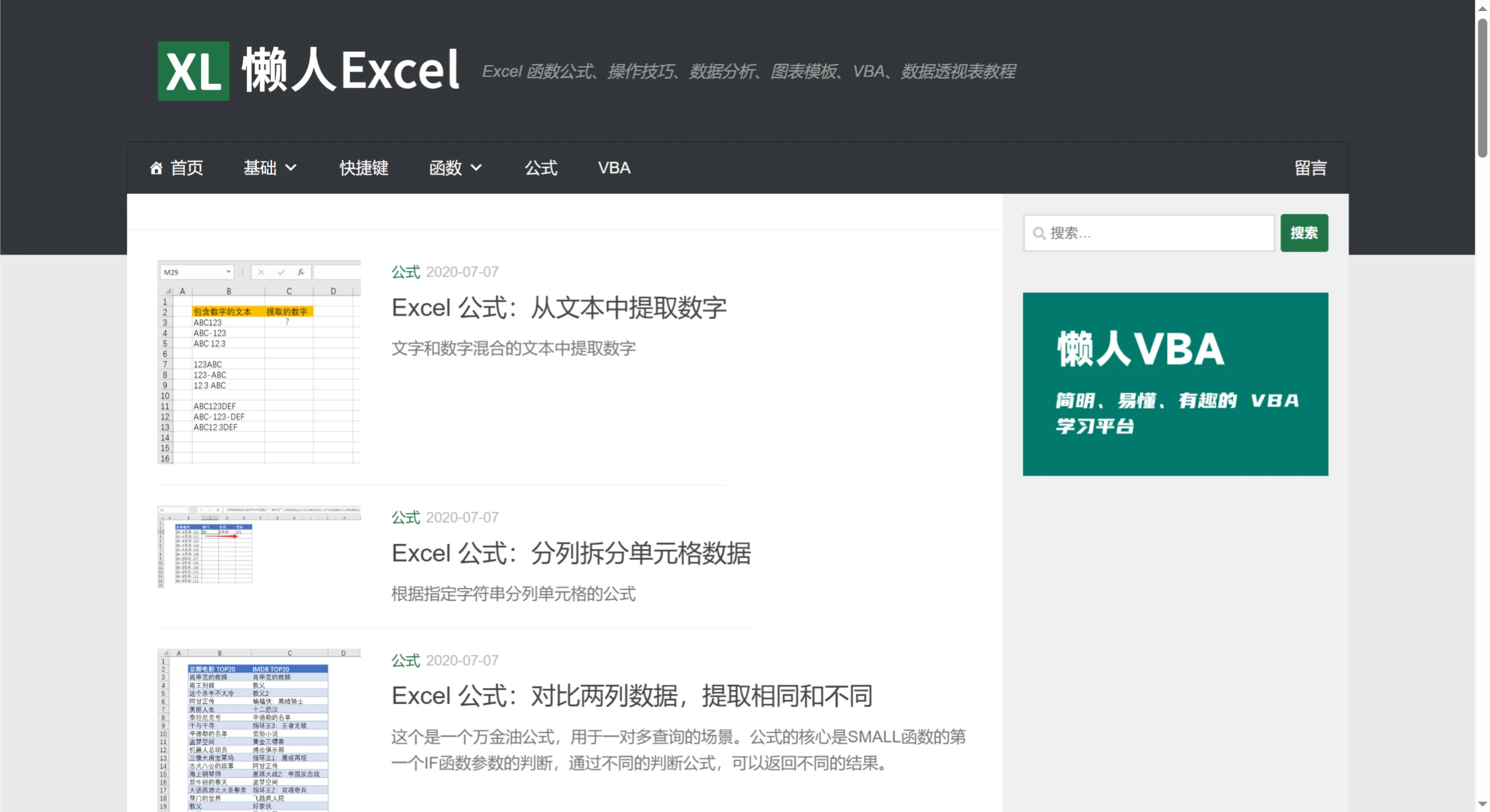
LazyExcel Features
Basic Section: Covers the fundamental concepts of Excel, basic operations, basic settings, an introduction to the ribbon, new features and functions, as well as the basics of functions and formulas. It helps learners build a solid foundation and gain an in-depth understanding of formula basics, cell references, writing and editing formulas, copying formulas, and troubleshooting formula errors.
Shortcut Keys Section: Encompasses nearly all Excel shortcut keys and carefully categorizes them by use. Whether for data entry, formatting, data processing, or chart creation, you can find the corresponding shortcut keys to greatly improve operational efficiency.
Functions Section: Provides exhaustive function knowledge, with various common function categories and other function categories, along with the name, classification, and description of each function. Clicking on a specific function takes you to a detailed learning page that includes applicable version, description, return value, syntax, parameters, examples, and other information, helping learners thoroughly understand how to use the functions.
Formulas Section: Focuses on the use of Excel formulas, including common and practical formula application scenarios such as extracting numbers from text, splitting cell data by delimiter, comparing two columns to extract matching and differing data, searching with keywords and returning multiple matching results, extracting unique values, as well as summarizing data by month based on dates and multi-condition lookup formulas. It helps learners handle various complex data calculation needs.
VBA Section: A blessing for learners who want to dive deeper into Excel VBA and achieve automated office work. The tutorials are rich in content and carefully categorized from beginner to mastery, covering the use of the VBA editor, basics of code writing, various object operations, and practical case applications, helping learners progressively master VBA skills and develop efficient and practical Excel automation programs.
Other Tutorials: Also provides tutorials on data analysis, chart templates, and pivot tables. In data analysis, it teaches how to use Excel for data cleaning, as well as the selection and application of analysis methods; the chart templates offer a rich variety of chart examples and creation guidance; the pivot table tutorials explain in detail how to create them, adjust the layout, perform data calculations, and other operations.
Combination of Images and Text: Tutorials are mainly presented through a combination of images and text. Through vivid image demonstrations and clear, concise text explanations, complex Excel operations and function formulas can be quickly understood and absorbed by learners, reducing the difficulty of learning and improving learning effectiveness.
Powerful Search Function: Provides a powerful search function. When you have a specific Excel question or want to learn a particular point of knowledge, simply enter keywords in the search box to quickly find relevant tutorial content, precisely locate the knowledge you need, and save time searching for materials.
Although LazyExcel is not updated very frequently, the Excel learning content it covers is comprehensive and classic, more than sufficient to meet the learning needs of the vast majority of Excel enthusiasts.















