
 Script Planner Assistant▸
 AI Apps
 AI News

Hidden Word: Invisible Text Watermark Tool to Hide Secret Messages in Plain Text
Hidden Word: Invisible Text Watermark Tool to Hide Secret Messages in Plain TextIntroduction
What is Hidden Word?
Hidden Word is an invisible text watermarking tool. It leverages Unicode features to embed copyright information and metadata into text without altering its visual appearance. This way, even if someone copies the text elsewhere, the source of the content can be traced, and any tampering with the content can also be verified. In addition, the tool can be integrated into websites—users simply install it via npm and add the code to their project to batch watermark website content.
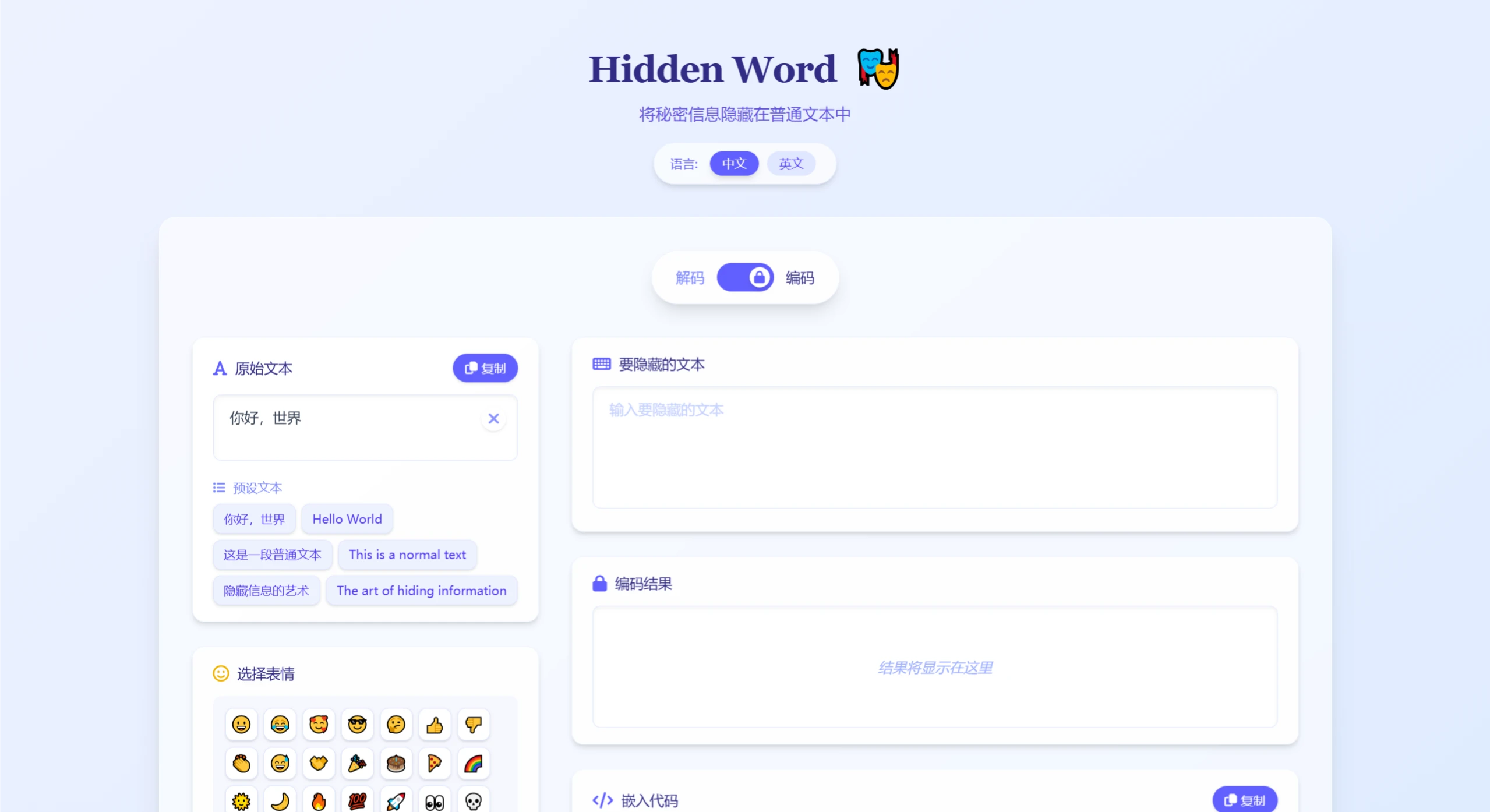
Hidden Word Features
Copyright Protection: Embeds invisible watermarks in articles to effectively protect original content.
Metadata Embedding: Securely embeds structured information in text for content verification.
Source Tracking: The original source of content can be verified through embedded watermark information.
Cross-Platform Support: Can be used on any platform that supports Unicode.
Website Integration: Provides a standardized embedding solution that can automatically watermark website content.
Hidden Word Use Cases
Content Creators: Add digital watermarks to original content to protect intellectual property.
Copyright Management: Add invisible copyright identifiers to digital content.
Content Verification: Embed verification information in public text to ensure content integrity.
Information Tracing: Identify and track the propagation paths of digital content.
How to Use Hidden Word
1. Clone the Repository
git clone https://github.com/Ackites/hidden-word.git
cd hidden-word
2. Install Dependencies
npm install
3. Development Mode
npm run dev
4. Build for Production
npm run build
5. Usage:
Embed the code into a web page to automatically encrypt all text content on the page.
Github: https://github.com/Ackites/hidden-word













