
 Script Planner Assistant▸
 AI Apps
 AI News

Flowise: An Open-Source No-Code Tool for Visually Building LLM Workflows
Flowise: An Open-Source No-Code Tool for Visually Building LLM WorkflowsIntroduction
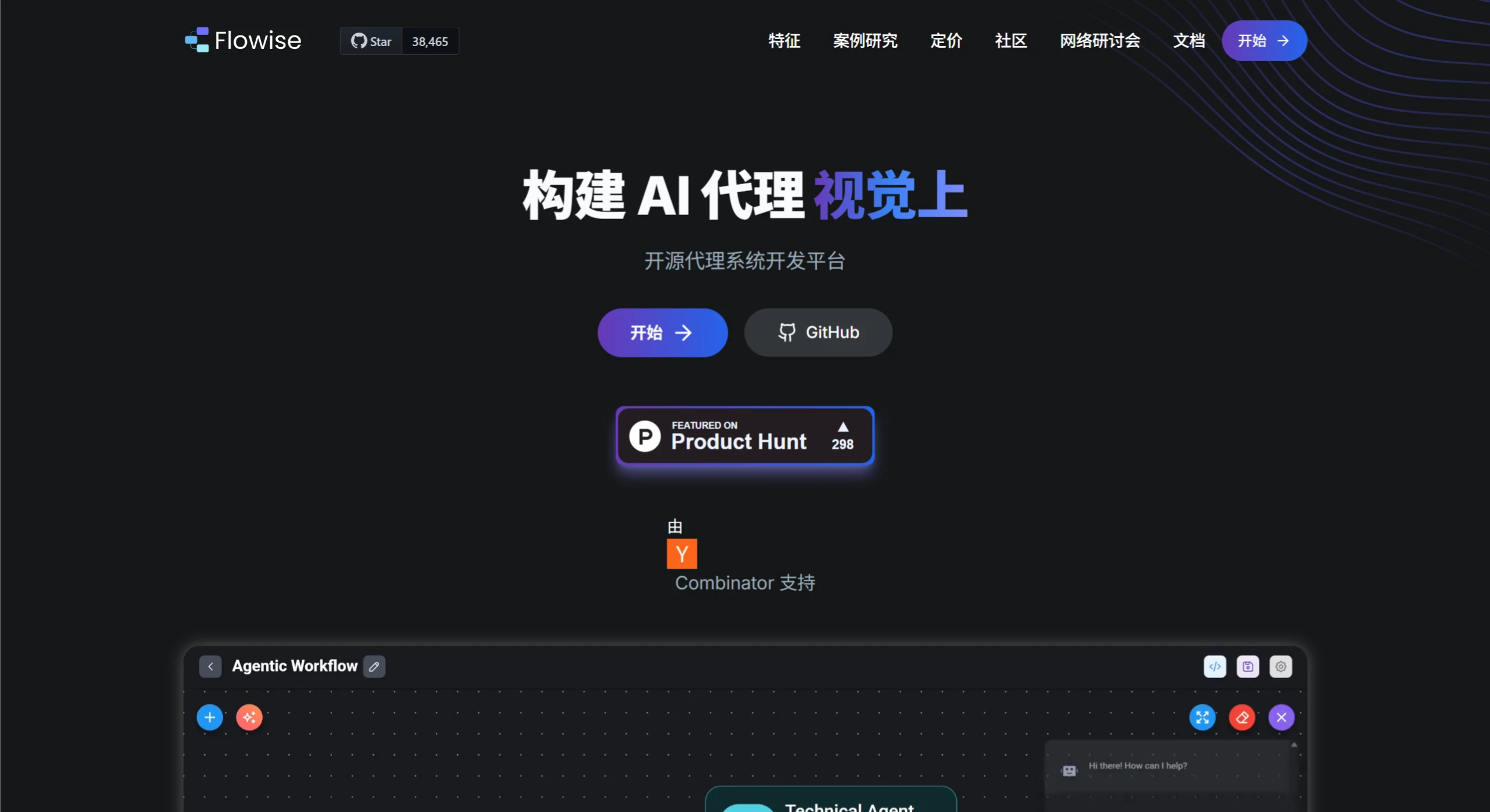
Flowise is an open-source low-code/no-code tool mainly used for visually building LLM workflows. Through its drag-and-drop interface, users can quickly build LLM applications without writing complex code. It supports multiple workflow modes (such as Assistant, Chatflow, and Agentflow) and a rich set of components (such as models, prompt templates, chains, etc.). At the same time, it also supports multiple LLM models, extension features, and multi-platform deployment.
Flowise Features
Low-code/No-code operation: Through the drag-and-drop interface, users can quickly build LLM applications without writing complex code.
Visual construction: Provides an intuitive graphical interface, supporting the drag-and-drop and connection of multiple components (such as LLM models, prompt templates, chains, etc.).
Supports multiple workflow modes:
Assistant: Suitable for beginners, used to create simple chatbots.
Chatflow: Used to build single-agent systems and simple LLM flows.
Agentflow: Supports more complex multi-agent systems and workflow orchestration.
Comprehensive model support: Seamlessly integrates with hundreds of open-source or proprietary LLMs, supporting HuggingFace, Ollama, Localai, etc.
Rich extension features: Supports integration with components such as memory, data loaders, caching, and moderation.
Developer-friendly: Provides API, SDK, and embedded chat features, making it convenient for developers to extend and integrate.
Multi-platform support: Supports running on local environments and cloud platforms (such as AWS, Azure, GCP).
Flowise Tutorial
Installation
Install via Docker:
Clone the Flowise project.
Go to the docker folder in the project's root directory.
Copy the .env.example file and rename it to .env.
Run docker compose up -d to start the service.
Visit http://localhost:3000 to use Flowise.
Install via Node.js:
Make sure Node.js is installed (version >= 18.15.0).
Use the command npx flowise start --FLOWISE_USERNAME=user --FLOWISE_PASSWORD=1234 to start Flowise.
Visit http://localhost:3000 to use Flowise.
Building a Workflow
Create a new workflow: After logging into Flowise, click the "Add New" button in the upper-right corner of the page to add a new workflow.
Add components: Select the required components (such as LLM models, chains, prompt templates, etc.) from the component panel on the left and drag them onto the canvas.
Connect components: Connect the output port of one component to the input port of another to form a workflow.
Configure component parameters: Fill in the necessary parameters in the component's configuration panel, such as the LLM's API key, prompt template content, etc.
Save and test: After saving the workflow, click the chat dialog in the upper-right corner to test it.
Examples
Chatbot: By connecting OpenAI models, prompt templates, and LLM chains, you can quickly build a simple chatbot.
Question-answering system: Combined with data loaders and retrieval components, you can build a knowledge-base-based question-answering system.
Technical Architecture
Frontend: Uses React + TypeScript, with visualization built on ReactFlow.
Backend: Uses Node.js + Express, supporting RESTful API and WebSocket.
Deployment solution: Supports one-click cloud-native deployment with Docker + Kubernetes.
Package management: Uses pnpm workspace for multi-module dependency management.
Documentation generation: Automatically generates API documentation through Swagger UI, making it convenient for developers to call and integrate APIs.
Use Cases
Intelligent customer service system: Connects to an enterprise knowledge base to automatically answer product questions.
Contract review assistant: Parses legal documents and automatically generates risk reports.
Scientific literature analysis: Batch-processes papers to extract key research findings.
Intelligent recruitment system: Automatically parses resumes and generates candidate evaluations.
Github:https://github.com/FlowiseAI/Flowise














