
 Script Planner Assistant▸
 AI Apps
 AI News

CodeBuddy: Tencent Cloud Code Assistant — Your AI Programming Partner
CodeBuddy: Tencent Cloud Code Assistant — Your AI Programming PartnerIntroduction
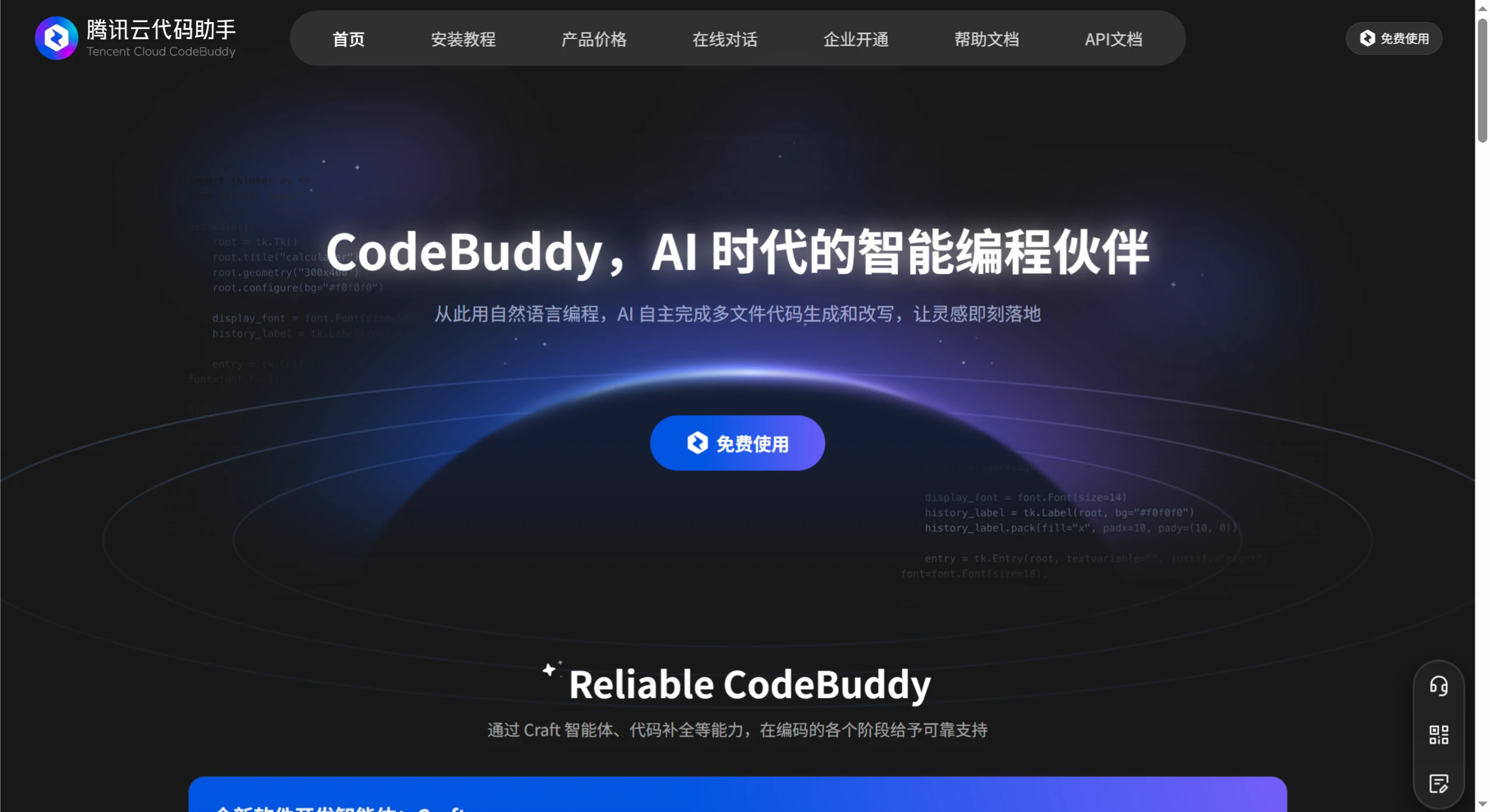
Tencent Cloud CodeBuddy is an AI intelligent programming code assistant developed by Tencent Cloud. It supports code generation, completion, diagnosis, and optimization, featuring conversational programming, context understanding, multi-language support, and local IDE integration.
CodeBuddy Main Features
Code Completion Plus: Based on context understanding and editing behavior, predicts the developer's next action. When writing functions, it recommends suitable implementation logic; when calling APIs, it generates matching interfaces based on the project's code style.
Multi-file Code Generation and Refactoring: Can independently complete the generation and refactoring of multi-file code. For example, when developing a complete web application, it can generate relevant files including frontend pages, backend interfaces, and database models based on requirements.
Automatic Comment Generation: Automatically generates detailed comments based on code content, making it easier for developers to understand code logic and facilitating team collaboration.
Unit Test Generation: Automatically generates unit test cases for existing code, ensuring code quality and reducing the time spent manually writing tests.
Legacy Code Analysis: For legacy code written by non-developers, it can quickly locate bugs and provide optimization suggestions, reducing maintenance burden.
AI Technical Q&A: When encountering technical difficulties during development, you can directly ask CodeBuddy for answers.
Intelligent Code Review: Identifies potential issues in code, optimizes code quality, supports batch code review, provides optimization suggestions, automatically generates commit messages, standardizes development workflows, and improves team collaboration efficiency.
Code Fixing: Discovers and fixes errors in code.
Special Modes
Craft Mode: A newly upgraded mode where AI can autonomously understand user requirements and complete multi-file code generation and refactoring. Users input requirements in natural language, such as "develop an e-commerce website," and it automatically generates complete project code including associated pages and files such as product listings, shopping cart, and checkout pages. This code can be run directly, is scalable and modifiable, and supports mainstream IDEs, allowing developers to adjust and optimize at any time.
Chat Mode: Allows you to select custom instructions, adding single files, knowledge bases, terminal commands, and diffs to the conversation context for convenient user operations. The DOCS option has built-in third-party knowledge bases. For projects that need to strictly follow documentation requirements, such as developing WeChat mini programs or mini games, it can save developers time and improve development efficiency.
Code Review Mode: Three new review modes have been added, which are equivalent to built-in prompt functions. To use them, click the code review button above a method, or select a piece of code and right-click to choose code review. For larger content, you can also choose file review.
Advantages and Features
Intelligence: Through deep learning technology, it understands complex business logic and developer intent, with precise function calls and template completion.
Efficiency: Reduces repetitive work, shortens coding time, quickly solves problems, and greatly improves development efficiency. For example, it can generate interface documentation with one click or automatically fix syntax errors. Within Tencent, developers using CodeBuddy have shortened coding time by more than 40% on average, with AI-generated code accounting for over 40%, and R&D efficiency improving by more than 16%.
Ease of Use: Can be directly embedded into commonly used IDEs with a clean and intuitive interface, making it easy for beginners to get started.
Personalized Suggestions: Provides highly matching suggestions based on the project's code style, making the generated code more compliant with team standards.
Supports MCP Protocol: It is the first programming assistant in China to support the MCP (Model Context Protocol), released by Anthropic, which aims to provide a standardized way for large language models to access external data. Through MCP, CodeBuddy can seamlessly integrate with external tools and services, enhancing AI's execution capabilities in complex development tasks. It also allows AI-generated code to be seamlessly integrated into main workflows such as testing, building, and deployment, truly enabling code to go live.
CodeBuddy Use Cases
Individual Developers: Helps quickly generate code, reduces repetitive work, improves development efficiency, and helps learn better coding practices.
Enterprise Development Teams: Through team collaboration features, enables knowledge sharing and unified code quality management.
CodeBuddy Installation and Usage
Installation: Supports installation in mainstream development environments such as Visual Studio Code and JetBrains IDEs. Taking Visual Studio Code as an example, open the IDE, go to the plugin marketplace, search for "CodeBuddy," and install it.
Usage: After installation, find CodeBuddy in the IDE's plugin marketplace and enable it, then log in to your account to start using it. In different modes, complete tasks such as code writing and review by entering requirements through the corresponding operation entry. For example, in Chat mode, enter questions or commands in the dialog box; in Craft mode, select an AI model and configure MCP below the dialog box, then enter your requirements.
Online Experience: You can also experience it online through the official website https://copilot.tencent.com.












