
 Script Planner Assistant▸
 AI Apps
 AI News

IMGUpscaler AI: AI Image Upscaler, Lossless Enhancement Tool
IMGUpscaler AI: AI Image Upscaler, Lossless Enhancement ToolIntroduction
What is ImgUpscaler ai?
ImgUpscaler AI is a free online image processing tool that supports multiple formats and offers features such as image upscaling, enhancement, sharpening, noise reduction, portrait optimization, and old photo restoration. It is suitable for various scenarios including photography, e-commerce, and social media.
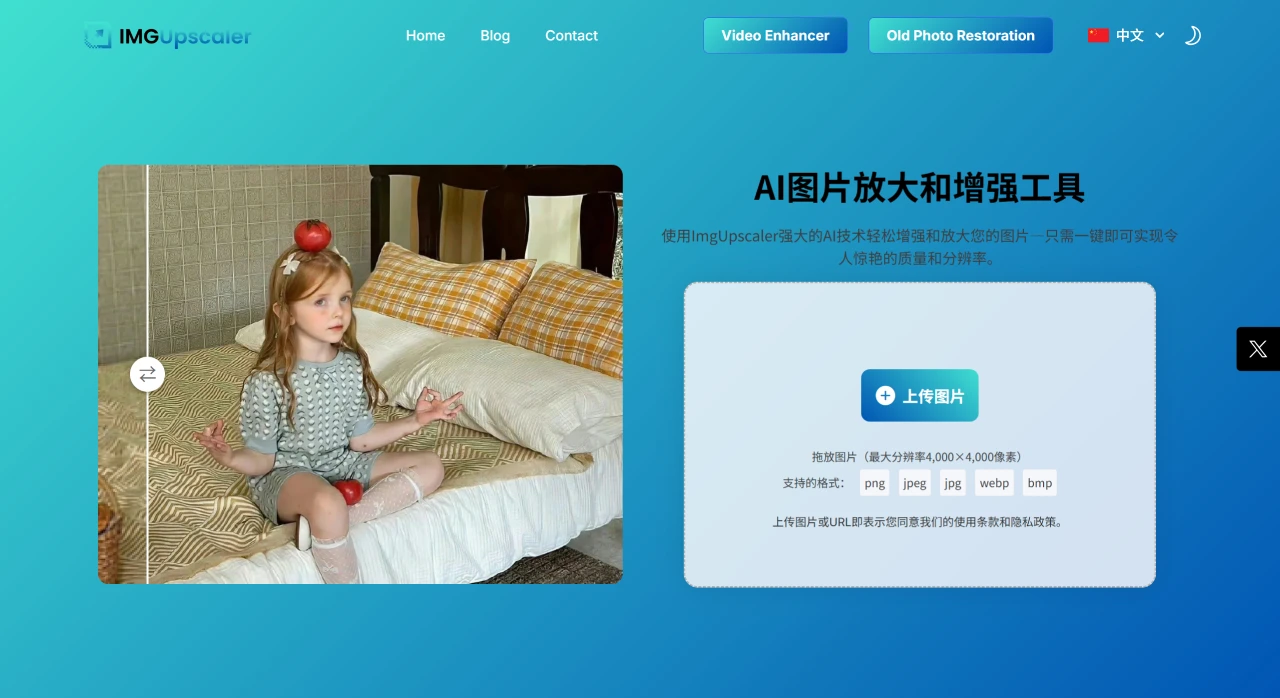
IMGUpscaler AI Core Features
Image Upscaling: Supports upscaling images by up to 400% while preserving all important details. Ideal for large-size printing, high-quality posters, and HD screen display, supporting resolutions up to 4K and beyond. Images can be enlarged without losing clarity or introducing unwanted artifacts.
AI Image Enhancement: Use the AI enhancer to instantly improve image quality by adjusting color, brightness, and sharpness, making images more vivid and professional.
AI Image Sharpener: Detects and corrects blurry elements in images, giving new life to fuzzy photos and ensuring clear, professional results.
AI Image Denoiser: Removes unwanted noise from photos, especially those taken in low-light environments, providing a smooth and clear visual effect.
AI Portrait Enhancer: Automatically optimizes facial features, reduces blemishes, and shows each face at its best — perfect for avatars, portraits, and similar scenarios.
Old Photo Restoration: Rebuilds details lost over time and preserves memories in high clarity, giving nostalgic photos modern sharpness.
Night Photo Light Repair: Enhances night photos by adjusting exposure and color balance to produce vibrant, noise-free, beautiful nighttime images.
Anime Image Upscaler: Upgrades anime and cartoon images to 4K clarity while keeping lines sharp and colors vivid — perfect for posters, wallpapers, and digital art.
IMGUpscaler AI Application Scenarios
Photography Professionals: Easily achieve gallery-quality images, ensuring work is ready to print at any moment.
E-commerce and Product Images: Showcase products with stunning detail; clear and high-quality images help attract customer attention and boost conversion rates.
High-Quality Albums and Poster Printing: Ideal for large-format printing, increasing resolution without losing detail.
Social Media Content: Sharpen, enhance, and upscale images to create Instagram-ready effects that stand out in every feed.
Real Estate and Architecture: Present properties in high resolution; clear, vibrant photos highlight every detail.
App/Website Graphic Design: Upgrade low-resolution images for apps and websites, making icons, logos, and visual elements look crisp and professional on any screen.
IMGUpscaler AI Tutorial
Upload Image: Supports PNG, HEIC, or JPG formats.
Choose Resolution: Select your desired resolution and let the AI upscaler get to work.
Download HD Image: Within seconds, you'll receive a clear, high-resolution image.
Advantages
Fast and Simple Processing: Upload your photo, select the desired settings, and let the AI handle the rest.
Seamless Online Experience: No downloads or expensive software required — a completely free online tool accessible from any device.
Comprehensive AI Image Enhancement: From sharpness adjustments to noise removal, offers a wide range of enhancement tools to ensure perfect results.
Supports Multiple Image Formats: Supports PNG, JPG, HEIC, and many other formats.














