
 Script Planner Assistant▸
 AI Apps
 AI News

Poify AI: Efficient AI Image Tool Designed for E-Commerce
Poify AI: Efficient AI Image Tool Designed for E-CommerceIntroduction
What is Poify ai?
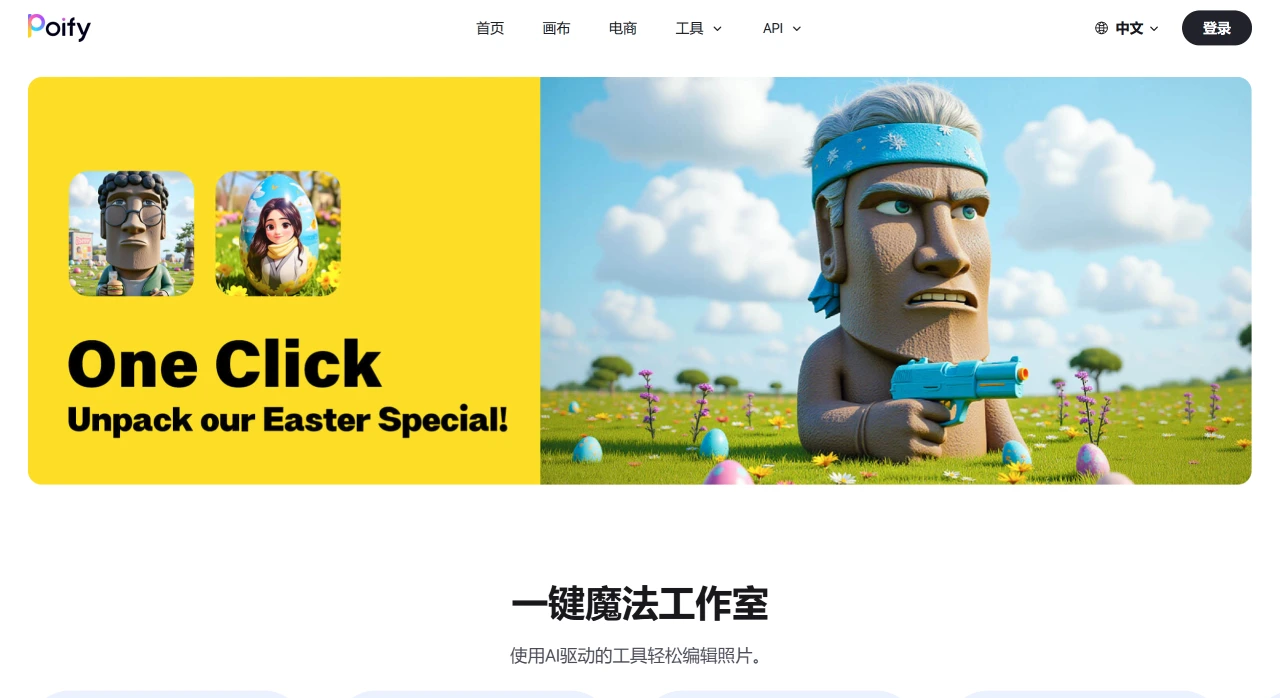
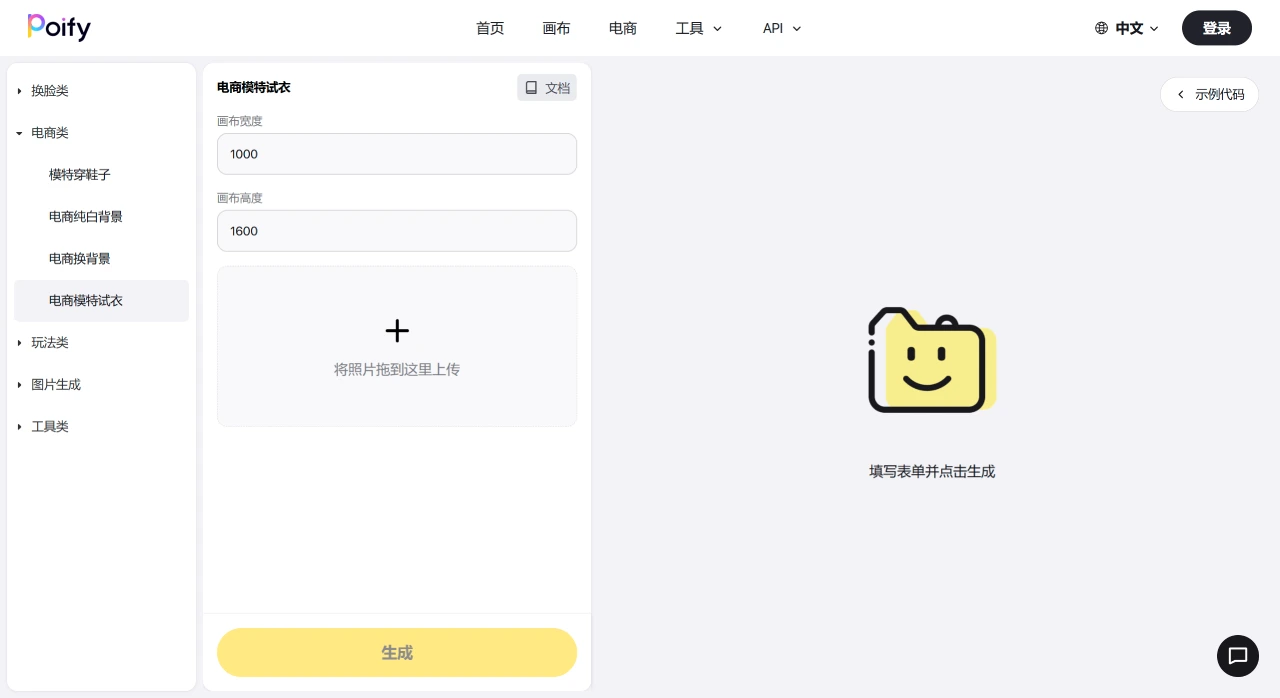
Poify is an AI image generation tool launched by Kuaishou, designed specifically for e-commerce. Like other AI tools, Poify offers "text-to-image" and "image-to-image" features, and also supports AI jewelry try-on, AI try-on, and model try-on functions. Among these, the AI try-on feature currently only supports uploading jewelry to be worn, with no ability to adjust the model or the size of the jewelry afterward; the model try-on feature allows merchants to upload a flat-lay image of clothing and generate a model showcase image, eliminating the need for additional studio lighting setup. The try-on results are quite good, with a decent fit, but only clothing images can be uploaded, and model styling cannot be selected.
Poify AI Features
Text-to-image and image-to-image: Users can generate images from text descriptions or recreate existing images.
AI model try-on: Users upload the original clothing image and set the image dimensions to generate AI model try-on images, meeting merchants' needs for product showcase image creation.
Background and studio style change: Quickly change the background of product images to adapt to different scenarios, enhancing the visual appeal of product images.
Partial redrawing: Modify and optimize specific parts of product images, helping merchants better showcase product details.
Fantasy scene generation: After uploading a photo, AI can transform it into a fantasy scene such as dancing with polar bears, or generate Christmas-themed creative images.
How to Use Poify AI
Visit the official website: Go to Poify's official website.
Choose a theme: Select a theme on the website, such as "Cosmic Voyage" or "Fantasy."
Upload a photo: Upload the photo you want to process to the website.
AI processing: Wait for the AI to process the photo and blend it into the selected theme.
View the result: View the AI-generated result image and make any necessary edits or adjustments.
Download or share: Download the generated creative work to your device, or share it directly on social media platforms.
Poify AI application scenarios
Product showcase image creation: Quickly generate high-quality product showcase images, including AI model try-on, background and studio style change, and partial redrawing.
Promotional campaign poster design: Quickly generate promotional campaign posters to help businesses improve marketing effectiveness.
Store decoration: Automatically generate store decoration images to enhance the overall visual effect of the store.
Social media content creation: The generated creative images can be used for social media content creation.
Personal creative sharing: Users can download the generated creative works or share them on social media platforms.
Poify is not the only AI e-commerce image generation tool on the market. The article mentions an AI e-commerce image generation tool called Huiwa launched by Alibaba, which did not achieve the expected results. This suggests that Poify needs to make deeper efforts in functionality, user experience, and marketing to avoid repeating the same mistakes.
Related Information:















