
 Script Planner Assistant▸
 AI Apps
 AI News

Suiyu Video AI: Online Tool to Remove Subtitles and Watermarks
Suiyu Video AI: Online Tool to Remove Subtitles and WatermarksIntroduction
What is Suiyu Video Intelligence?
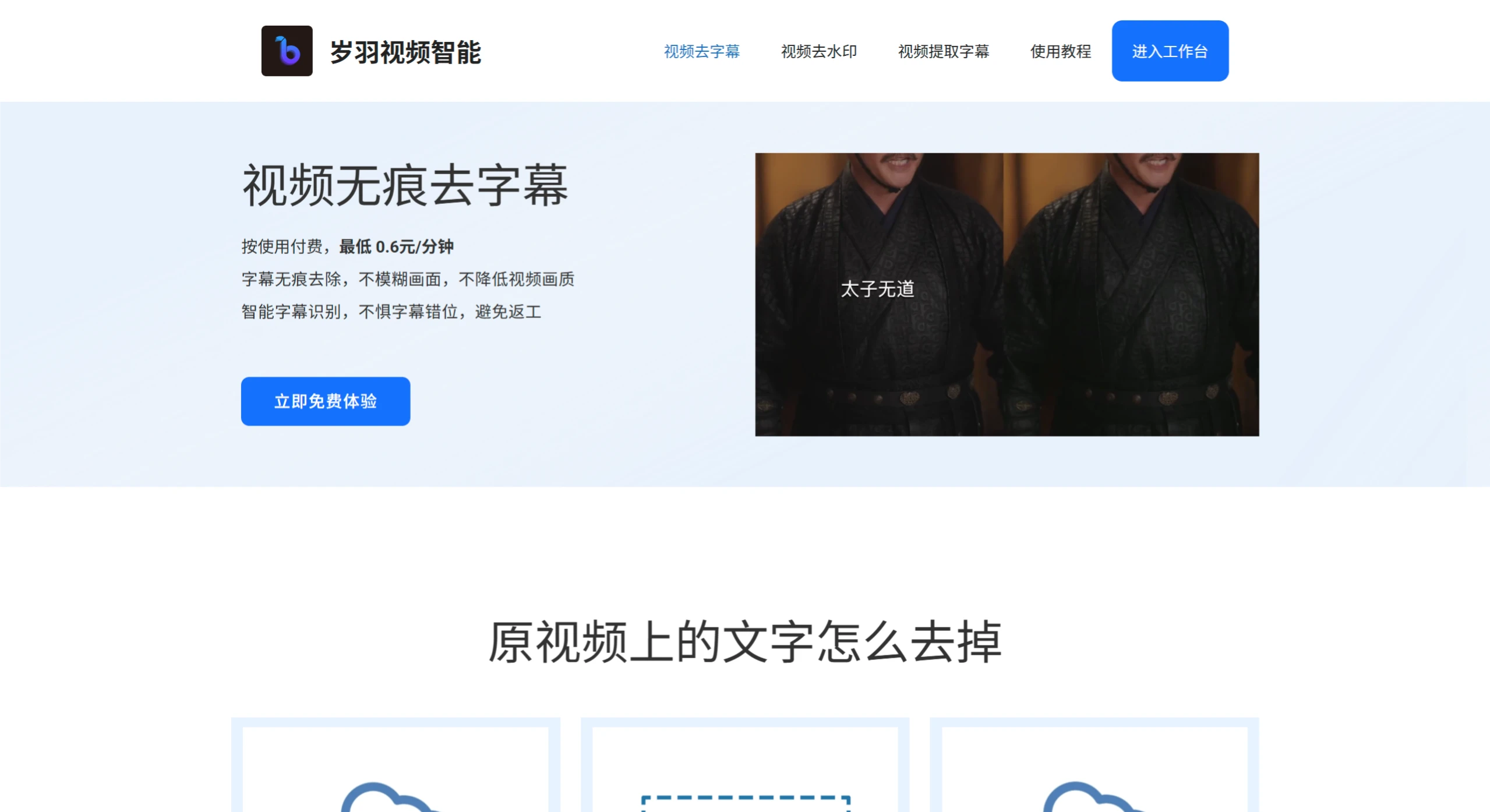
Suiyu Video Intelligence is an online video processing tool based on AI technology. It offers main features including video subtitle removal, video watermark removal, and subtitle extraction.
Features of Suiyu Video Intelligence
Seamless Subtitle Removal: Uses AI algorithms to remove subtitles from videos without blurring the picture or reducing image quality. It intelligently identifies subtitle areas, and even if subtitles are misaligned, it helps avoid rework.
Video Watermark Removal: Can remove text watermarks, logo watermarks, and dynamic watermarks from videos while keeping the processed video clear.
Subtitle Extraction: Capable of extracting subtitle content from videos.
Batch Processing: Supports batch removal of video subtitles, suitable for scenarios such as short drama overseas distribution.
API Integration: Provides an easy-to-use WEB API that can be seamlessly integrated into workflows and go live within 1 day.
Suiyu Video Intelligence User Guide
Registration and Login
Supports registration and login using a phone number and SMS verification code. First-time login comes with 5 free credits.
Single Video Subtitle Removal:
Enter the workspace, find the "Video Subtitle Removal" feature, and click "Use Now" to upload a video.
Set erasing rules, such as unified erasing, segmented erasing for intros/outros, or time-based segmented erasing.
If subtitles have shadows or special effects, check "Enable Seamless Subtitle Removal Mode".
Add erasing areas to cover the subtitle regions. Up to 3 erasing areas can be added.
Start the task, wait for processing to complete, then download the video.
Batch Video Subtitle Removal:
Create a task and enter a task name.
Upload the video files to be processed.
Set batch processing rules, the same as the rule settings for single video subtitle removal.
Start the task, and download the videos after processing is complete.
Video Watermark Removal:
Log in to the workspace and find the "Video Watermark Removal" service in the "AI Toolbox".
Upload a video and mark the moving range of the watermark in the video preview.
Wait for processing to complete and download the video with the watermark removed.
Suiyu Video Intelligence FAQ
1. How is it priced?
Suiyu Video Intelligence uses a credit-based pricing system. 5 free credits are given upon registration, and more credits can be purchased once they run out. Credits are priced at 0.5 yuan per credit, with a minimum top-up of 20 credits. The more credits you purchase, the bigger the discount. There are two recharge methods: operate directly on the web page, or contact customer service.
2. Are there any restrictions on input videos for the subtitle removal feature?
Suiyu Video Intelligence supports videos with a maximum resolution of 1080P. Videos exceeding this resolution need to be compressed to 1080P before uploading, otherwise they cannot be uploaded. There is no limit on video bitrate. Output is at the original bitrate after processing, with no quality loss.
3. What is the credit deduction standard?
Billing is based on video duration (minutes), with the specific standards as follows:
Video Subtitle Removal (Seamless): 3 credits/minute
Video Subtitle Removal (Fast): 2 credits/minute
Video Watermark Removal: 3 credits/minute
Subtitle Extraction: 1 credit/minute
Final Video Compression: 1 credit/minute
4. How to remove full-screen moving watermarks?
Suiyu Video Intelligence supports full-screen watermark removal. Select "Full-Screen Watermark Removal" in the video watermark removal feature, no need to frame a specific area. However, automatic watermark tracking is not currently available. If manually framed areas cannot fully cover the watermark's moving range, it is recommended to choose "Full-Screen Watermark Removal".















