
 Script Planner Assistant▸
 AI Apps
 AI News

SharkFoto: Online Background Remover & Image Editor
SharkFoto: Online Background Remover & Image EditorIntroduction
What is SharkFoto?
SharkFoto is an online image processing platform that offers a rich set of features including background removal, image colorization, image quality enhancement, format conversion, cropping, and resizing. It also provides dozens of free tools to help you convert formats, compress images, resize, crop, flip, rotate, draw, add shapes, icons, text, and apply mask filters and image filters. Additionally, it offers millions of free high-quality transparent PNG images, ideal for use on websites, in designs, or in ppt files.
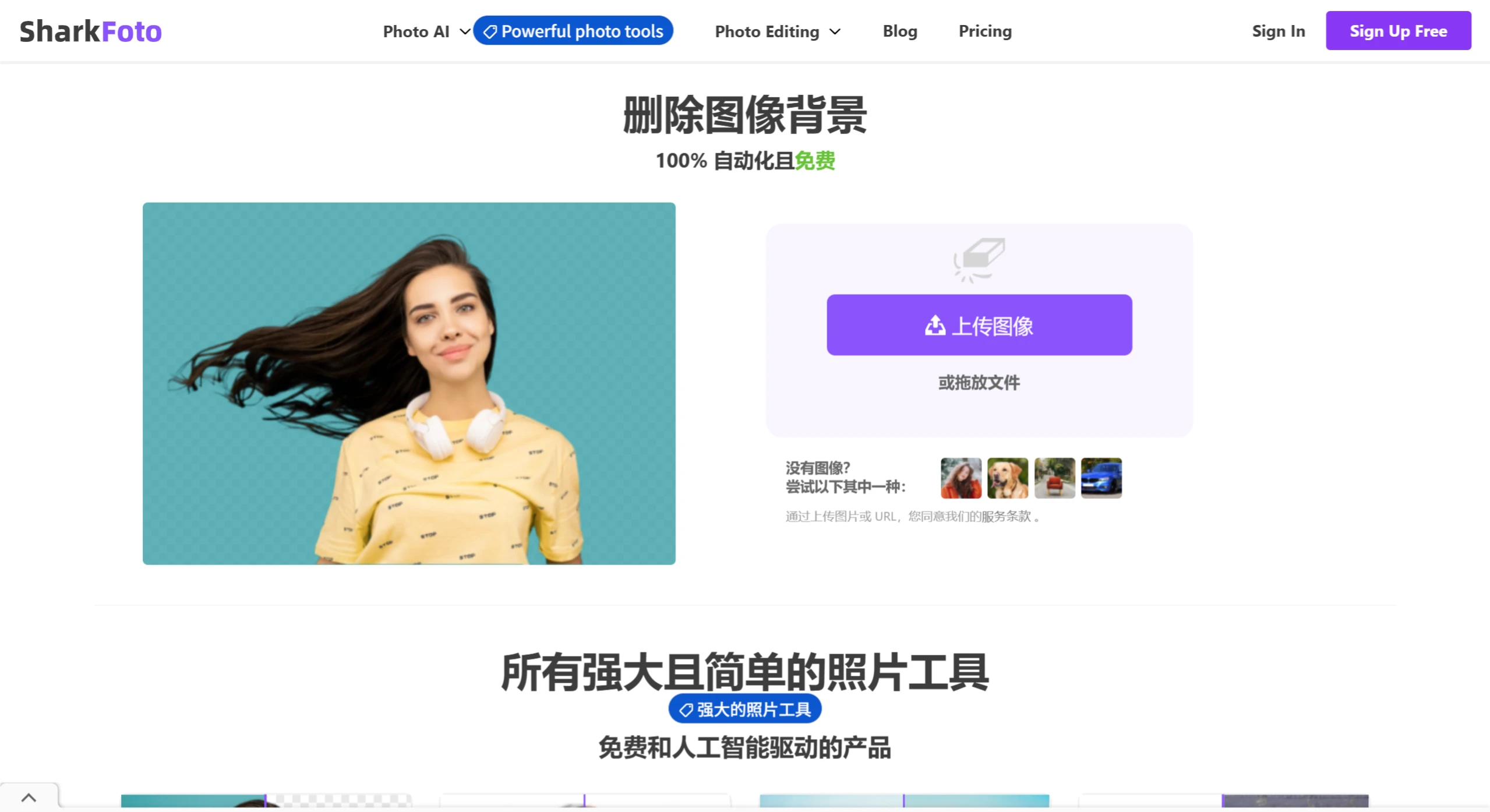
SharkFoto Features
Background Removal: With just one click, you can automatically and instantly remove image backgrounds in a smooth manner, supporting various types of images including people, products, animals, cars, and graphics. This feature is free, automatic, and powered by artificial intelligence, delivering high-quality processed images and earning praise from many users. For example, some users engaged in product photography have said that using SharkFoto's background remover makes processing product backgrounds easy and efficient, eliminating the tedious work of manual cutouts.
Photo Colorization: Leveraging artificial intelligence technology to colorize black-and-white photos, converting black-and-white images into color photos within seconds. Users can use this feature to add color to photos of ancestors or historical figures, allowing stories from the past to be presented in an entirely new light.
Image Enhancement: Can repair blurry and low-quality old photos, making them clear with one click. It can also enlarge image sizes up to 4x without loss of image quality.
Format Conversion: Supports free and automatic conversion between more than 200 image formats such as JPG, PNG, and WEBP, making it easy for users to use the appropriate image format for different needs.
Image Compression: Can compress images in 200 formats including JPG, PNG, SVG, and GIF, saving storage space while maintaining image quality.
Resizing: Users can resize images in 200 formats including JPG, PNG, SVG, and GIF by defining new height and width pixels, and can also batch resize images.
Image Cropping: Supports cropping images in 200 formats including JPG, PNG, and GIF. Users simply need to define the pixel area of the rectangle to complete the cropping operation, and can also crop images online for free.
Image Flipping and Rotation: Can flip or rotate images in more than 200 formats including JPG, PNG, and WEBP, and can quickly complete these operations in batches.
Other Editing Features: Also includes drawing, shapes, icons, text, mask filters, image filters, and more.
SharkFoto Advantages
Automation and ai-driven: With advanced AI technology, image editing is automated, greatly improving editing efficiency and making it easy for even users without professional skills to get started.
Rich Editing Tools: Covering everything from basic cropping and rotation to complex background removal and image quality enhancement, meeting the image editing needs of different users in different scenarios.
Subscription Plans
Free Plan: Offers 1 free use, 50 background removal previews and downloads, as well as more than 10 free image tools and batch editing features.
Personal Plan: $10 per month, offers 50 uses, unlimited background removal previews and downloads.
Business Plan: $30 per month, offers 200 uses, unlimited background removal previews and downloads.















