Script Planner Assistant▸
 AI Apps
 AI News

WallsPic: HD Free Wallpapers for PC & Mobile
WallsPic: HD Free Wallpapers for PC & MobileIntroduction
What is WallsPic?
WallsPic is a professional website dedicated to providing high-definition free desktop wallpapers and mobile wallpaper images for download. It offers over 100,000 HD wallpapers covering a wide range of themes including landscapes, animals, anime, games, technology, art, and more.
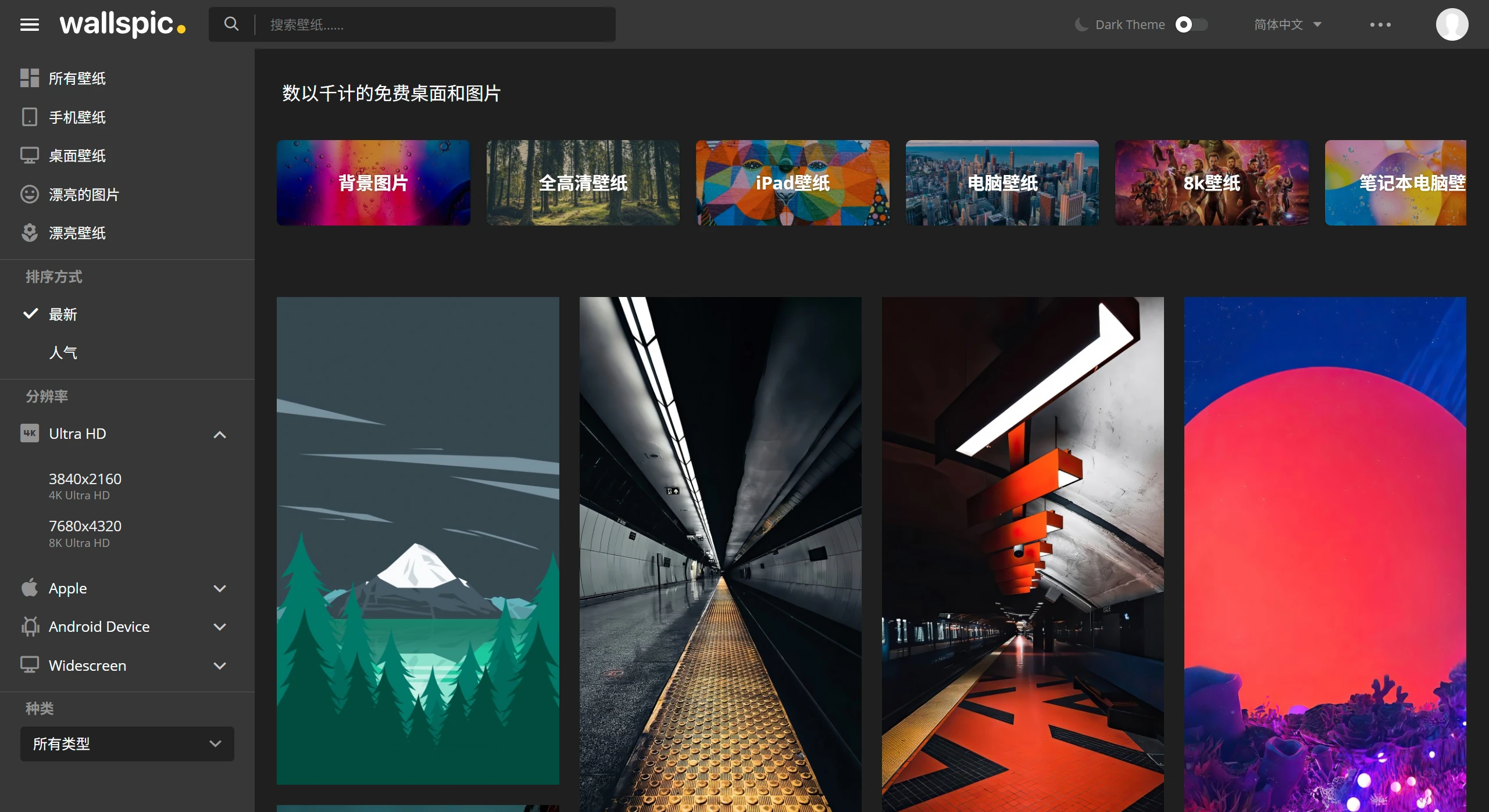
WallsPic Features & Sections
Diverse Variety: Covers lock screen wallpapers, Windows wallpapers, computer wallpapers, background images, 8K wallpapers, screensaver wallpapers, laptop wallpapers, full HD wallpapers, and many other types. The categories are rich, including nature, art, automobiles, technology, animals, anime, and more.
Complete Resolution Support: Supports wallpaper downloads in various resolutions such as 4K, 8K, iPhone, iPad, and Android devices, providing users with different clarity options.
Multi-Device Support: Compatible with Windows PC, Mac, Android, and iOS devices, offering wallpapers in various resolutions from desktop to ultra HD 4K.
Daily Updates: The website updates with hundreds of new wallpapers every day, ensuring fresh content.
Free Downloads: All wallpapers can be downloaded for free, with no registration or subscription required.
Manual Curation: Wallpapers are curated by a professional team rather than artificial intelligence, ensuring quality and diversity.
WallsPic Material Categories
By Device: Such as desktop wallpapers, iPhone wallpapers, Android wallpapers, etc.
By Resolution: Such as Full HD, 2K, 4K, 8K, etc.
By Theme: Such as landscapes, animals, anime, games, automobiles, etc.
How to Use WallsPic
Visit the Website: Enter https://wallspic.com/cn in your browser and open the site.
Browse Wallpapers: You can browse through the thumbnail images displayed on the homepage, or use the search and filter functions to quickly locate wallpapers based on your preferences.
Select a Wallpaper: Click on the wallpaper you're interested in to enter the wallpaper detail page, where you can view the wallpaper's tags, type, resolution, uploader, and other information.
Download Wallpaper: Click the download button on the wallpaper detail page, select the appropriate resolution, and download the wallpaper to your local device.
Set Wallpaper: Set the downloaded wallpaper as your computer desktop or phone background.
Manage Wallpapers: Users can create their own wallpaper favorites collection for easy future reference and use.
WallsPic App Features
Wallspic has also launched an application for Android devices:
Built-in Editing Tools: Users can use the in-app editing tools to crop, adjust brightness, contrast, saturation, and apply filters.
Smart Search & Recommendations: Through optimized search functions or a recommendation system, users can quickly find their favorite wallpapers.
One-Click Setup: Users can easily set their favorite wallpaper as the phone's home screen, lock screen, or both simultaneously.