
 Script Planner Assistant▸
 AI Apps
 AI News

VoiceCanvas: Text-to-Speech & Voice Cloning Website
VoiceCanvas: Text-to-Speech & Voice Cloning WebsiteIntroduction
What is VoiceCanvas?
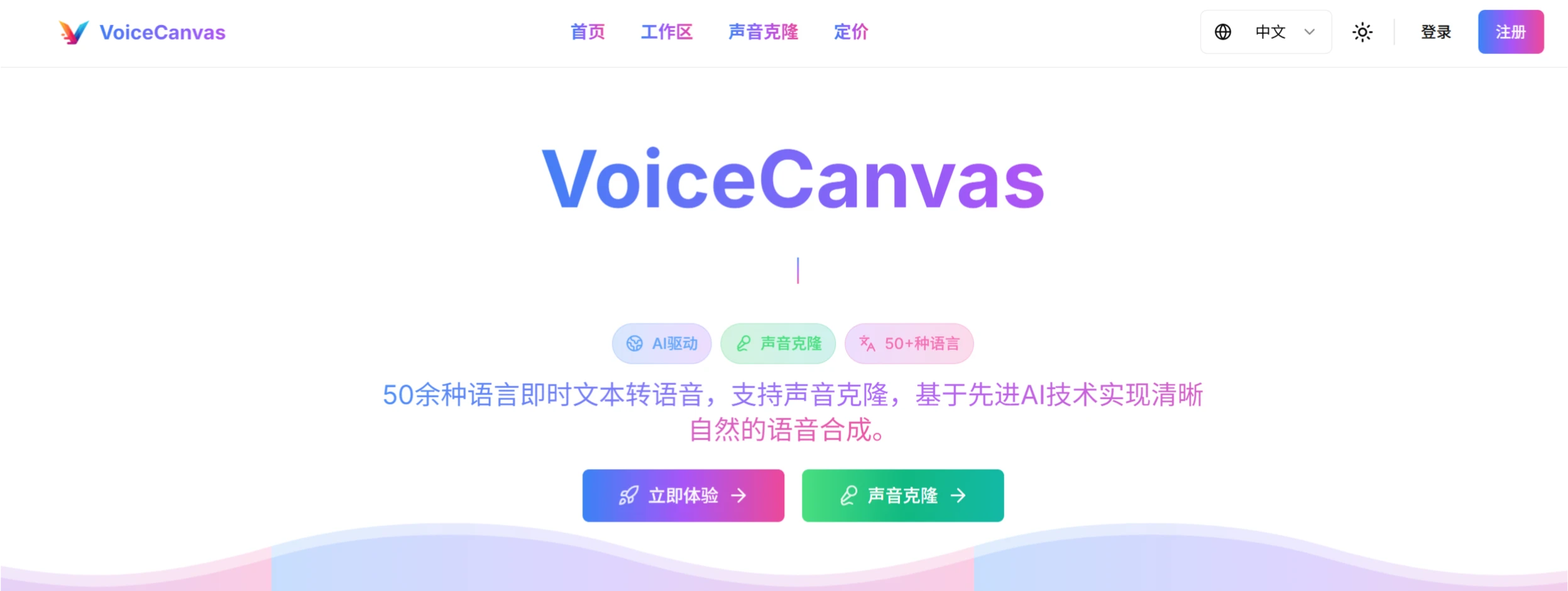
VoiceCanvas is an AI-powered text-to-speech tool that supports over 50 languages and offers voice cloning capabilities. With just a 10-second sample, it can clone a voice while preserving the original emotional characteristics. It also provides advanced features such as speed adjustment, audio visualization, and word-by-word reading. It is widely used to enhance scenarios such as language learning, content creation dubbing, and international communication.
VoiceCanvas Features
Multilingual Support: Supports over 50 languages, including mainstream languages such as Chinese, English, Japanese, Korean, French, German, Italian, Spanish, as well as some less common languages such as Hebrew and Welsh.
Voice Cloning: Users only need to provide a few seconds of voice samples to perfectly replicate a specific voice and generate a personalized voice model.
High-Quality Speech Synthesis: Uses advanced artificial intelligence technology to generate clear and natural speech that is close to real human pronunciation, with natural intonation and rhythm.
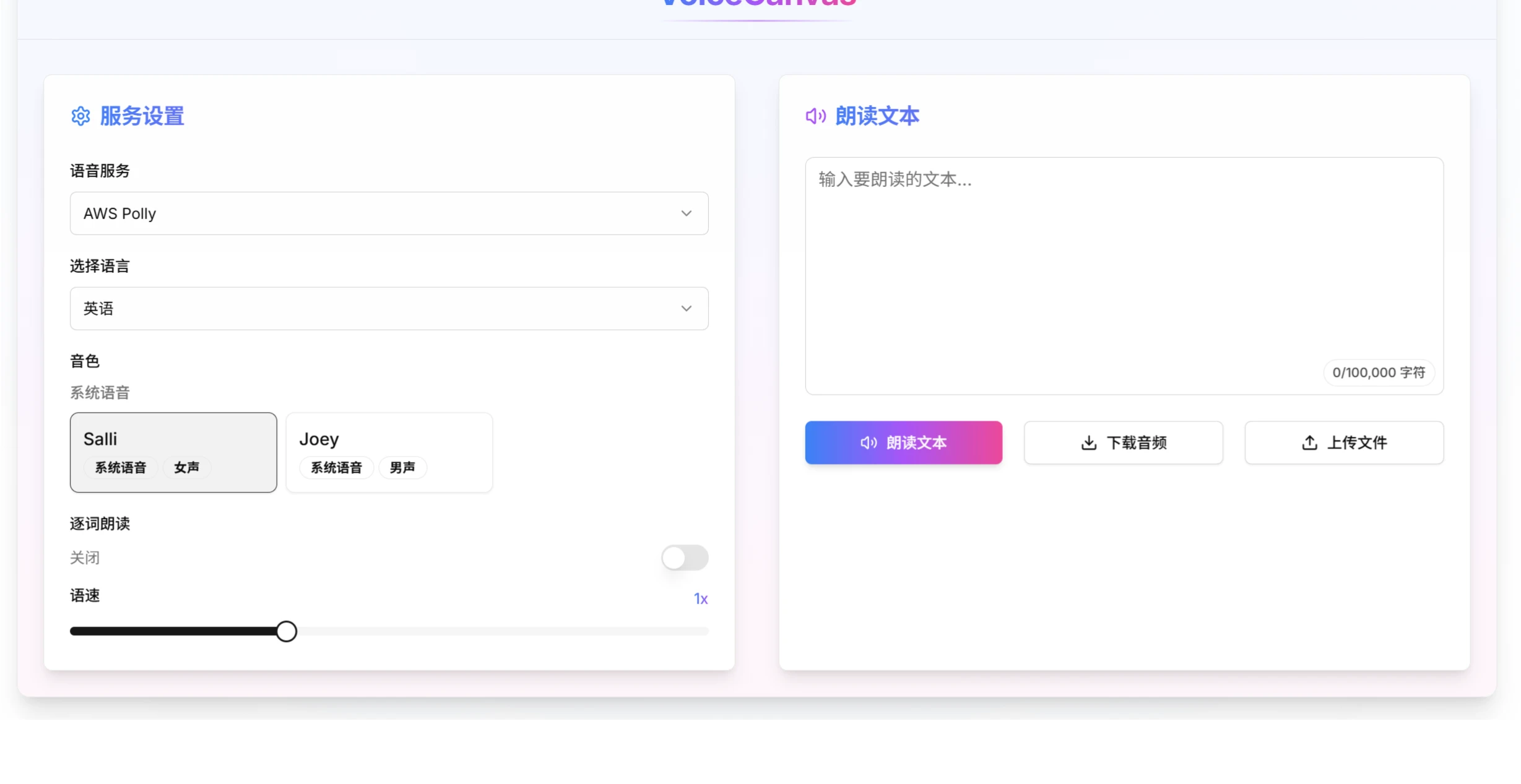
Customization Features: Users can adjust speech speed, choose between male or female voices, and control details through the word-by-word reading mode.
Audio Visualization: Provides audio visualization features, allowing users to intuitively see the waveform of the audio and other information, so as to better adjust and optimize voice effects.
VoiceCanvas Use Cases
Content Creation: Helps creators quickly generate high-quality narration and dubbing.
Language Learning: Helps users improve pronunciation and listening through the word-by-word reading mode and multilingual support.
Education Sector: Teachers can use it to generate clear voice explanation materials.
Enterprise Globalization: Helps enterprises produce multilingual promotional materials and product introductions.
VoiceCanvas Technical Architecture
Frontend: Built on Next.js 14, combined with Tailwind CSS and shadcn/ui, providing a smooth and aesthetically pleasing interactive experience.
Backend: Uses PostgreSQL as the database, with Prisma for ORM operations.
Voice Services: Integrates well-known APIs such as AWS Polly and MiniMax to ensure high quality and efficiency in speech synthesis.
How to Use VoiceCanvas
Visit the official website and sign up: Go to the VoiceCanvas official website to register as a member.
Choose a voice type: You can choose to use pre-made AI voices or create your own cloned voice.
Voice Cloning (Optional): If you need to clone a voice, upload a clear 3-10 second voice sample, and the AI will analyze and build a personalized voice model.
Enter text: Input or upload the text content to be converted to speech in the text editor.
Select language: Choose the target language from over 50 options.
Custom settings: Adjust parameters like speech speed and intonation, and enable the word-by-word reading feature.
Generate speech: Click the "Generate" button to convert the text into speech.
Preview and download: Listen to the generated audio, make necessary adjustments, and download the final voice file.
VoiceCanvas offers a free 7-day trial (including 1,000 characters). Paid plans include annual and monthly packages as well as pay-as-you-go options, along with different voice cloning packages.














