
 Script Planner Assistant▸
 AI Apps
 AI News

Ztalk AI: Real-Time Meeting Voice Translation Tool
Ztalk AI: Real-Time Meeting Voice Translation ToolIntroduction
What is Ztalk ai?
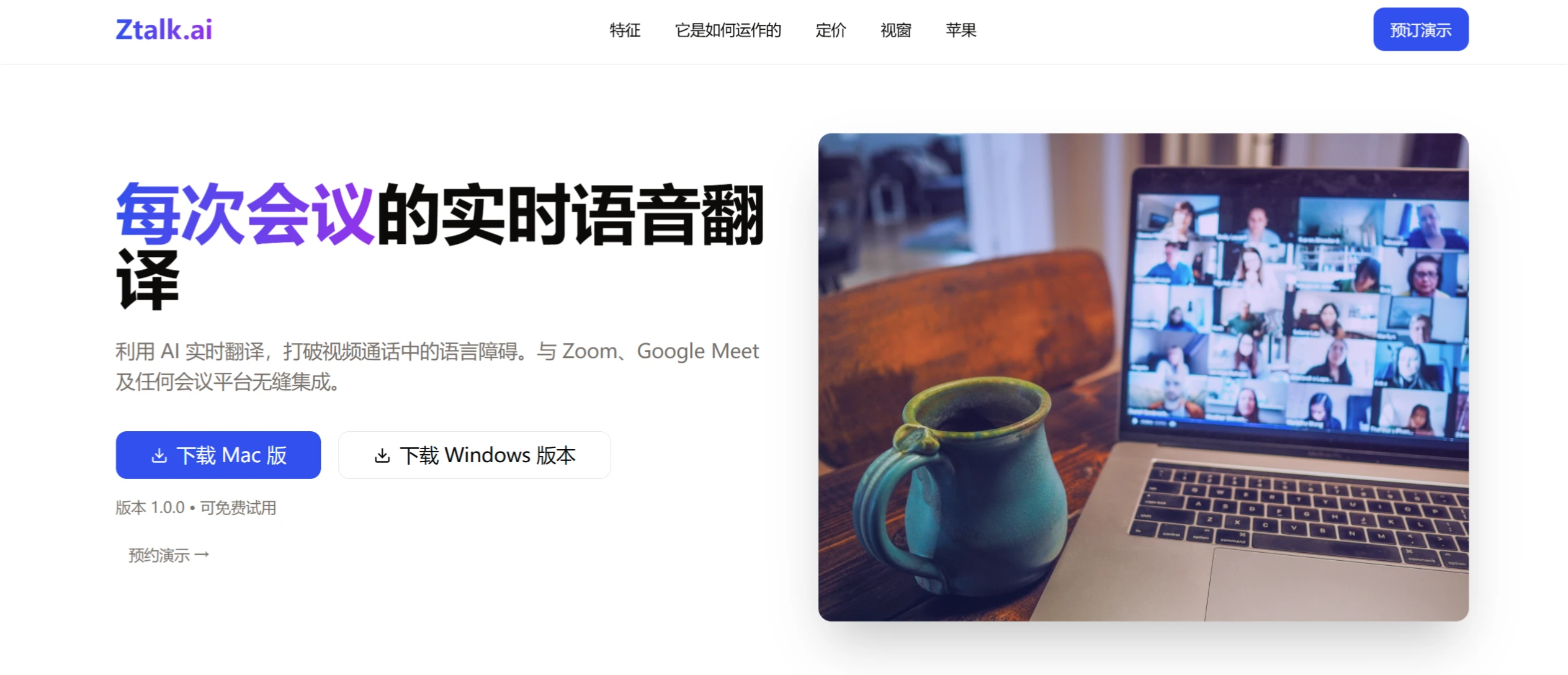
Ztalk ai is an AI-powered real-time voice translation platform for meetings that can integrate with video conferencing platforms such as Zoom and Google Meet. Ztalk ai provides instant voice-to-voice translation in over 30 languages with a latency of less than 100 milliseconds, along with advanced audio processing and enterprise security features. It is well suited for scenarios such as global business meetings, offering advantages such as broad language support, strong security and privacy, and easy integration.
Ztalk ai Features
Real-time translation: Supports instant voice-to-voice translation in over 30 languages, with a latency of less than 100 milliseconds.
Universal compatibility: Seamlessly integrates with major video conferencing platforms such as Zoom, Google Meet, and Microsoft Teams.
Noise reduction technology: Features advanced background noise cancellation to ensure clear calls.
Enterprise-grade security: Uses end-to-end encryption to ensure the security of voice data. No conversation data is stored, fully complying with privacy regulations such as GDPR and HIPAA.
Subtitle support: Supports displaying subtitles in the speaker's native language during calls.
Custom AI prompts: Users can use custom AI prompts during calls to improve communication efficiency.
Audio mixing control: Users can adjust the audio mix and output.
Enterprise management controls: Provides enterprises with advanced management and security control options.
Ztalk ai Use Cases
Global business meetings: Helps participants from different languages communicate smoothly in multinational meetings.
Cross-border team collaboration: Facilitates daily communication and collaboration among multinational teams.
International customer interactions: Improves customer relationships in sales and support calls across language barriers.
How to Use Ztalk ai
Download and install: Download Ztalk.ai and install the virtual audio driver.
Language selection: Choose your input and output languages from the supported options.
Audio settings: Select Ztalk as the audio device in your video conferencing application.
Start translating: Speak in natural language, and the AI will translate the voice in real time.
Optional feature configuration: Adjust settings such as noise cancellation, voice isolation, subtitles, and custom AI prompts as needed.
Ztalk ai Pros and Cons
Pros: Supports over 30 languages, powerful security and privacy features, easy integration with existing video conferencing platforms.
Cons: The free tier only provides 5 hours of translation per month; a virtual audio driver must be installed to use it.
Pricing Plans
Basic: Free, includes 5 hours of translation service per month, supports 2 languages, with basic noise reduction and community support.
Pro: $99 per month, includes 20 hours of translation, supports all languages, with advanced noise reduction, priority support, custom AI prompts, and subtitle support.
Enterprise: Custom plan, includes all Pro features, plus custom deployment, advanced security features, 24/7 dedicated support, and SLA guarantees.














