
 Script Planner Assistant▸
 AI Apps
 AI News

FotoForensics: Online Image Tampering Detection Tool
FotoForensics: Online Image Tampering Detection ToolIntroduction
What is FotoForensics?
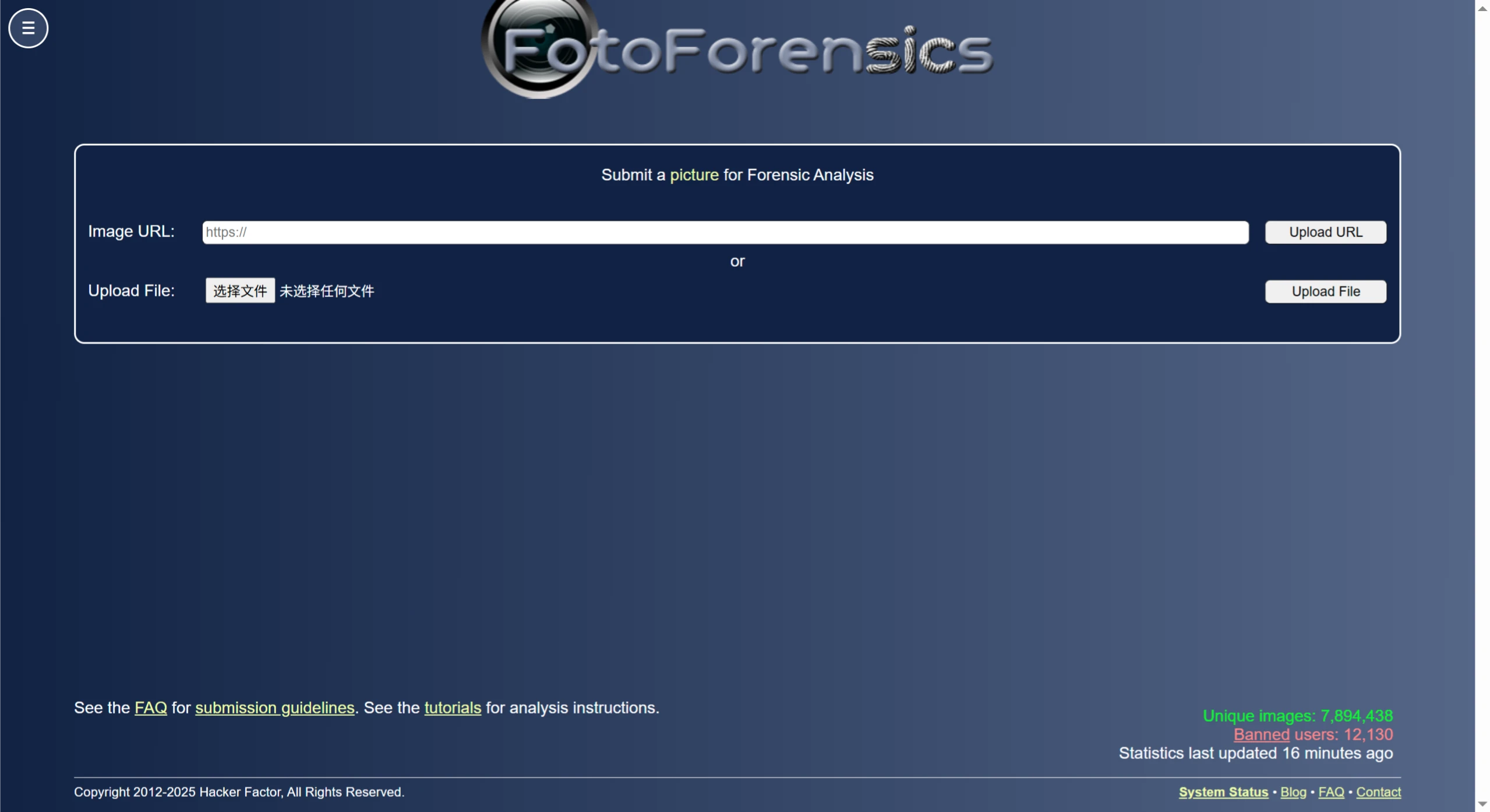
FotoForensics is an online image tampering detection and digital image forensics tool provided by Hacker Factor. It is primarily used to analyze whether an image has been modified — for example, you can use FotoForensics to detect whether an image has been photoshopped.
Features of FotoForensics
Error Level Analysis (ELA): Analyzes the compression error levels of different regions in an image to determine whether it has been edited. Unmodified images have consistent compression error levels, while edited areas display different errors, usually appearing highlighted or darkened.
Metadata Analysis: Extracts image metadata such as camera type, timestamp, and color space information to help understand the image's origin and the environment in which it was captured.
Similar Image Search: Searches the internet for images similar to the one uploaded, helping you understand how the image is spread and in what contexts it is used, and to determine whether it has been tampered with or stolen.
Hidden Pixel Detection: Identifies hidden pixels in transparent PNG and JPEG images, uncovering hidden information or signs of tampering within the image.
JPEG Quality Assessment: Uses the "JPEG%" tool to estimate image quality. Significantly compressed photos may have been tampered with.
How FotoForensics Works
ELA Principle: Re-compresses the image, compares the new and old images, and calculates the error level for each pixel to generate an ELA image. The ELA image of an unmodified image is relatively uniform, while modified areas show noticeable changes in error.
Metadata Analysis Principle: Metadata is recorded when an image is captured or edited and stored in the file according to a specific format. FotoForensics parses this metadata to extract information such as camera model and capture time, providing users with clues.
How to Use FotoForensics
Visit the website: Open the FotoForensics official site.
Upload an image: You can upload locally or paste an image URL. Supported formats include JPEG, PNG, WEBP, HEIC, AVIF, and others.
Perform analysis: Click the "Upload File" or "Upload URL" button, and the site will analyze the image and generate a report.
View results: Determine whether the image has been modified and the details of the modifications based on the ELA image, metadata, similar image search results, and other information.
Use Cases for FotoForensics
News Media: Verify the authenticity of news images to prevent the spread of fake pictures and maintain the credibility of journalism.
Legal and Forensic Investigations: Identify whether evidence images have been tampered with, providing support for case investigation and trials.
Social Media Moderation: Detect whether images uploaded by users are false or misleading, reducing the spread of misinformation.
Academic Research: Ensure that images in papers and reports are authentic and reliable, avoiding any impact on research credibility.















