
 Script Planner Assistant▸
 AI Apps
 AI News

OceanDoc: Free AI PPT Generator & Writing Assistant
OceanDoc: Free AI PPT Generator & Writing AssistantIntroduction
What is OceanDoc?
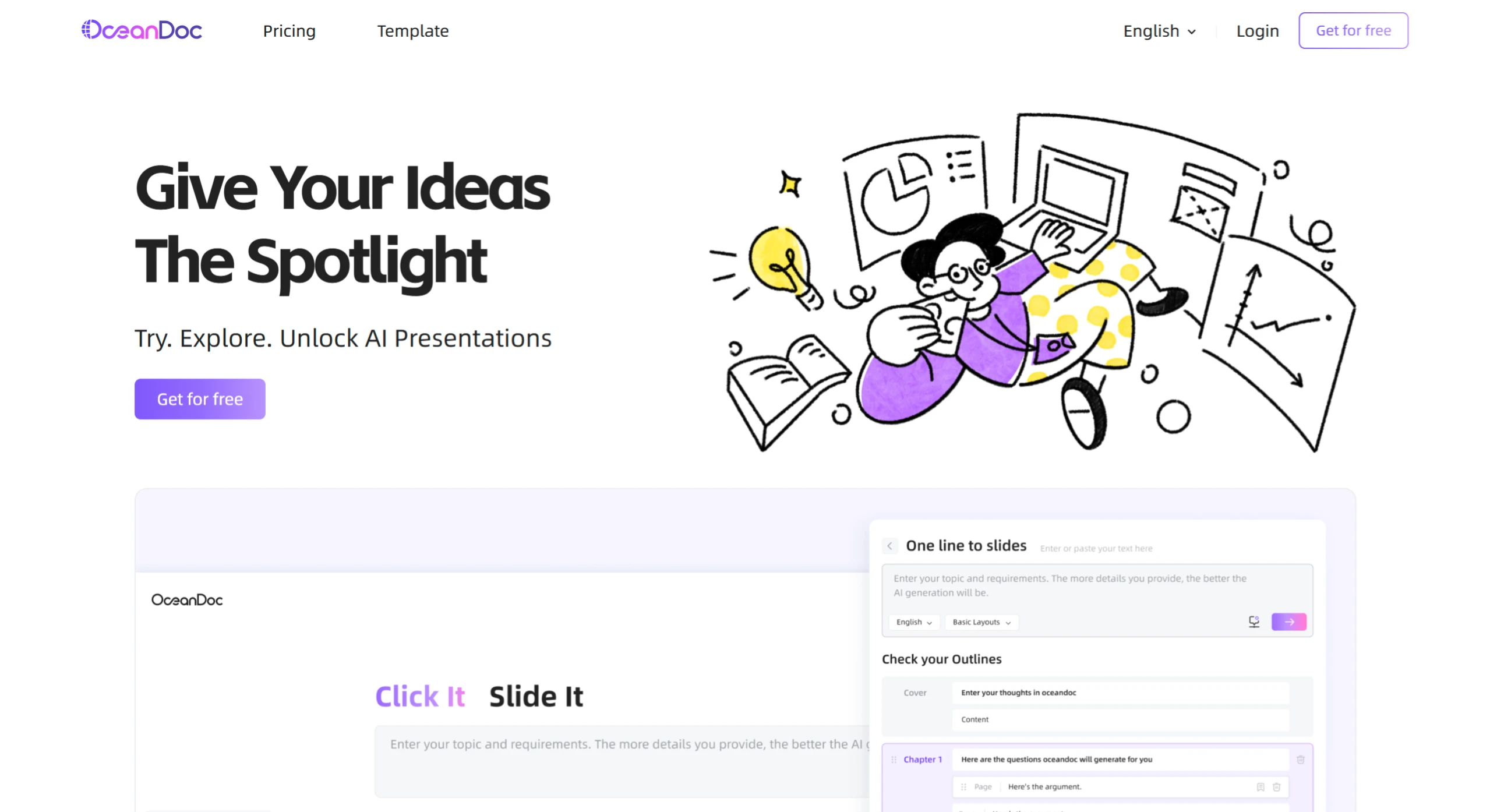
OceanDoc is a free AI PPT generation and writing assistance tool launched by iFlytek that can quickly generate PPTs from text. Users simply input a topic and requirements, and with one click they can generate a TED-style PPT, instantly switch layouts, access over 1,000 templates, and also generate presentation scripts with matching AI images.
Core Features of OceanDoc
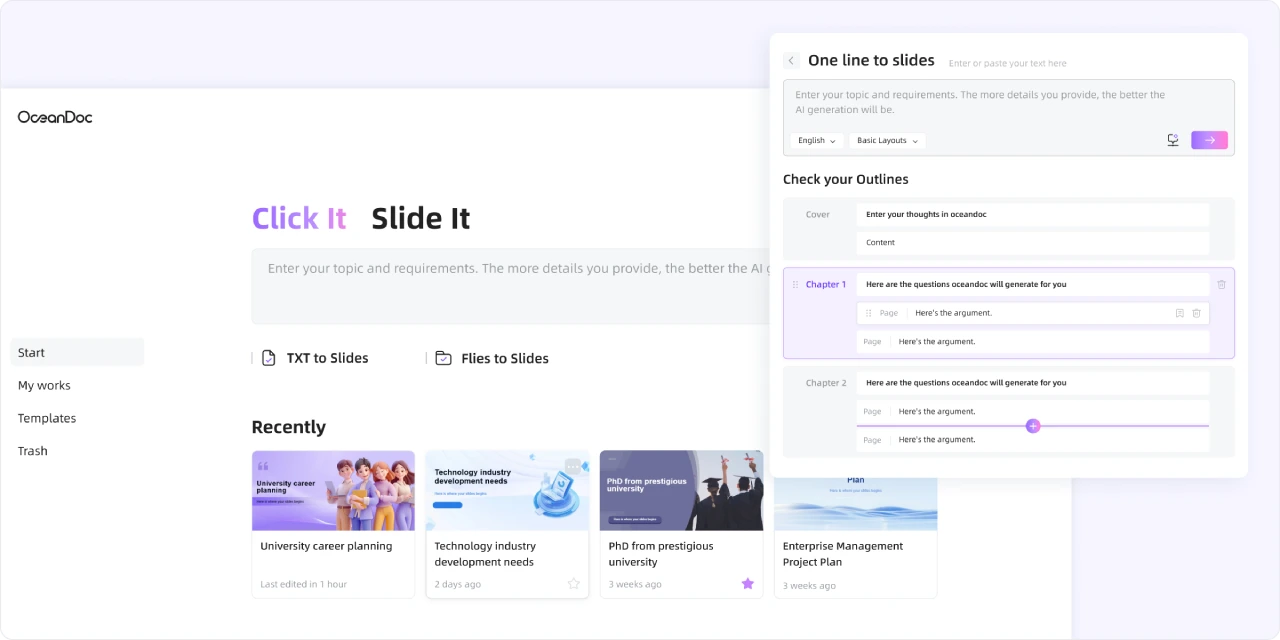
Text-to-PPT Generation: Users input a topic and requirements, and with one click can generate a PPT. The more detailed the input, the better the generated result. For example, entering content related to "College Student Financial Planning" will generate a corresponding PPT.
Layout Switching: Supports one-click layout switching. The AI can quickly adapt content to multiple styles ranging from minimalist to infographic, allowing users to choose based on their needs.
Rich Templates: Offers over 1,000 templates that users can switch between with one click, meeting the needs of different scenarios.
Presentation Script Generation: Can generate precise presentation scripts based on PPT content, helping speakers prepare.
AI Image Matching: Provides multiple models, allowing one-click generation of vivid images matching the PPT, with no limit on the number of images generated.
AI Presentation Generation: Users can input their ideas, and through AI technology, quickly generate high-quality, TED-talk-level PPTs.
Charts and Layout Support: Provides multiple chart types (such as relationship diagrams, cycle diagrams, flowcharts, list views, matrix diagrams, etc.), helping users display information more intuitively.
Speaker Notes Generation: Generates accurate presentation scripts based on PPT content, making it convenient for users to use during presentations.
Use Cases of OceanDoc
College Career Planning: Helps students plan their future career paths.
Technology Industry Development Needs Analysis: Provides visual presentation for related research and reports.
Enterprise Management Project Planning: Assists enterprises in formulating and presenting project plans.
How to Use OceanDoc
1. Register or log in to the website: Go to the OceanDoc official website and register or log in.
2. Enter a topic or upload a document
Enter a description or upload a document: Enter the topic of your presentation in the designated area, such as "Applications of Artificial Intelligence in Healthcare", and describe your requirements for the presentation in as much detail as possible, including content points and style preferences. For example, you can specify that you want case studies on AI applications in diagnosis, treatment, and drug R&D, with a clean and clear overall style.
Choose a template: Select a PPT template that suits your topic. You can quickly browse the styles of different templates through previews and click to apply them.
3. PPT Generation and Editing
One-click generation: After completing the topic input and template selection, click the generate button. OceanDoc will quickly generate a PPT based on the information you provide, including PPT content, presentation script, and matching AI images.
Edit and adjust: Review and edit the generated presentation. Use the layout switching feature to adjust the slide layout with one click to better meet your needs. You can also modify, supplement, or delete text content. If you are not satisfied with the AI-generated images, you can regenerate them or replace them yourself.
4. Download: After confirming the PPT is fine, click the download button and choose to export it in common formats such as PowerPoint.
OceanDoc Pricing Plans
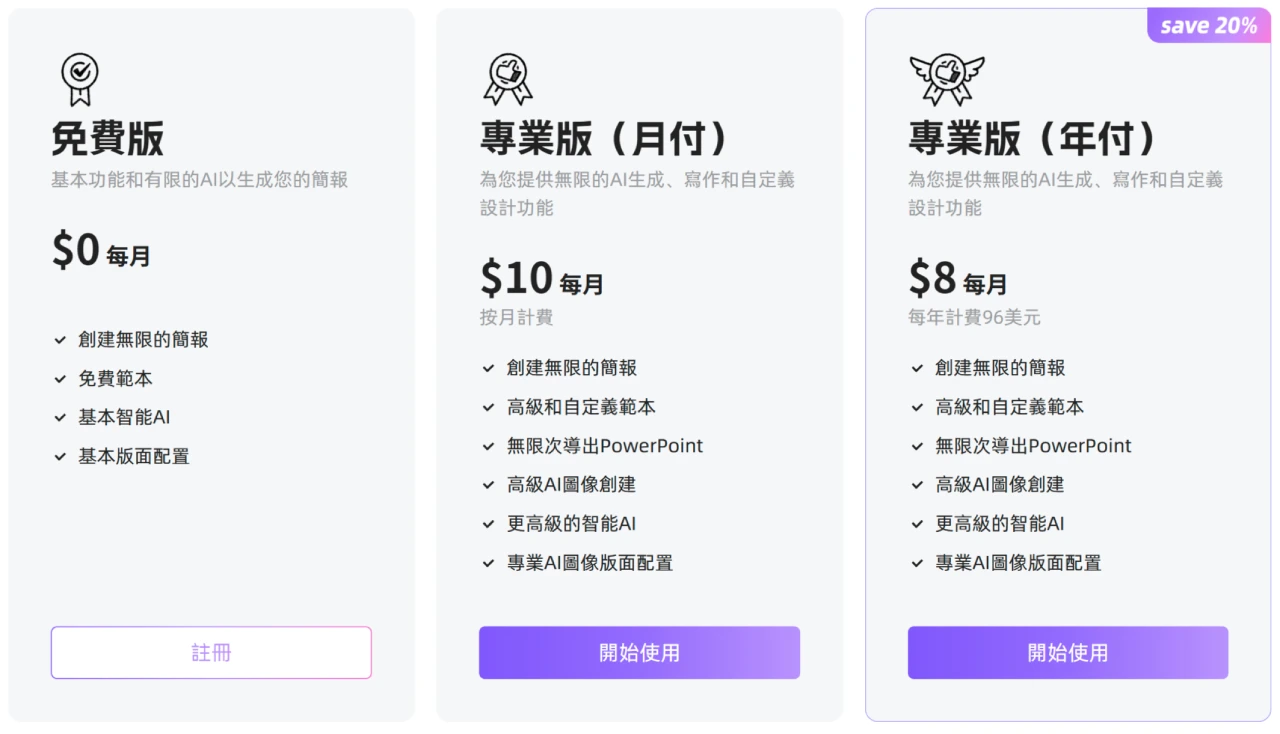
Free Version
Provides basic features and limited AI generation capabilities.
Includes unlimited PPT creation, free PPT templates, basic smart AI, and basic layouts.
Paid Version
Pro Monthly Plan: $10 per month, offering unlimited AI PPT generation, writing, and customized design, including premium templates, custom templates, unlimited PowerPoint export, advanced AI image creation, and a smarter AI.
Pro Annual Plan: $8 per month ($96 per year), more affordable than the monthly plan, with the same features.
OceanDoc FAQ
Q: What are the specific differences in AI features between the Free and Pro versions?
A: The Free version features basic smart AI with limited functionality; the Pro version offers a smarter AI, enabling unlimited AI PPT generation, writing, advanced AI image creation, and more premium features.
Related Information:















