
 Script Planner Assistant▸
 AI Apps
 AI News

AIWork365
AIWork365Introduction
aiIntroduction to Work365
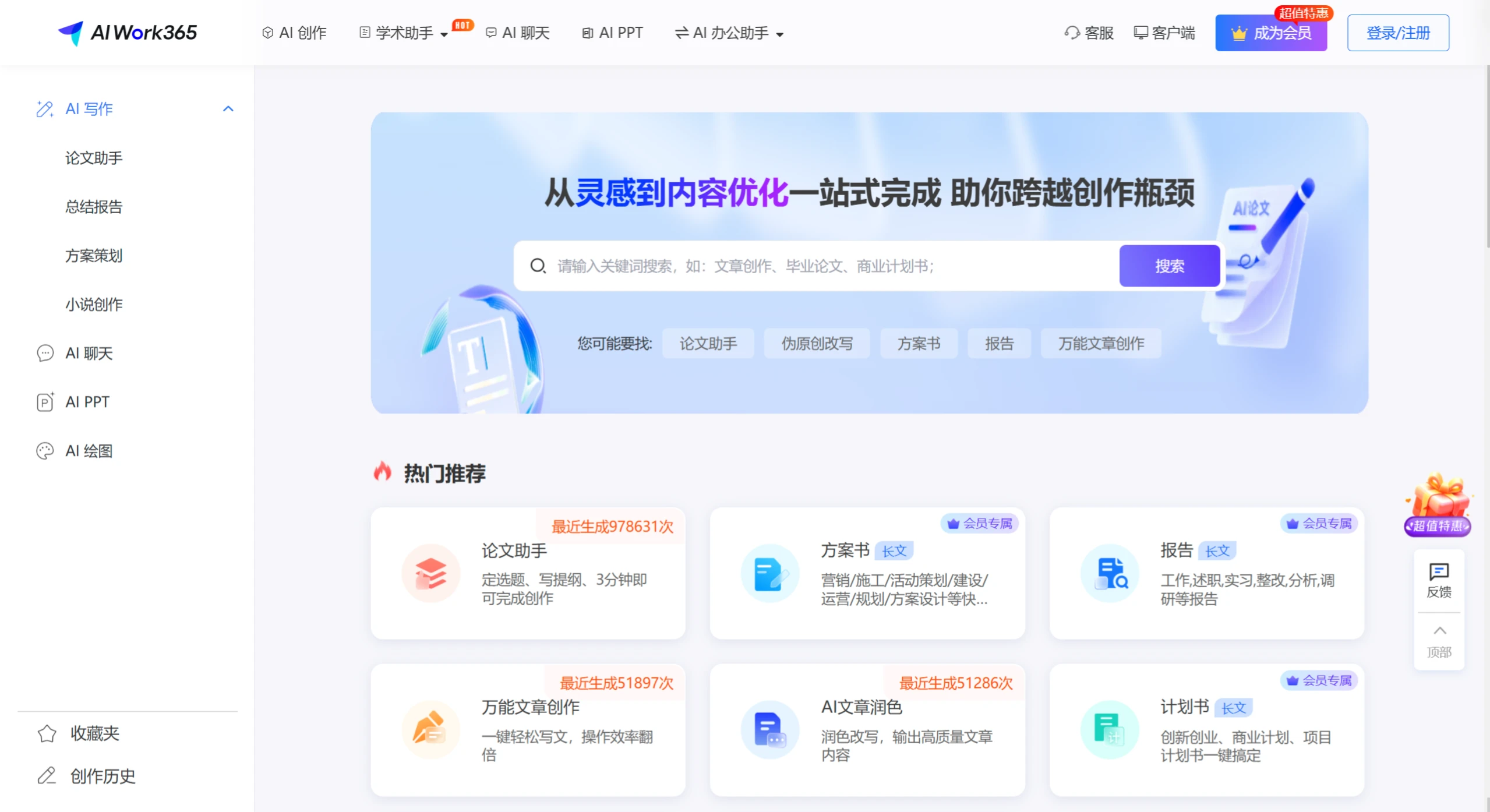
AIWork365 is a platform that offers a variety of writing assistance. The platform features a paper assistant that can complete topic selection, outline writing, and content creation within 3 minutes; it also covers long-form content creation such as proposal documents, reports, and planning documents, as well as universal article creation, AI article polishing, AI continuation, and AI ppt generation, among other functions. Covering fields such as academic writing, office work, business, and media, it can provide different writing support for various user groups.
Features
Powerful Writing Functions
Multi-type Writing Support: Covers various types of writing such as academic papers, summary reports, proposal planning, and novel creation.
Intelligent Generation and Optimization: Able to quickly generate well-structured, logically clear, and fluent articles or copywriting based on keywords or topics input by users. It also supports article polishing, rewriting, expansion, and continuation functions.
Low Plagiarism Rate and High Professionalism: In paper writing, through techniques such as synonym replacement and logical restructuring, it achieves de-duplication and reduced AIGC detection effects, lowering the similarity rate to below 15% and the AIGC rate to below 30%.
Rich Auxiliary Creation Functions
AI Chat tool: Capable of conducting highly natural and coherent conversations, providing personalized creative suggestions based on the user's creative needs to inspire ideas.
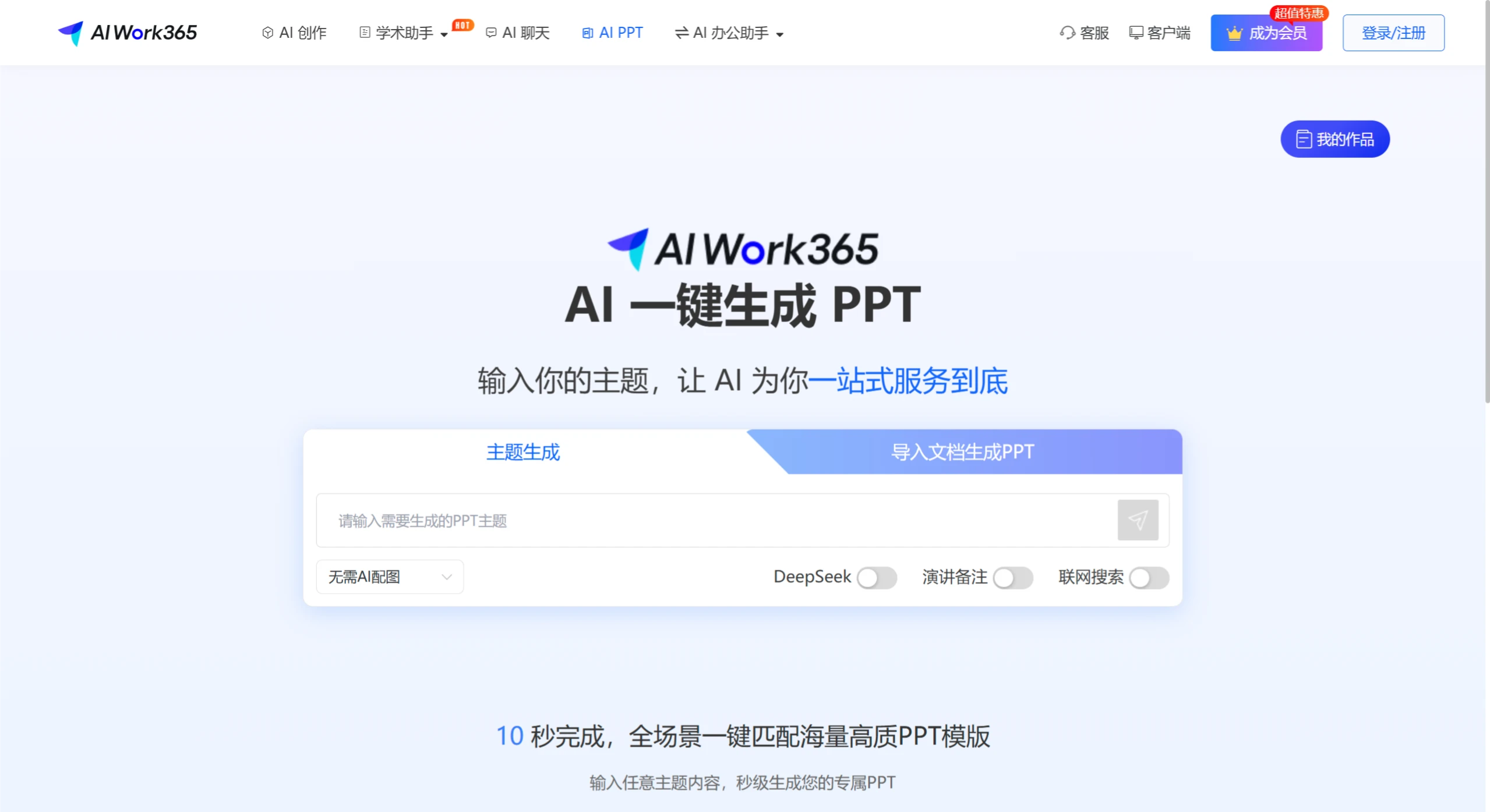
AI PPT Generation: Provides a massive library of beautiful templates, supports one-click conversion and flexible editing, and quickly generates professional presentations.
AI Drawing and Video Editing: Supports one-click creation of artwork in various styles; provides professional-level video editing functions, supporting batch mixing and multi-platform effect compatibility.
Efficient Data Processing and Retrieval Capabilities
Ultra-long Image and Text Understanding and Generation: Supports context input, article polishing and rewriting, continuation, etc., and can generate tens of thousands of words of professional knowledge content with one click.
Powerful Retrieval Capabilities: Built-in multi-functional search resource engine that can quickly provide highly relevant search results.
Personalization and Full-Scenario Coverage
Personalized Customization: Optimizes and adjusts content based on the user's personal preferences and market feedback, making it more aligned with user needs and brand tone.
Full-Scenario Coverage: Suitable for various scenarios such as writing, office work, academics, and marketing, meeting users' needs across different scenarios.
Use Cases
Academic Writing
Provides full-process services from topic selection to defense, including paper topic selection, task document generation, polishing, continuation, translation, and interpretation.
Supports writing various types of academic papers, such as graduation theses, course papers, term papers, college transfer papers, and professional title papers.
Business Office
Can generate documents such as business plans, entrepreneurship plans, and marketing planning cases, helping enterprises clarify target customer groups, market demands, and competitive landscapes.
Provides long-form content creation services such as proposal documents, planning documents, and reports, helping enterprises efficiently complete various business documents.
Education Field
Assists students in completing paper writing, assignment submission, and other tasks, reducing study burden and improving learning efficiency.
Provides generation services for education-related documents such as instructional design and training reports.
Creative Creation
Applied in fields such as drawing and video editing, helping users achieve creative creation and personalized customization.
Enterprise Office
Enterprise employees can use AIWork365 to generate documents such as business plans, project proposal documents, and work summary reports, improving work efficiency.
In daily office work, use the AI chat tool to obtain work suggestions and inspiration.
FAQ
Q: What unique advantages does AIWork365 have in academic writing?
A: AIWork365 has obvious advantages in academic writing. It not only helps users quickly determine paper topics and clarify research directions but also provides literature recommendations. At the same time, it can perform academic article polishing and continuation, as well as generate article task documents, abstracts, and outlines, supporting academic creation across multiple stages.
Q: What functions of AIWork365 can non-member users use?
A: Non-member users can use the paper assistant for topic selection, outline writing, and creation; they can also use the universal article creation and AI article polishing functions. However, functions such as proposal document creation, report creation, planning document creation, AI continuation, and AI PPT generation are exclusive to members and are not available to non-members.
Q: What are the features of AIWork365's AI PPT function?
A: AIWork365's AI PPT function is characterized by convenience and efficiency. It has a massive library of beautiful templates, and users only need a one-click operation to quickly convert and generate PPTs from content.















