
 Script Planner Assistant▸
 AI Apps
 AI News

AI TransPDF: An AI-Powered PDF Translator That Preserves Original Formatting
AI TransPDF: An AI-Powered PDF Translator That Preserves Original FormattingIntroduction
ai What is TransPDF?
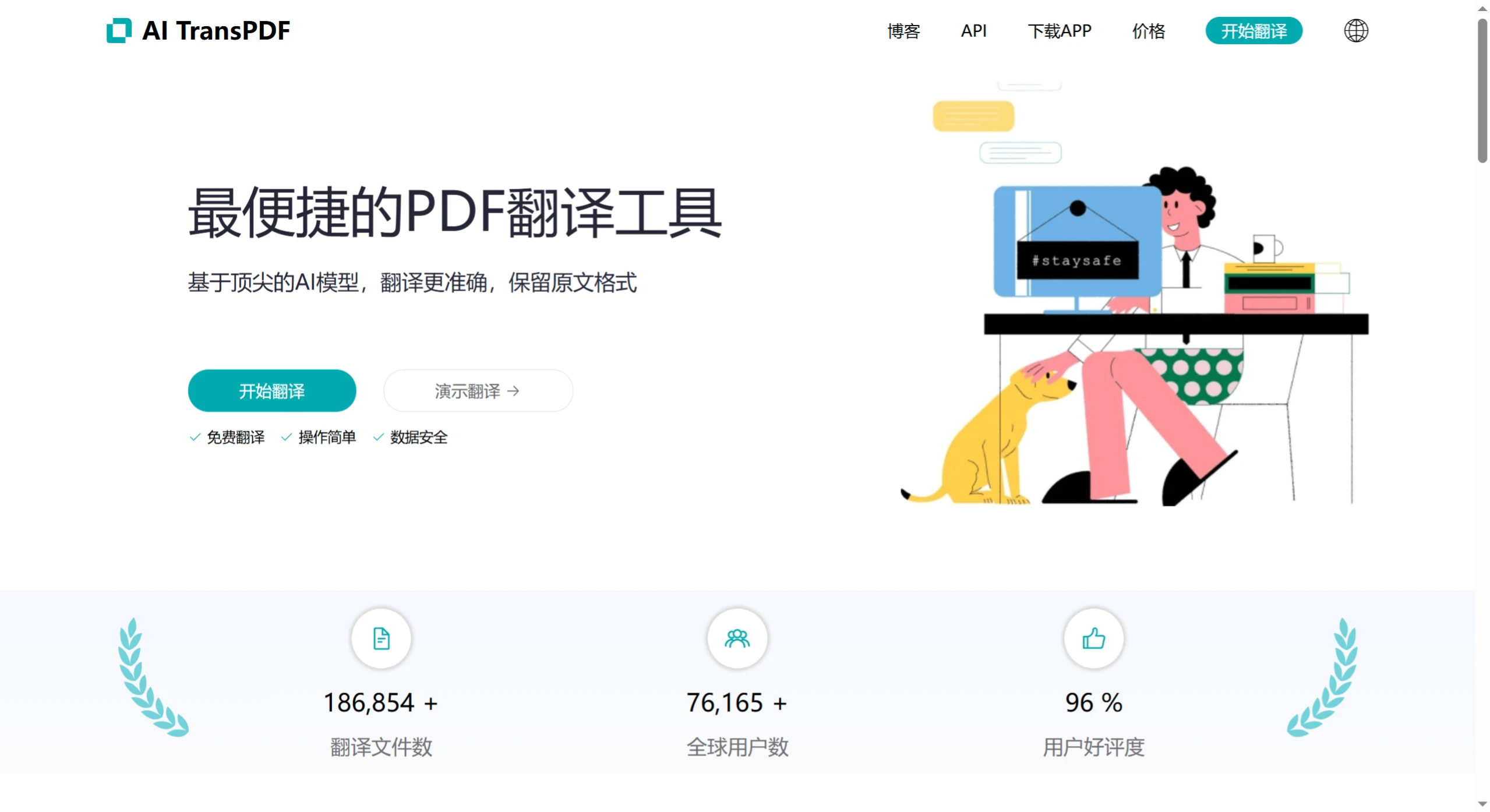
AI TransPDF is a translation tool for PDFs powered by top-tier AI models. It offers accurate translation while preserving the original formatting, supports multiple document formats, and handles 80+ languages. After logging in, users can upload a file, choose a language and a translation model, and click upload to preview the translation result. It already has 186,854+ translated files and 76,165+ users worldwide, with a 96% user satisfaction rate.
AI TransPDF translation is not free — free users have a daily trial quota, and pricing is adjusted periodically. Documents are stored encrypted, and users can delete them at any time; related files are cleared within 24 hours.
AI TransPDF Key Features
Preserves original formatting: AI TransPDF perfectly retains the original layout of the source document, including images, formulas, tables, and more — suitable for papers, product manuals, financial reports, and many other types of PDF documents.
High-quality translation: Advanced AI models and translation workflows ensure translation accuracy.
Supports multiple formats: Supports PDF, ppt, DOC, TXT, and other document formats, covering 80+ languages.
Translation preview: Users can preview document content before translation to ensure their translation needs are met accurately.
Post-editing: Provides highly flexible formatting adjustment features, allowing users to modify the details of the translated document as needed.
Image translation: Combines OCR technology with AI translation to support the translation of image content.
Security: Strictly complies with the user privacy policy; document content is stored encrypted and will not be disclosed to third parties.
Document summarization: Easily capture document content, summarize the entire text with a single click, obtain the document mind map, and have the conversation content read aloud via speech.
How to Use AI TransPDF
Upload a file: After logging in, you can drag and drop a file or use the "Browse" option to select a file from your device. Supported formats include PDF, MS Word, TXT, JPG, and PNG.
Choose a language and translation model: Specify the original document language and the target language. The full-translation mode offers multiple mainstream large translation models to choose from.
Preview the translation: Click the "Upload" button to process the file. The system retains the original layout and style during processing, and users can preview in real time.
Frequently Asked Questions
Q: Which document formats does this translation tool support?
A: It supports PDF, MS Word, TXT, JPG, and PNG formats.
Q: If translation quality is not guaranteed, what are its advantages compared to other translation tools?
A: The advantages lie in its ability to perfectly preserve the original formatting and handle elements within documents such as images, formulas, and tables; it has a large user base with a 96% satisfaction rate; and it uses the best current large language models and the latest translation workflows for translation.
Q: If I'm not satisfied with the translation result, can I request a re-translation?
A: The documentation does not mention whether re-translation can be requested. However, considering that free users have a daily trial quota, paying users can re-upload the file and select an appropriate translation model to re-translate, though additional fees may apply.















