Script Planner Assistant▸
 AI Apps
 AI News

Shopee Product Research Assistant: Smarter Data & Analytics for Shopee Sellers
Shopee Product Research Assistant: Smarter Data & Analytics for Shopee SellersIntroduction
What is Shopee Product Selection Assistant?
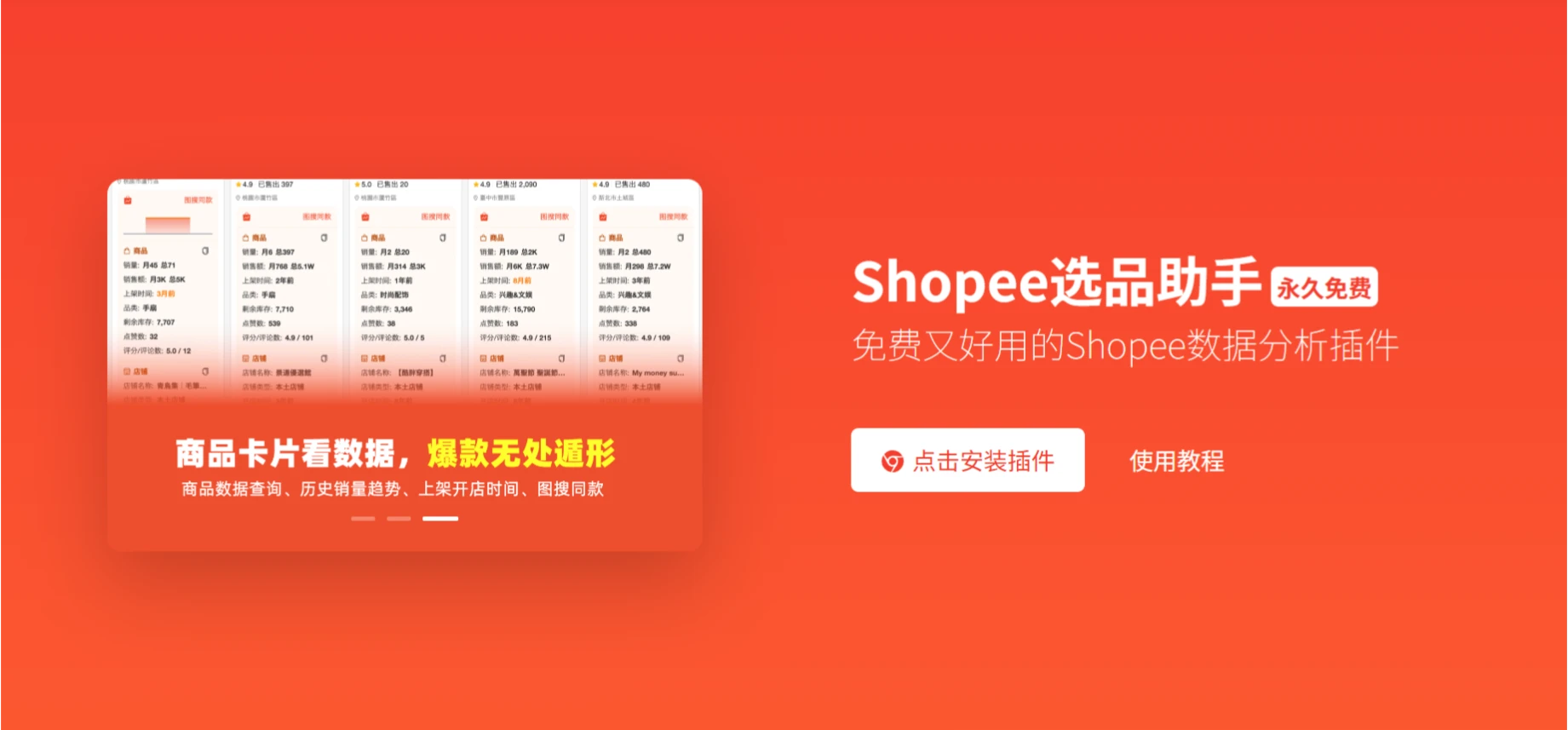
Shopee Product Selection Assistant is a permanently free Shopee product selection and data analysis extension that supports all Shopee sites and helps sellers efficiently and quickly perform product selection and data analysis.
Features of Shopee Product Selection Assistant
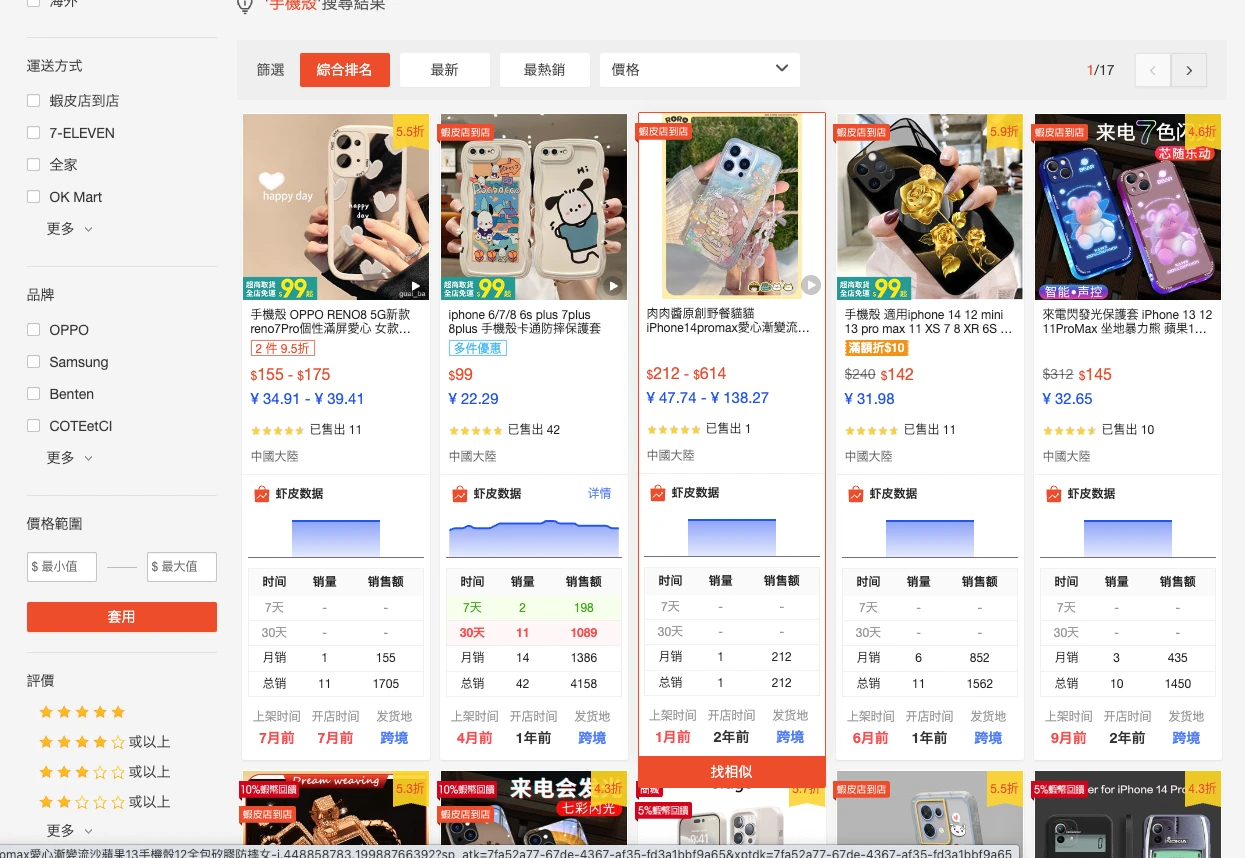
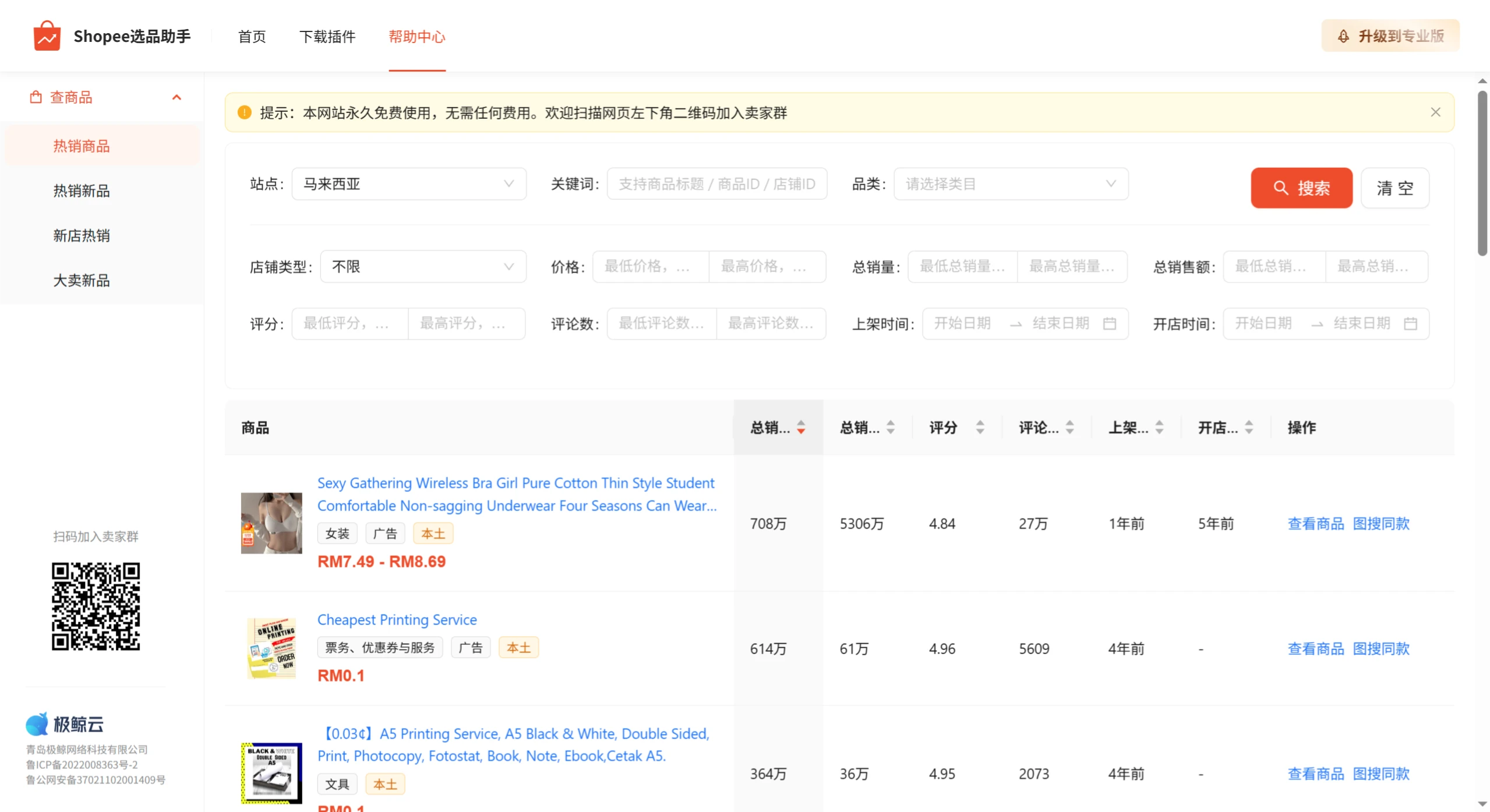
Sales Data Analysis: View the sales curve and SKU sales data of a product over the last 30 days, allowing sellers to understand product sales trends.
Keyword Popularity Lookup: Enter a keyword to view its popularity, search volume, and competition level, helping sellers optimize product titles and ad placements.
Image Search for Sources: Upload a product image to search for similar products on Shopee or other sourcing websites, allowing sellers to quickly find competitors' sources.
Main Image and Video Download: Supports downloading the main images and videos of target products, making it convenient for sellers to use for product listing or reference.
Extension Installation and Usage Tutorial
Installation Method
Install the Extension: Go to the Chrome Web Store or the Microsoft Edge Add-ons store, search for "Shopee选品助手" and install it.
Log in to Your Account: After installation, open the Shopee platform and log in to your seller account. The product selection assistant will automatically sync data.
Feature Usage Tutorial
Sales Data Analysis
View Sales Curve: In the product selection assistant, select the "Sales Analysis" function, enter a product keyword or select a product category, and you can view the sales change curve of that product on the Shopee platform over the last 30 days.
SKU Sales Analysis: Analyze the sales of different SKUs to understand which specifications or attributes are more popular, thereby optimizing the product mix.
Keyword Popularity Lookup
Enter Keywords: Enter relevant keywords in the search box of the product selection assistant, and the tool will display data such as the keyword's popularity, search volume, and competition level.
Filter Potential Keywords: Based on the keyword's popularity and competition, filter out keywords with potential for product title optimization or ad placement.
Image Search for Sources
Upload an Image: Click the "Image Search for Sources" function in the product selection assistant and upload a product image.
Find Similar Products: The tool will automatically search for products similar to the image on Shopee or other sourcing websites, helping sellers quickly find sources.
Main Image and Video Download
Select a Product: Find the product whose main image or video you want to download on the Shopee platform.
Click Download: Use the "Download Main Image & Video" function of the product selection assistant to save the target product's main image or video locally.