
 Script Planner Assistant▸
 AI Apps
 AI News

Hyprnote: An Open-Source AI Meeting Notes Tool
Hyprnote: An Open-Source AI Meeting Notes ToolIntroduction
What is Hyprnote?
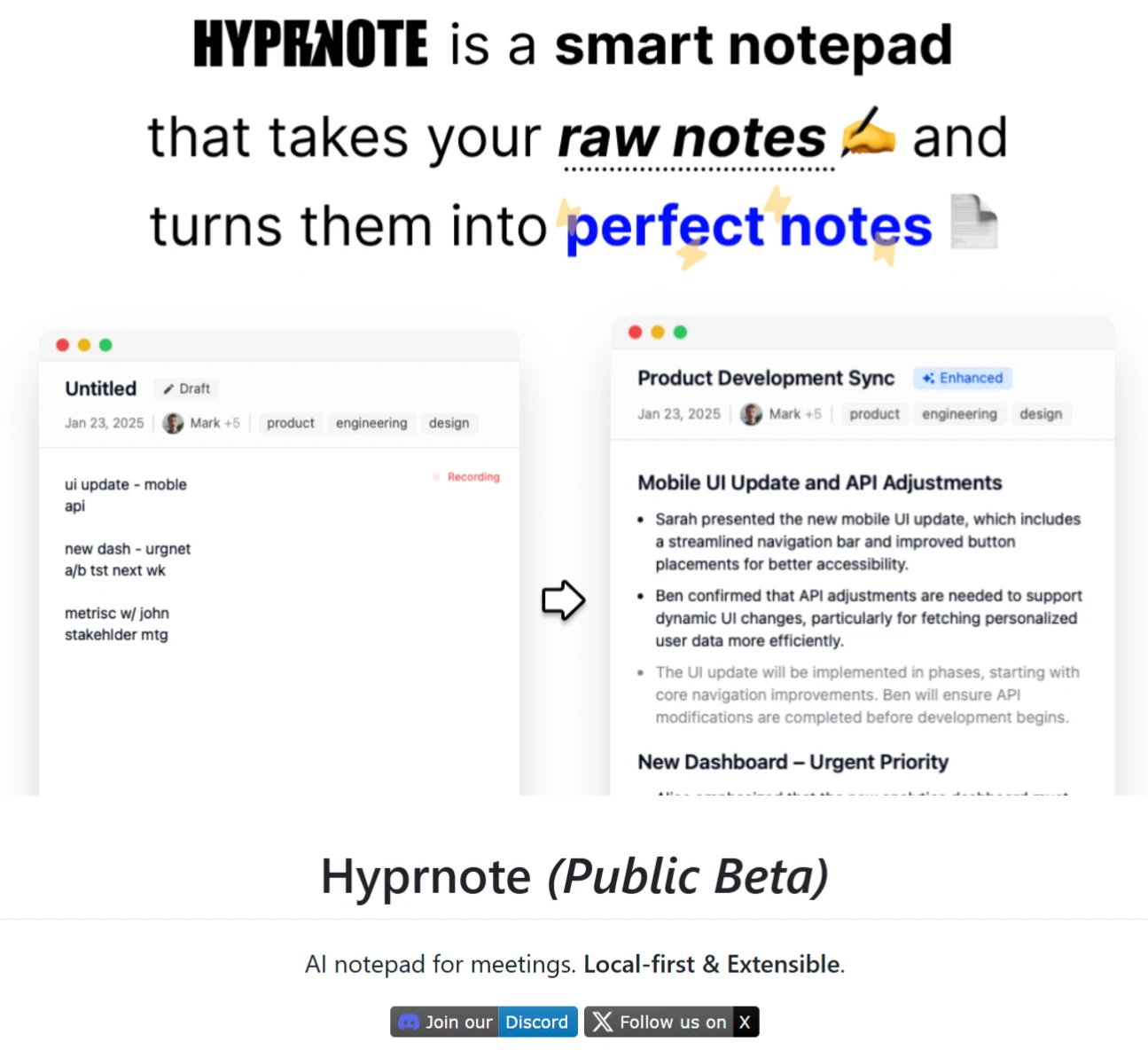
Hyprnote is an open-source meeting note AI tool designed for people who frequently attend meetings. It records meeting content in real time and converts it into text, and can also organize meeting highlights. This tool emphasizes localization and flexibility, with data stored locally, so there is no need to worry about privacy issues.
Hyprnote Features
Meeting Recording & Summarization
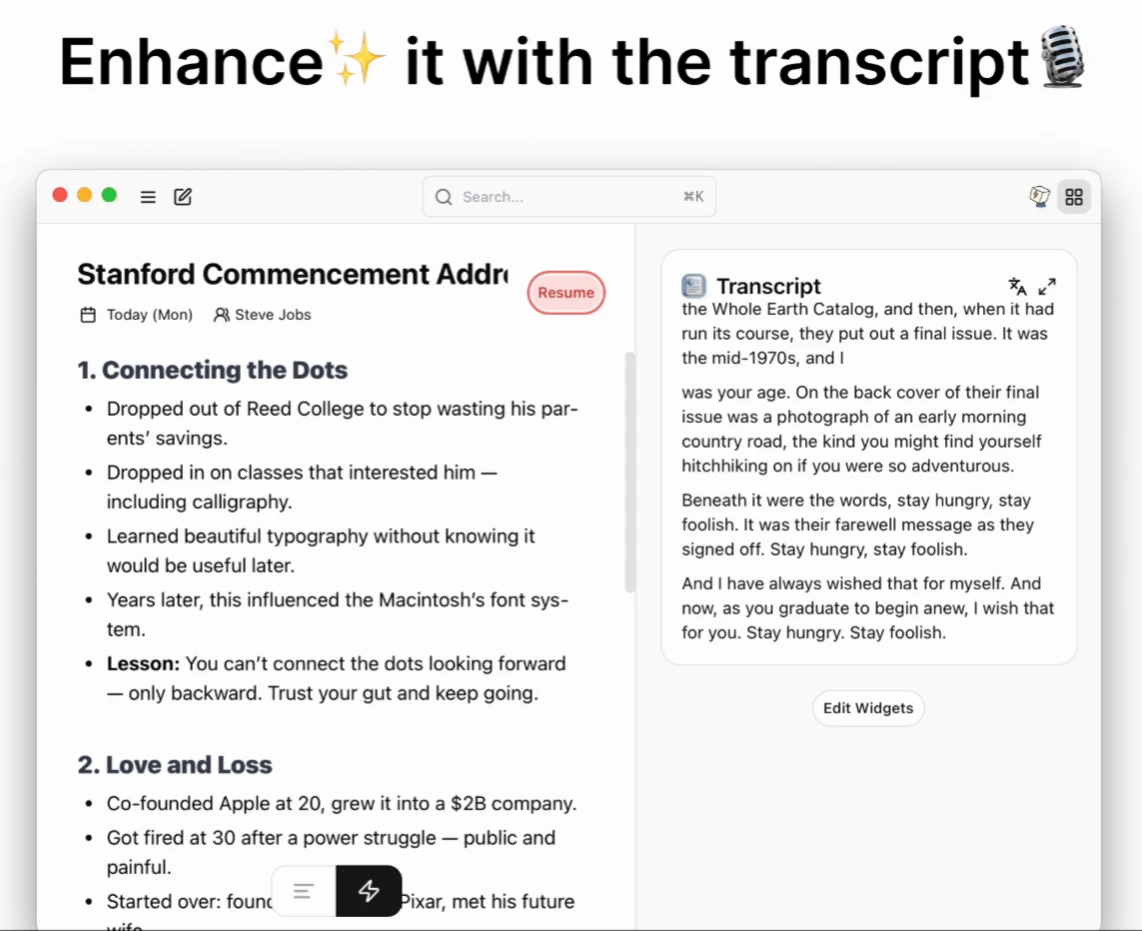
Automatic Recording & Transcription: Automatically records meeting content and transcribes it into text, making it easy to review and organize.
AI Smart Summary: Uses AI technology to extract key information and generate concise meeting summaries, so you can quickly grasp the meeting highlights.
Local-First & Privacy Protection
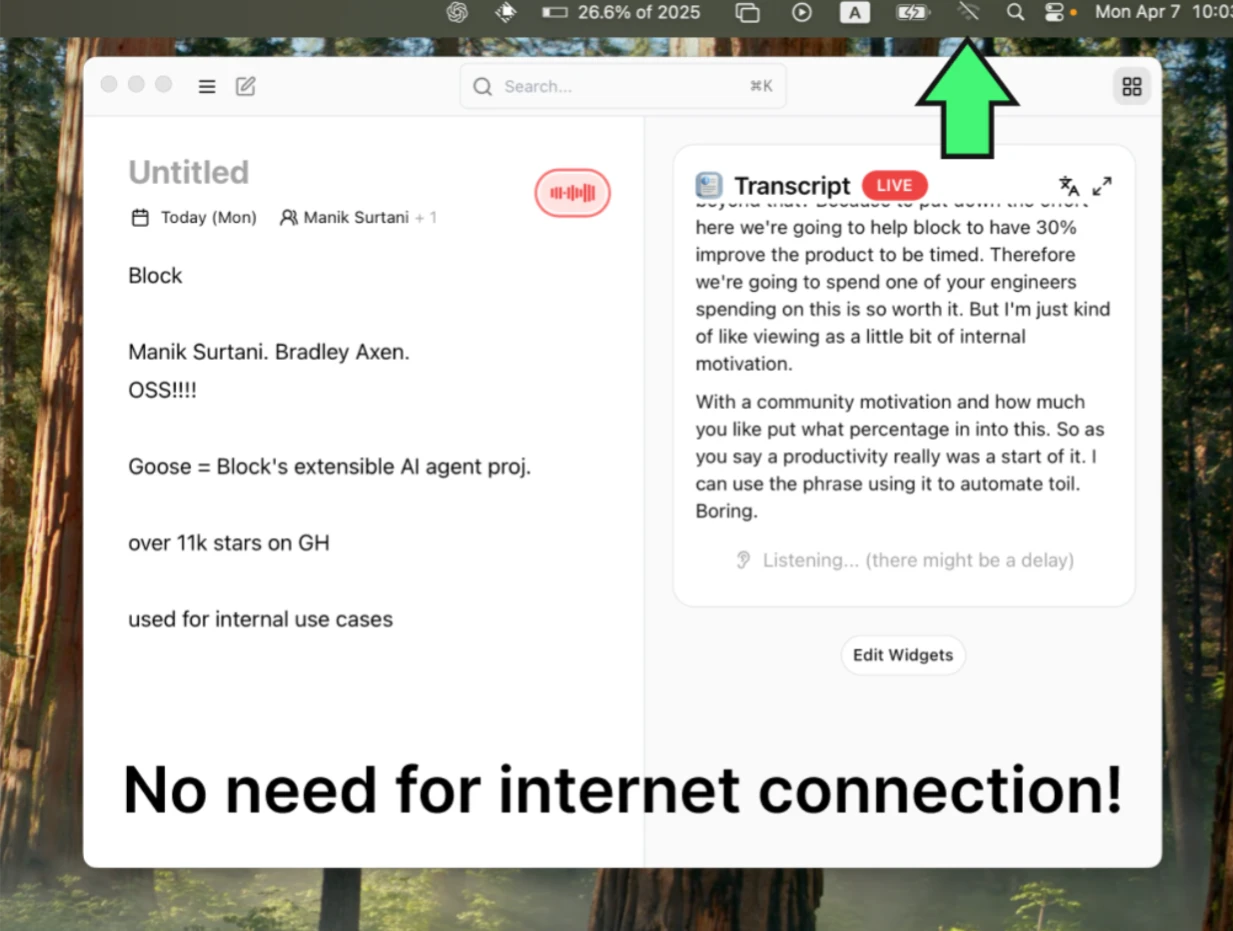
Offline Use: Supports offline operation, so it works normally even without an internet connection.
Privacy & Security: Data is stored locally, avoiding the risk of privacy leaks.
Extensibility
Plugin Support: A plugin ecosystem similar to VSCode, allowing users to add or create plugins based on their needs.
Flexible Customization: Provides APIs and development tools, making it convenient for developers to add new features and integrations.
Hyprnote Technical Features
Open-Source Model Support: Hyprnote is built on open-source models (such as Whisper and Llama) to implement meeting recording and transcription features. These models are excellent in the fields of speech recognition and natural language processing, providing Hyprnote with powerful technical support.
Plugin System: Drawing on the approach of modern editors (such as VSCode), users can add or create plugins as needed, enhancing both flexibility and functionality.
Hyprnote Use Cases
Business Meetings: Helps record discussions and decision highlights in various internal business meetings.
Academic Seminars: For academic seminars, thesis defenses, and similar scenarios, quickly captures expert opinions, research viewpoints, and other key information, making post-seminar organization easier.
Team Collaboration Meetings: Records task assignments, progress schedules, and other important content during collaboration meetings between team members, helping improve communication efficiency and collaboration.
Personal Learning & Growth: Can also be used during personal learning to record key points from lectures, online courses, etc., serving as a study aid and review tool.
Hyprnote Installation & Usage
Installation
Currently, there is a macOS public beta version, installed via Homebrew:
brew tap fastrepl/hyprnote && brew install hyprnote --cask
The Windows version is coming soon, and the Linux version is also in the works.
How to Use
Open the App: Once installed, launch Hyprnote.
Start Recording the Meeting: Click the button, and the app begins recording the meeting and converting it to text.
View & Edit: You can view the text content in real time during the meeting and make edits or additions.
Generate Summary: After the meeting ends, the app automatically generates a summary, which can also be manually edited.
Extend Functionality with Plugins: Install plugins as needed to enhance features.
Github:https://github.com/fastrepl/hyprnote














