
 Script Planner Assistant▸
 AI Apps
 AI News

ChatPaper.ai: AI Summarization Assistant for Papers, Videos & Notes
ChatPaper.ai: AI Summarization Assistant for Papers, Videos & NotesIntroduction
What is chatpaper.ai?
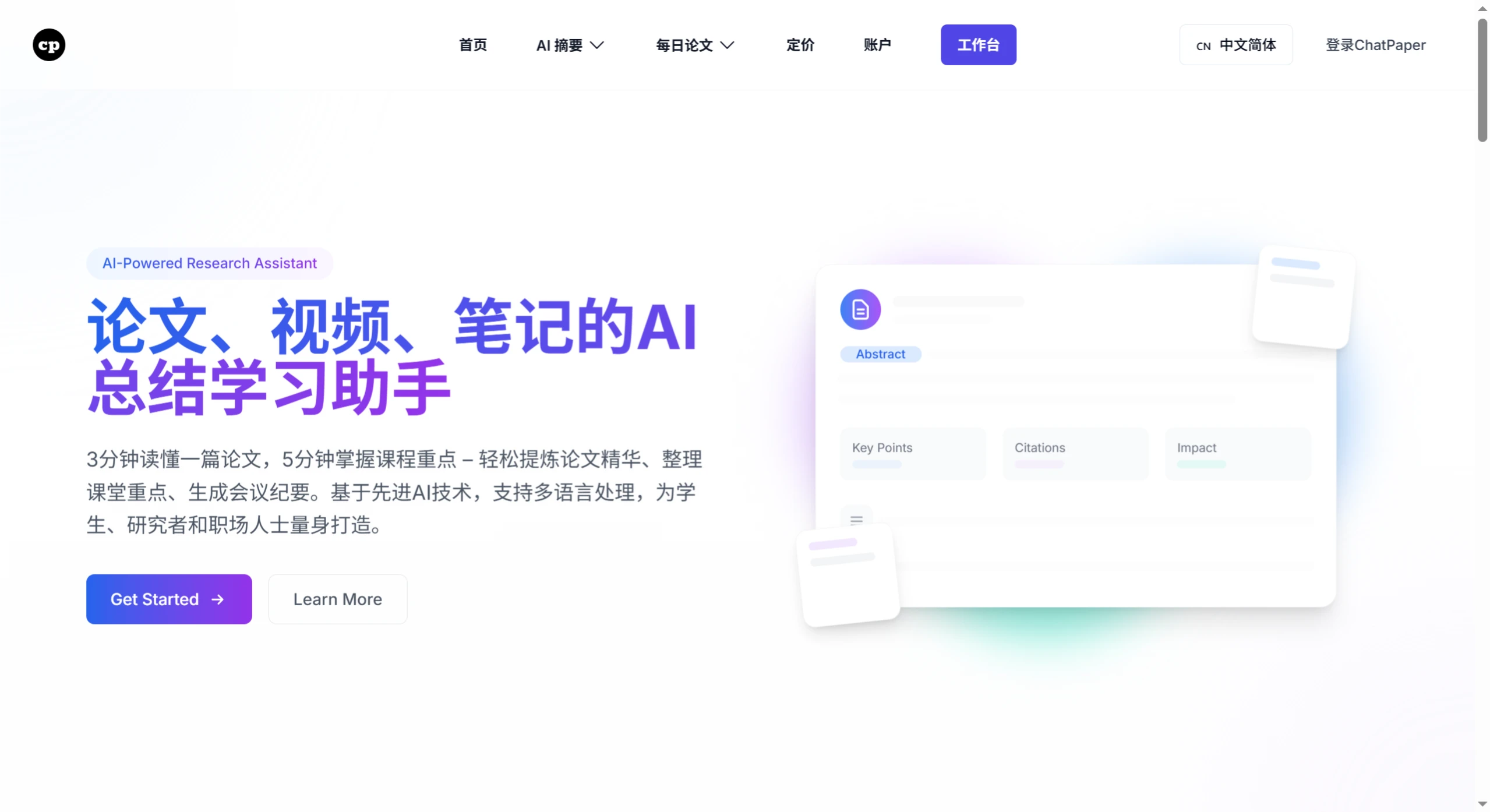
ChatPaper.ai is an AI-powered summarization and learning assistant for papers, videos, and notes. It helps users distill the essence of papers, organize key class points, and generate meeting minutes. It supports multilingual processing and offers features such as intelligent document interpretation, a class notes assistant, meeting recording organization, mind map generation, smart notes management, speech-to-text, multi-dimensional analysis, and file management.
Features of ChatPaper.ai
Intelligent Document Interpretation: Users can upload a PDF file or provide an online PDF link, and ChatPaper.ai can analyze the content and generate a summary.
Interactive Q&A: Users can ask ChatPaper.ai questions directly, such as the highlights or limitations of a paper. It provides relevant answers and lists related page numbers—clicking a page number jumps directly to the corresponding location in the PDF.
Information Location: When answering questions, ChatPaper.ai lists relevant page numbers, and clicking a page number jumps directly to the corresponding paragraph in the PDF.
Speech-to-Text: Supports converting recordings between 1 minute and 2 hours into text.
Class Notes Assistant: Records class content and automatically generates complete class notes and knowledge maps.
Meeting Recording Organization: Automatically transcribes meeting recordings and generates meeting minutes and key summaries, supporting recordings up to 3 hours long.
Mind Map Generation: Automatically generates well-structured mind maps based on PDF documents or recording content.
Multilingual Support: Users can choose the language ChatPaper.ai responds in, including Chinese, English, and more.
File Management: Provides a file management interface that supports renaming, previewing, and deleting operations.
ChatPaper.AI Application Scenarios
Students: Used to record class content and organize study notes.
Researchers: Quickly understand literature, stay updated on the latest developments in their research field, and analyze the strengths and weaknesses of papers.
Professionals: Record meeting content and organize work notes.
Advantages
Efficiency: Leverages AI technology to quickly generate paper summaries, enabling rapid paper screening and reading.
Accuracy: Accurately identifies and highlights key information in documents.
Convenience: Supports cloud sync and multi-device access.
How to Use ChatPaper.ai
1. Register and Log In
Visit the official ChatPaper.ai website to register an account and log in.
2. Use the Features
1. Document Interpretation
Upload Document: Click the upload button, select a PDF document, or enter an online PDF link (such as an arXiv paper).
Start Conversation: The system automatically recognizes the document content and provides a dialog box where you can ask questions or request specific information.
Get Answers: The system provides detailed explanations and key information based on your questions.
2. Class Notes Assistant
Record Class: Enable the recording feature during class to capture the teacher's lecture.
Generate Notes: After class, the system automatically generates complete class notes and knowledge maps.
View and Edit: You can view the generated notes and make necessary edits.
3. Meeting Recording Organization
Record Meeting: Enable the recording feature during the meeting, supporting recordings up to 3 hours long.
Generate Minutes: After the meeting ends, the system automatically generates meeting minutes and key summaries.
View and Share: You can view the generated minutes and share them with team members as needed.
4. Mind Map Generation
Select Content: Choose an uploaded PDF document or recording content.
Generate Map: The system automatically generates well-structured mind maps based on the content.
View and Edit: You can view the generated maps and edit and refine them.
5. Notes Management
Add Notes: You can add notes via text or recording.
Manage Notes: In the file management interface, you can rename, preview, and delete notes to keep your library organized.
File Management
Upload Files: In the file management interface, you can upload new documents or recordings.
Rename Files: Rename files for easier categorization and organization.
Preview Files: Quickly view file content to find the information you need.
Delete Files: Delete files you no longer need to keep your library organized.
Frequently Asked Questions
Who is ChatPaper.ai primarily designed for?
It is primarily designed for students, researchers, and professionals. Students can use it to record class content and organize study notes; researchers can rely on it to quickly understand literature; and professionals can use it to record meeting content and organize work notes.
What if the recording is longer than 2 hours but no more than 3 hours?
If the recording is between 2 and 3 hours, there's no need to split it into segments. ChatPaper can directly process recordings within this duration, automatically transcribing them and generating meeting minutes or class notes.
How does ChatPaper.ai implement its multi-dimensional analysis?
It is implemented through Q&A, summaries, mind maps, and more. Users can ask questions to get answers, the system automatically summarizes key points of the content, and mind maps can be generated based on documents or recordings.














