
 Script Planner Assistant▸
 AI Apps
 AI News

Remove.photos: A Free, No-Signup Photo Background Remover
Remove.photos: A Free, No-Signup Photo Background RemoverIntroduction
What is remove.photos?
remove.photos is a free image background removal tool that requires no registration. It can automatically remove image backgrounds in 3 seconds with 100% automation. Not only can it generate transparent background images with one click, but it also allows you to easily remove unwanted objects from images through its online eraser feature. Remove.photos automatically detects the main subject of the image, with clean, sharp, and smooth edge cutting, precise handling of hair details, and delivers 4 excellent results in a single processing session. It is also very simple to use—after uploading an image, you can get a transparent image, and you can click "Edit" to change the background.
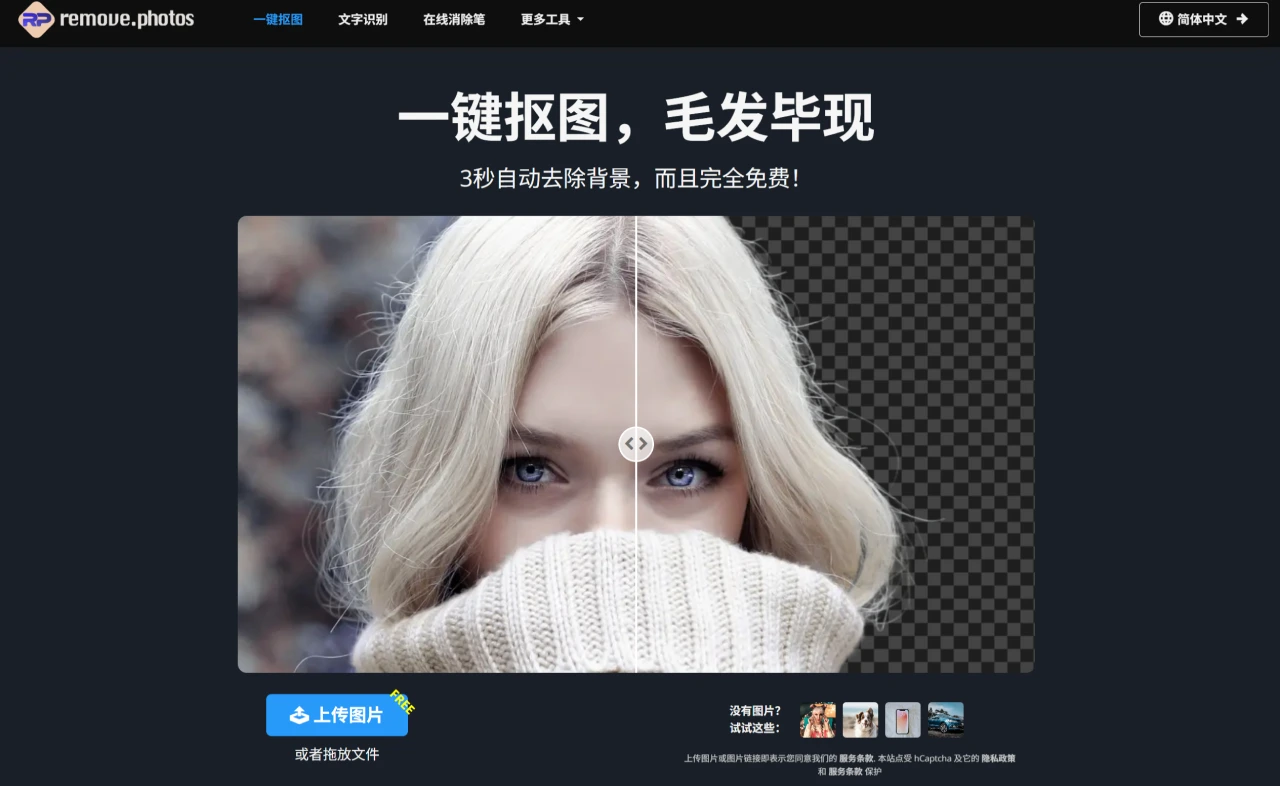
Remove.photos Main Features
Fast automatic background removal: After uploading a photo, the tool automatically identifies and removes the background, generating a transparent background image.
Online eraser: Easily remove unwanted objects from images through its AI repair feature.
One-click colorization for black & white photos: Add color to old black and white photos, bringing vintage photos back to life.
Image format conversion: Can convert almost all image formats, and resize and optimize images without losing quality.
Image lossless enlargement: Can increase image resolution by up to 4 times without losing quality, and the enlarged image remains clear and detailed.
Zero-click operation: Users only need to upload an image—no manual adjustments or selections required—the tool automatically completes the processing.
Supports multiple image formats: Can process common image formats such as JPG, PNG, etc.

Remove.photos Use Cases
E-commerce image processing: Merchants can quickly remove backgrounds from product images.
Design & creativity: Designers can extract subjects from images for use in posters, brochures, or other creative designs.
Personal photo editing: Users can easily remove backgrounds from personal photos.
Remove.photos Advantages
Automatic subject detection: Automatically detects the subject in a photo with excellent processing results.
High-quality edge cutting: The cut edges are clean, sharp, and smooth.
Precise detail handling: Achieves high precision in handling hair or fur details.
Diverse output results: A single processing session delivers 4 excellent results.
Remove.photos Tutorial
Upload image: Upload the image that needs to be processed.
Get transparent image: The system processes automatically and generates an image with a transparent background.
Edit and change background: Click "Edit" to change to a new background, offering many possibilities.
FAQ
How fast is remove.photos at removing image backgrounds?
Answer: remove.photos can automatically remove image backgrounds in 3 seconds with 100% automation.
After using remove.photos to process image backgrounds, how many results can be obtained?
Answer: Using Remove.photos to process image backgrounds, a single processing session delivers 4 excellent results.














