
 Script Planner Assistant▸
 AI Apps
 AI News

Genspark AI Slides: Instantly Turn PDFs, Excel, Word, and More into Pro PPT Slides
Genspark AI Slides: Instantly Turn PDFs, Excel, Word, and More into Pro PPT SlidesIntroduction
What is Genspark AI Slides?
Genspark AI Slides is a tool that can quickly convert multiple data formats (such as PDF, Excel, Word, etc.) into professional presentation slides. It supports one-sentence interactive editing, artistic style design, and can be exported to PPTX, PDF, and other formats. It is widely applied in academia, business, education, and marketing fields.
Core Features of Genspark AI Slides
Multi-format Data Integration: Supports processing various data formats such as invoices, Excel spreadsheets, and scattered documents, automatically extracting key information and generating structured PPT slides, reducing manual organizing time.
Academic Paper Comprehensive Reports: Through natural language processing and semantic analysis, the tool can read academic papers within minutes and generate comprehensive reports containing citations, summaries, and visualization charts, particularly suitable for academic and research scenarios.
Interactive Editing: Users can adjust content in real time through natural language commands, such as "merge multiple charts," "add background audio," or "optimize the layout into a three-column structure," greatly enhancing creative flexibility.
Artistic Style Support: Provides multiple visual expression options such as Pop Art, Picasso style, The Verge style, generating personalized PPT slides that match the brand or creative vision.
Video to PPT: Input a video link, and Genspark can convert the video content into PPT with one click.
Interactive Editing: After generating the slides, further modifications and optimizations can be made through natural language commands.
Technical Architecture
Data Parsing Module: Uses OCR and NLP technologies to extract structured data from PDF, Excel, Word, and other formats, ensuring information accuracy.
Content Generation Engine: Based on Gemini Imagen3 and customized diffusion models, generates high-quality text, charts, and visual elements, supporting 1080p resolution output.
Interactive Editing Interface: Through natural language processing, supports real-time command parsing, such as "change the chart on the second page to a pie chart" or "simplify the text to three sentences."
Stylized Rendering: Integrates artistic style transfer algorithms, allowing users to apply Picasso style or modern tech style with one click, enhancing visual appeal.
Use Cases of Genspark AI Slides
Academic Research: Quickly transform academic papers into engaging conference presentations, automatically generating citations and data visualizations.
Business Reports: Integrate financial reports, market data, and customer feedback to generate professional pitch decks or quarterly reports.
Education and Training: Teachers can convert course materials into interactive courseware, adding artistic stylized covers and dynamic charts.
Creative Marketing: Marketing teams can leverage diverse styles to generate brand promotional slides and quickly adjust layouts and content to suit different clients.
Tutorial for Using Genspark AI Slides
Visit the Genspark Official Website
https://www.genspark.ai/.
Sign up and log in using a Microsoft account, Google account, or other email.
Upload Data or Input Requirements
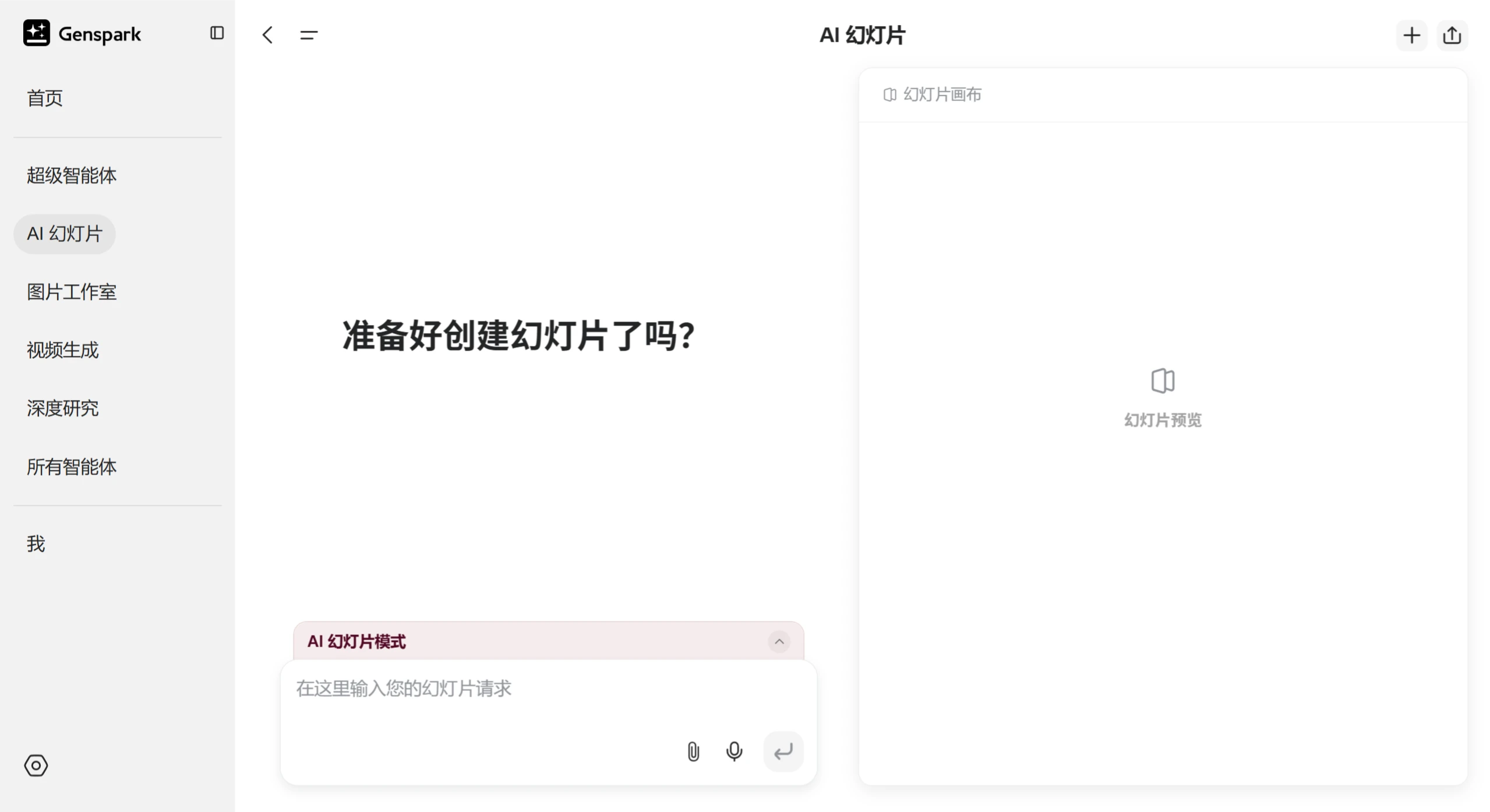
Upload Data: Click "AI Slides" in the sidebar and upload the files you need to process, such as PDF, Excel, Word, etc.
Input Requirements: Enter specific requirements in the input box, for example, "generate an academic report about the history of AI, 10 pages, Picasso style."
Adjust Settings
Content Editing: Adjust content in real time through natural language commands, such as "change the chart on the second page to a pie chart" or "simplify the text to three sentences."
Style Selection: Choose an artistic style, such as Pop Art or Picasso style, and the tool will generate slides matching the selected style.
Preview and Download
Preview: View the generated slide effects in "Preview."
Download: Download in PPTX or PDF format, or share with others via an online sharing link, supporting seamless integration with tools such as PowerPoint and Canva.















