
 Script Planner Assistant▸
 AI Apps
 AI News

7Niu AI PPT: An AI Presentation Generator with Excel Data Sync
7Niu AI PPT: An AI Presentation Generator with Excel Data SyncIntroduction
What is 7牛ai ppt?
7牛AI PPT is an AI-powered PPT generation tool. Simply input a topic or content, and it can quickly generate a complete PPT draft with support for multiple template styles covering business, education, creative, and other fields. It also features intelligent editing, data linkage, dynamic presentation, and other functions, making it suitable for work scenarios such as business reports, teaching courseware, product launches, and academic presentations.
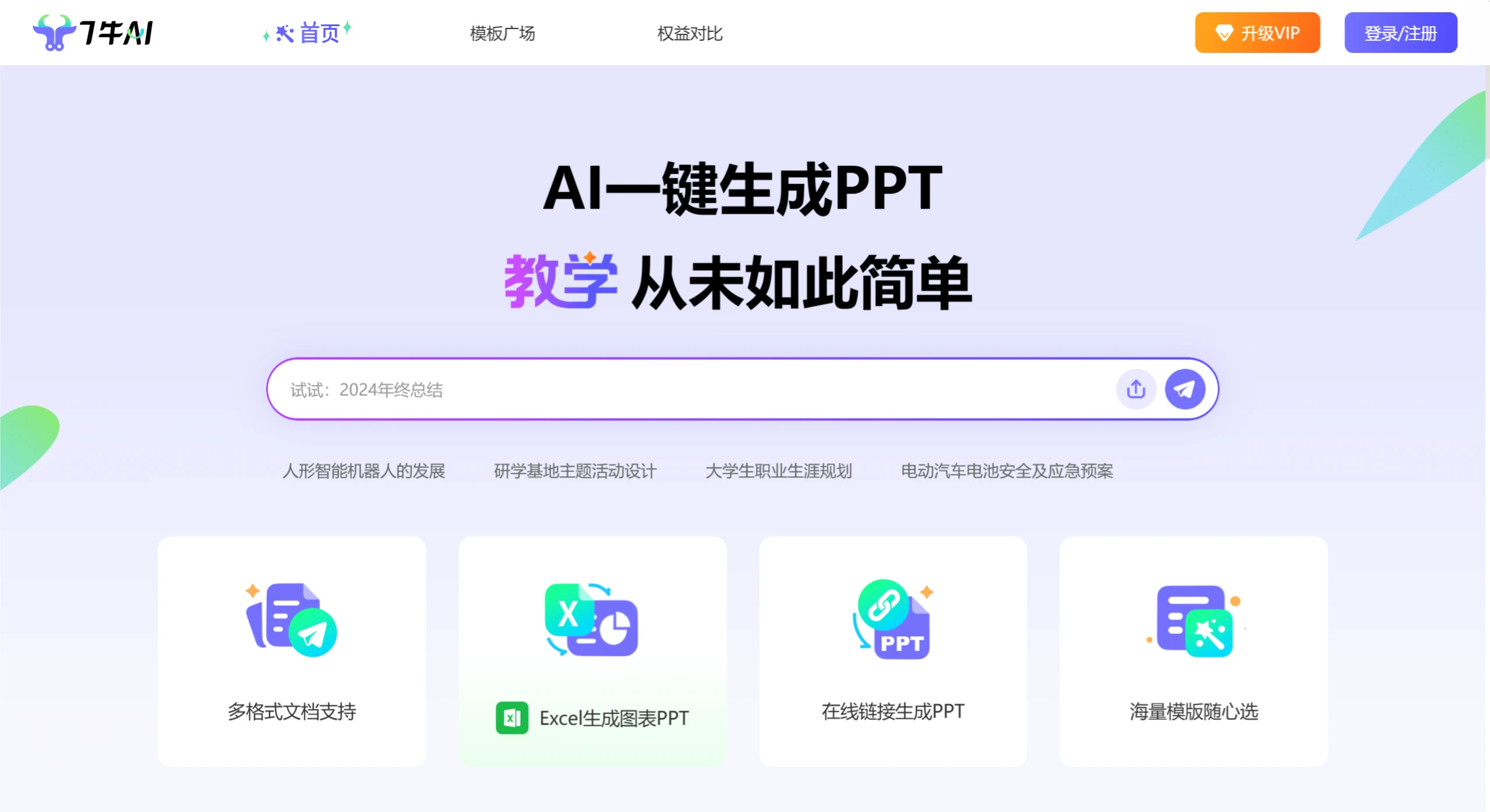
Features of 7牛AI PPT
One-Click PPT Generation: Users only need to input a topic or key content, and 7牛AI can generate a complete PPT draft in a short time, including title pages, content pages, and summary pages.
Multi-Format Document Support: Supports importing content from Word, Excel, TXT, URL, and more, allowing users to easily integrate existing materials.
Excel Data Linkage: Data can be directly imported from Excel to generate charts. When the data is updated, the charts in the PPT can be synchronized accordingly, making it ideal for data-based reporting presentations.
Rich Template Library: Offers a variety of template styles covering business, education, technology, creative, and other fields to meet the needs of different scenarios.
Intelligent Editing Features: Supports modifying text, replacing images, adjusting layouts, and more. Specific editing tasks can also be completed via commands.
Dynamic Presentation Features: Animations and transition effects can be added to PPTs to make presentations more vivid and engaging.
Free to Use: Basic features are completely free. Users can earn credits by inviting friends and other methods to generate more PPTs.
How to Use 7牛AI PPT
Register and Log In: Visit the official 7牛AIPPT website to register or log in.
Create a PPT: After logging in, click "New PPT", enter the topic or core content of your PPT, and click "Start Generating". The system will generate a complete PPT draft.
Choose a Template: After the draft is generated, the system will recommend various template styles. Users can choose and apply the appropriate template based on their needs.
Intelligent Editing:
Modify Text: Click on the text in the slide to directly edit or polish it.
Replace Images: Click on the image area, select "Replace Image", and choose an image from the system gallery or upload your own.
Adjust Layout: Click "Optimize Layout" and the system will rearrange the slide layout based on the content.
Add Charts: Click "Add Chart", select the appropriate chart type, and import data from Excel to generate the chart.
Dynamic Effects and Optimization: Click "Animation Effects" and select suitable animations; click "Smart Optimization" and the system will provide optimization suggestions based on the content.
Download and Save: After completing the edits, click "Export", choose the save format (such as PPTX, PDF, etc.), and save it locally.
Application Scenarios of 7牛AI PPT
Business Field: Quickly generate PPTs for project progress and results presentation, create product introduction and proposal recommendation PPTs, and organize market data and trend analysis charts.
Education Field: Integrate textbook content to generate teaching PPTs, and assist students in creating speech and assignment report PPTs.
Product and Marketing: Create product introduction and feature showcase PPTs.
Brand Promotion: Generate brand story and marketing campaign PPTs.
Academia and Research: Organize research results to generate professional PPTs, quickly extract key points from papers, and create defense PPTs.
Personal and Creative: Create personal themed speech PPTs, and showcase creative concepts and design proposal PPTs.
Enterprise Internal: Generate training courseware to improve training efficiency, quickly organize meeting content, and create sharing PPTs.
Industry and Market: Create industry trend and competitive analysis PPTs, organize research data, and generate visual reports.
Personal Growth: Create personal resume PPTs, and generate personal growth and work achievement summary PPTs.
7牛AI PPT Pricing
Lifetime VIP: 199 yuan (original price 299 yuan). Enjoy all membership benefits permanently after purchase.
1-Year VIP: 119 yuan (original price 179 yuan). Enjoy membership benefits during the validity period.
1-Month VIP: 39 yuan (original price 59 yuan). Enjoy membership benefits during the validity period.
Regular User: Free. Some membership benefits can be enjoyed by earning credits.
Related Information:















