
 Script Planner Assistant▸
 AI Apps
 AI News

Augment Code: A Company Delivering AI Coding Assistance for Large Codebases
Augment Code: A Company Delivering AI Coding Assistance for Large CodebasesIntroduction
What is Augment Code?
Augment Code is a company that specializes in providing AI programming assistance tools for large codebases. Founded in November 2023, it is headquartered in the United States. Through context-aware development, personalized code completion, cross-file editing, and other features, Augment Code helps development teams improve efficiency, and is particularly skilled at handling the maintenance and refactoring of complex codebases.
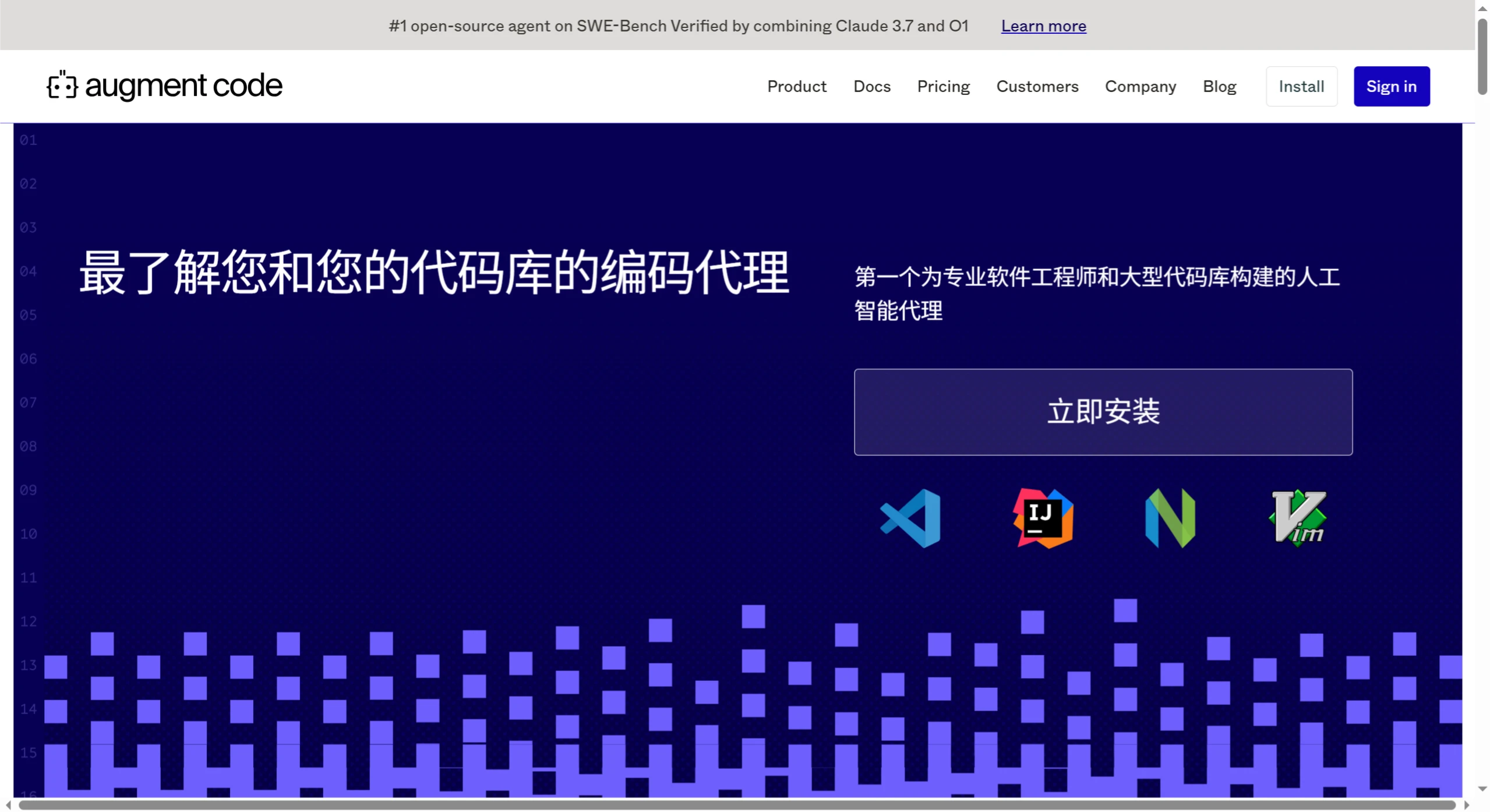
Core Features of Augment Code
Agent Feature: Agent is the core tool of Augment Code, helping developers through the entire development workflow from problem description to pull request. It breaks down tasks into executable plans, implements them step by step, and reports operations and changes to the user. Agent also supports an auto mode, allowing users to have it execute tasks automatically without manually confirming each step.
Code Completion: Provides fast and codebase-relevant code completion suggestions that understand project structure, dependencies, and coding style. Completion content adjusts based on the user's code, dependencies, idioms, and best practices.
Next Edit Feature: Even small changes can affect the entire codebase. Next Edit provides step-by-step guidance to help developers make related updates in code, tests, and documentation.
Smart Chat: Users can quickly get answers through the chat feature without searching documentation, bothering teammates, or opening tickets. The chat feature shows the source of its answers and allows users to select code blocks, files, or entire folders to refine the context.
Code Checkpoints: Automatically creates snapshots of the workspace. When Agent implements plans, users can review changes at any time and roll back to any previous checkpoint with one click.
Multimodal Input Support: Supports various multimodal input methods such as screenshots and Figma files, helping developers fix bugs or implement the next UI element.
Features of Augment Code
Powerful Context Engine: Capable of analyzing the entire codebase in real time, ensuring that every completion, instruction, and chat has the correct context, thereby delivering unmatched code quality. Its context capacity is up to 200,000 tokens, capable of handling complex tasks.
Memory Function: Automatically updates and persists memory. As conversations progress, the quality of code generation continues to improve and matches the user's style.
Integration with Multiple Tools: Supports native integration with GitHub, Jira, Notion, Linear, and more, requiring no configuration—just authorization to use. In addition, it supports over 100 Model Context Protocol (MCP) tools.
Support for Multiple Development Environments: Fully compatible with VSCode, JetBrains, Vim, GitHub, and Slack, with no need to switch development environments.
Advantages of Augment Code
Improved Development Efficiency: Helps developers quickly understand codebases, debug issues, and automatically generate high-quality code, thereby increasing development speed.
High Adaptability: Capable of learning and adapting to the user's coding style. Over time, code generation becomes more aligned with the user's habits.
High Security: SOC 2 Type II certified. Does not use customers' proprietary code to train AI models, ensuring code suggestions do not infringe on software licenses.
Use Cases of Augment Code
Large Codebase Development: Helps developers quickly generate and optimize code within complex codebases.
Code Style Consistency: Automatically adapts and maintains the team's coding style, reducing conflicts.
Cross-Tool Collaboration: Integrates with tools like GitHub and Jira to enhance development collaboration efficiency.
Complex Task Handling: With powerful context processing capabilities, tackles complex code refactoring and migration tasks.
Daily Development Assistance: Runs terminal commands, fixes bugs, implements UI designs, and more, improving development efficiency.
Augment Code Pricing
Community Edition: Free, Agents limited to 50 requests per month, additional Agent requests cost $9 per 100 requests.
Developer Edition: $30/month, Agents limited to 550 requests per month (currently unlimited), additional Agent requests cost $11 per 100 requests.
Enterprise Edition: Custom pricing, unlimited Agents, custom pricing for additional Agent requests.
Augment Code Installation and Usage Tutorial
Installation Steps
Open VS Code: Find the "Extensions" icon in VS Code's sidebar.
Search for the Plugin: Search for "Augment" in the marketplace panel.
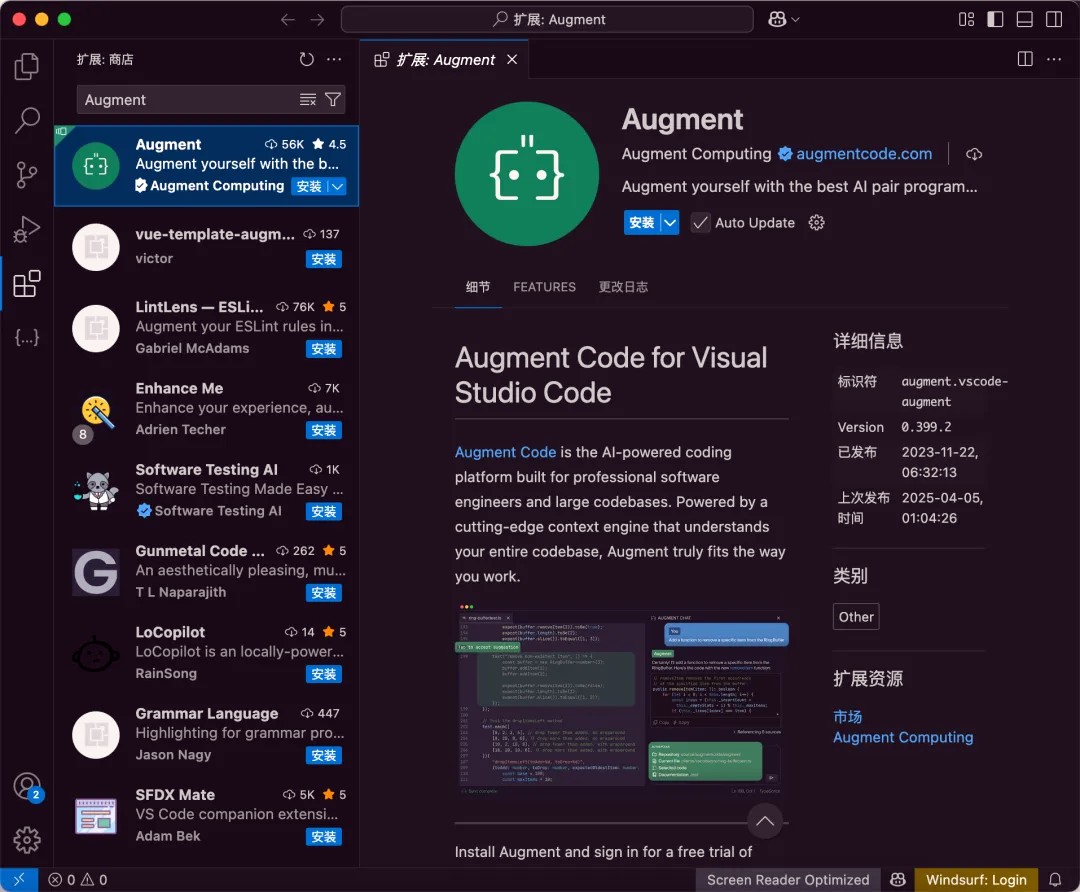
Install the Plugin: After finding the Augment Code plugin, click the "Install" button.
Initialize the Project: Once installed, click the Augment icon and choose one of the following ways to bring in a project:
Create a new project
Open an existing local folder
Clone a remote Git repository
Index the Codebase: Augment will automatically index the codebase to understand the project's structure, dependencies, and coding patterns. Once indexing is complete, you can start using it.
Usage Guide
Select Mode: In the dropdown menu at the bottom left of the chat input box, you can select Agent mode or Normal mode.
Set Guidelines: Use the @ symbol to select or create user guidelines, such as setting language preferences or coding styles.
Start Agent:
Default Agent Mode: Requires manual confirmation of Agent's operations (such as executing terminal commands or accessing external services).
Agent Auto Mode: Agent will automatically perform all necessary operations without manual confirmation.
Assign a Task: Enter a development task in the chat box (such as fixing a bug, adding a feature, etc.), and Agent will automatically break down the task and execute it step by step.
View Execution Process: You can expand Agent's operation steps at any time to view detailed information (such as file changes, terminal command output, etc.).
Adjust Memory: Agent automatically remembers important project details and coding preferences. You can also manually edit the memory file to optimize subsequent operations.












