
 Script Planner Assistant▸
 AI Apps
 AI News
DroidRun: Control Android Devices with Simple Natural Language Commands
DroidRun: Control Android Devices with Simple Natural Language CommandsIntroduction
What is DroidRun?
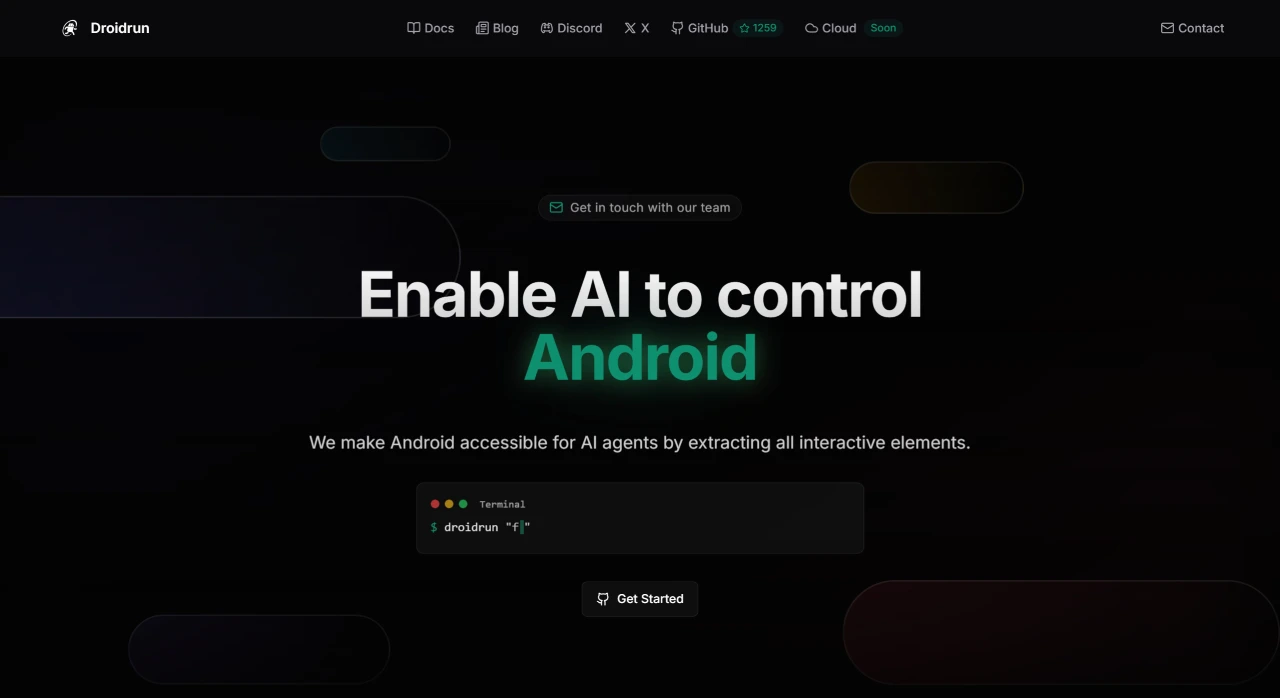
DroidRun is an open-source tool that enables automated operation of Android devices through AI agents. It combines visual parsing with UI structure extraction techniques, supports multiple language models (such as OpenAI, Gemini, etc.), and can automatically execute tasks, handle complex interfaces, and dynamic UIs. DroidRun also features intelligent error handling, screenshot analysis capabilities, element tracking, and more. It is suitable for daily task automation, app testing, data extraction, and other scenarios, and supports Android 6.0 and above.
Core Features of DroidRun
Natural Language Control: Users can use natural language commands to let the AI agent perform various tasks, such as opening apps, sending messages, browsing the web, and more.
Visual and UI Structure Extraction: Combining visual understanding and UI structure extraction techniques, it can accurately identify interactive elements on the screen such as buttons and input fields, enabling automated operations on complex interfaces.
Intelligent Error Handling: Features intelligent error handling and automatic recovery, capable of handling unexpected situations such as pop-up ads and permission prompts, then continuing the task.
Multi-Language Model Support: Supports connecting to users' preferred language models without requiring complex setup to begin automation right away.
Use Cases for DroidRun
Daily Task Automation: Users can hand repetitive tasks (such as daily news checking, scheduled messaging, etc.) over to the AI agent to complete automatically.
Social Media Management: Capable of batch processing social media tasks, such as automatic login, image uploading, post publishing, and more.
App Testing & Development: Developers can use DroidRun to simulate user actions, test app interfaces and functionality, record response times, and discover potential issues.
Data Extraction & Analysis: The AI can automatically extract data from apps, such as searching for nearby restaurants and taking screenshots.
Steps to Use DroidRun
Open your browser and visit the DroidRun official website.
Click "Download Android Portal APK" on the homepage to download the droidrun-portal.apk file (approximately 10MB).
On your Android device, go to "Settings > Security" and enable the "Unknown Sources" option to allow installation of non-official apps.
Use a file manager to locate the downloaded APK file and tap to install (the installation process takes about 1 minute).
After installation is complete, the first time you open the DroidRun Portal app, it will prompt you to enable "Accessibility Service" and "Screenshot" permissions. Tap the prompt to enter the settings page and enable the relevant permissions.
Enter the API key of your language model inside the app (supporting Gemini, ChatGPT, Grok, etc.), and click "Verify" to confirm the connection is successful.
GitHub URL:https://github.com/droidrun/droidrun














