
 Script Planner Assistant▸
 AI Apps
 AI News

OldPicRestore: Free Old Photo Restoration Tool
OldPicRestore: Free Old Photo Restoration ToolIntroduction
What is OldPicRestore?
OldPicRestore is a free old photo restoration tool that can repair damage, blurriness, and fading in old photos. It can also enhance photo clarity, contrast, and color saturation, while providing features such as background removal and Ghibli style conversion. Users only need to upload a photo and select a restoration option to quickly obtain the restored photo.

OldPicRestore Features:
Old photo restoration: Repair damage, blurriness, and fading in old photos, restoring them to their original state.
Photo enhancement: Colorize black and white photos, enhance photo clarity, contrast, and color saturation, making photos more vivid and lifelike.
Background removal: Remove unwanted background portions from photos.
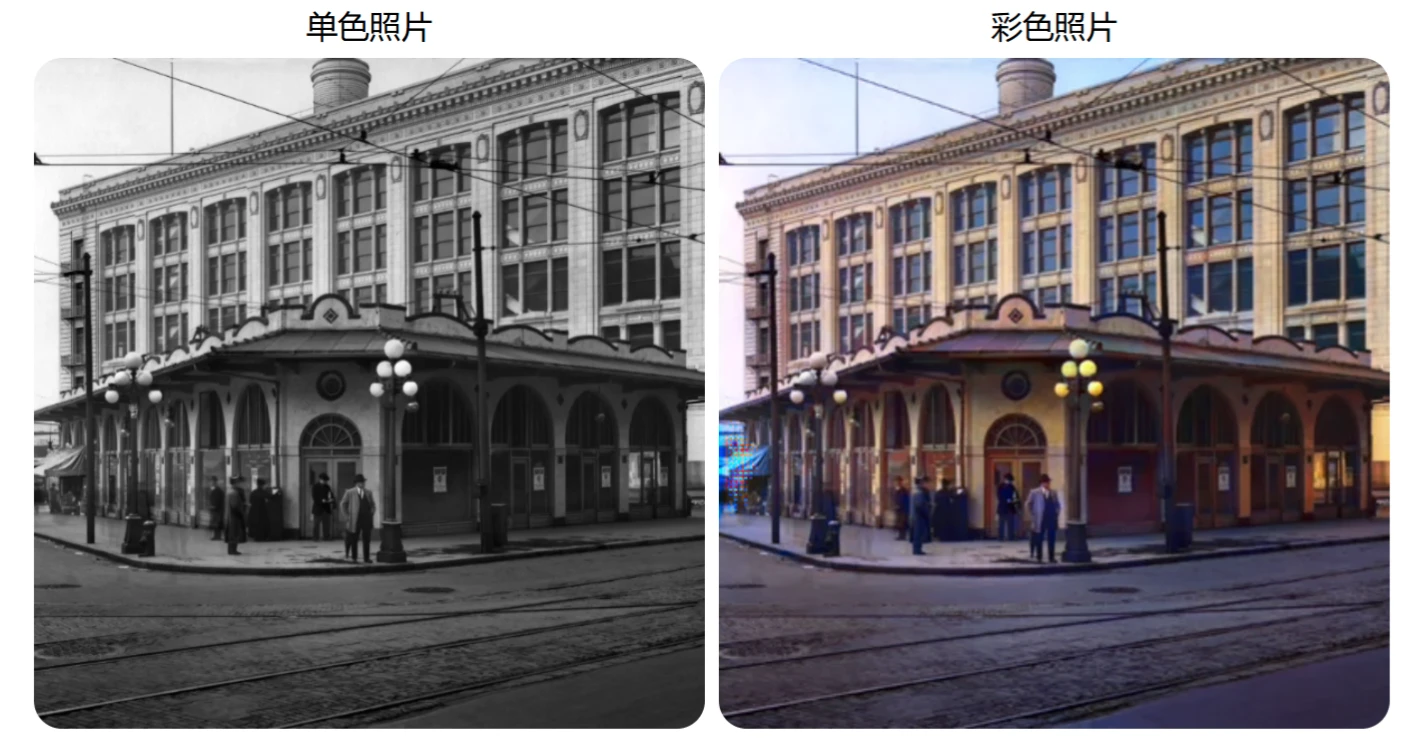
OldPicRestore Highlights:
Free to use, no registration or login required.
Supports multiple devices and operating systems, including computers, smartphones, and tablets.
Fast processing speed, utilizing advanced artificial intelligence technology to complete restoration and enhancement.
Simple operation: Users only need to upload photos online to quickly complete restoration and enhancement.
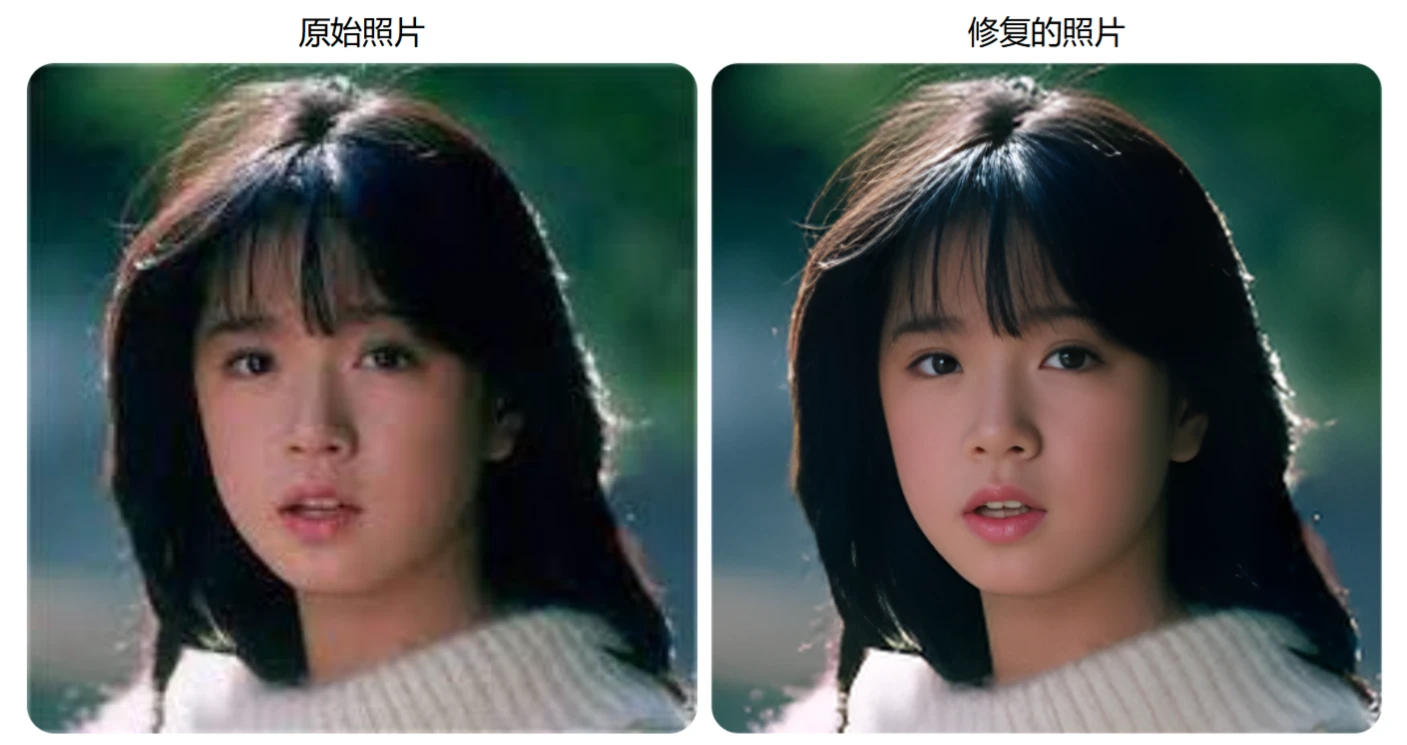
How to Use OldPicRestore
Visit the website: Enter https://www.oldpicrestore.com/ in your browser.
Upload a photo: Click the "Restore" button on the homepage, select the photo you want to restore or enhance, and upload it.
Select a restoration option: Choose to restore an old photo, enhance a photo, or remove the background based on your needs.
Wait for processing: The website will automatically use AI technology to process the photo. Once processing is complete, you can preview the result.
Download the restored photo: If satisfied, you can download the restored photo to your computer.
OldPicRestore Use Cases
Family photo restoration: Restore old photos in family albums, preserving precious memories.
Historical photo restoration: Restore historical photos, helping researchers and enthusiasts better preserve and present history.
Personal photo enhancement: Improve the quality of any photo, enhancing clarity, contrast, and color saturation.
Related Information:














