
 Script Planner Assistant▸
 AI Apps
 AI News

Quark Browser AI Assistant Extension
Quark Browser AI Assistant ExtensionIntroduction
What is the Quark Browser AI Assistant?
The Quark Browser AI Assistant is a powerful browser plugin. It supports multiple browsers, including Chrome and Edge. It can not only quickly provide precise answers through AI Search, but also assist with writing, generate PPT outlines, and even help with learning by supporting photo-based question explanations. In addition, it can process videos and files, generating summaries and mind maps.
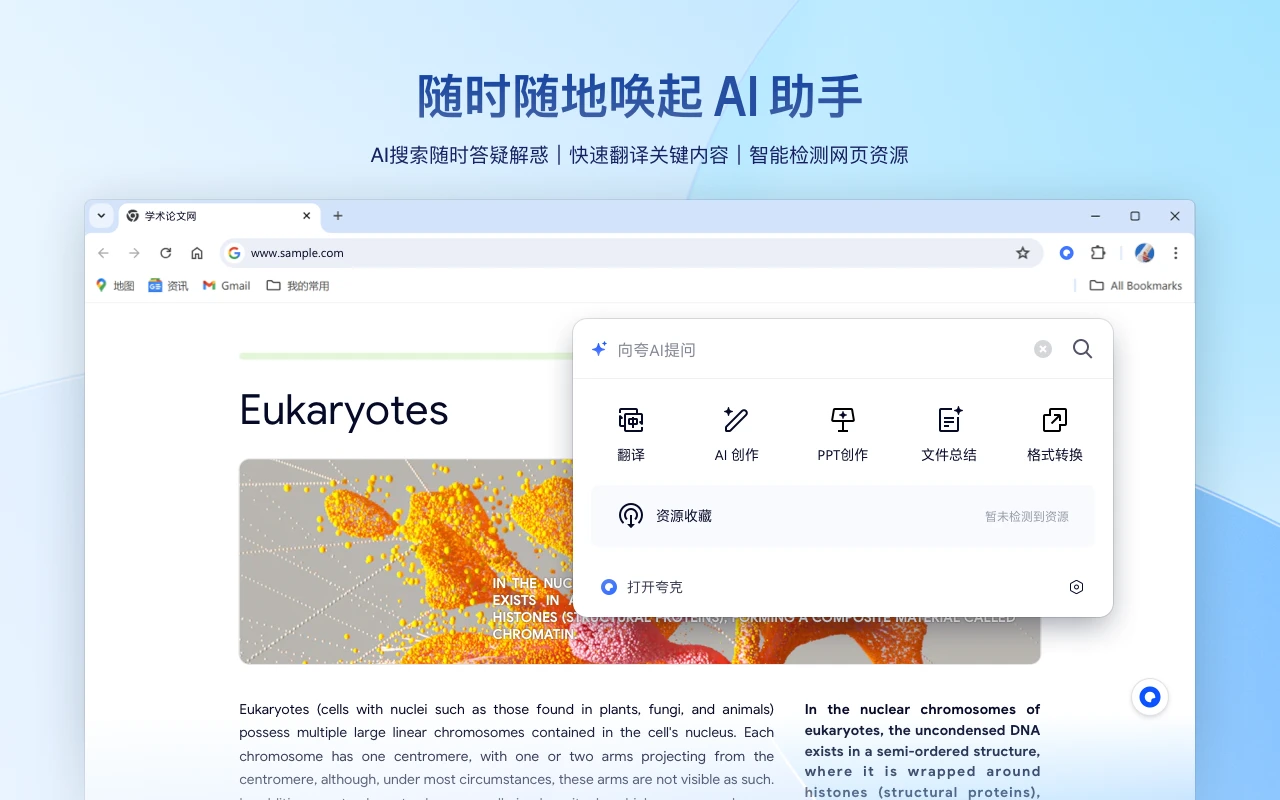
Core Features of the Quark Browser AI Assistant
AI Search: Enter a question in the search box, and Quark uses its AI large model to intelligently answer it, directly presenting the answer without the need to sift through massive search results. For example, searching for "who invented compensatory leave" will first display the AI model's intelligent answer, including detailed information on the origin, practice, and evolution of compensatory leave.
AI Writing & Creation: Click the "AI Writing" function above the search box, select the writing type and word count requirements, and enter the specific copy requirements in the input box to generate various types of content such as planning proposals, press releases, and commentary articles. Enter "help me write an XX PPT" and an illustrated PPT outline will be generated instantly.
AI Learning Assistant: Swipe right on the function slider above the search box to find the "Photo Question Explanation" feature. You can take a photo of the question or upload a related image, and Quark will use its large model to provide detailed solution steps. You can also directly enter the question text in the input box to search for answers.
AI Video Processing: Click the "Video Summary" function above the search box to summarize local videos or videos in Quark Drive, generating full-text summaries, segmented summaries, mind maps, and original transcripts.
AI File Processing: Click the "File" summary function above the search box to upload files or import files from your cloud drive. It will automatically generate full-text summaries and mind maps.
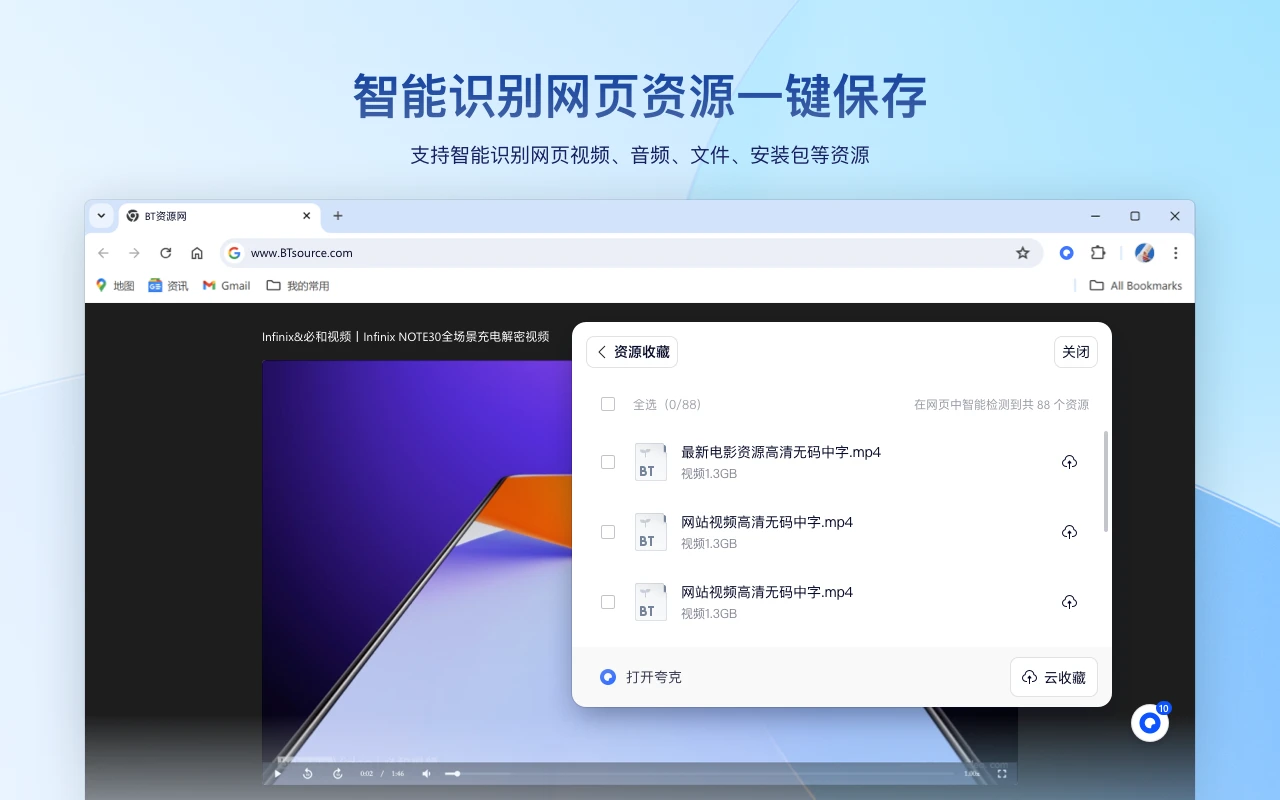
How to Use the Quark Browser AI Assistant
Installation: Go to the Quark official website (click the plugin in the upper right corner) or directly visit the plugin download page on the Google Chrome Web Store or Edge Add-ons and click Install.
Activation: After installation, click the Quark icon on the browser's toolbar, or use the shortcut Alt+K (Windows) / Cmd+K (Mac) to summon the Quark Intelligent Assistant at any time.















