
 Script Planner Assistant▸
 AI Apps
 AI News

WordPress AI Website Generator: From Idea to Full Site with Text, Layout, and Images
WordPress AI Website Generator: From Idea to Full Site with Text, Layout, and ImagesIntroduction
What is the WordPress ai Website Builder?
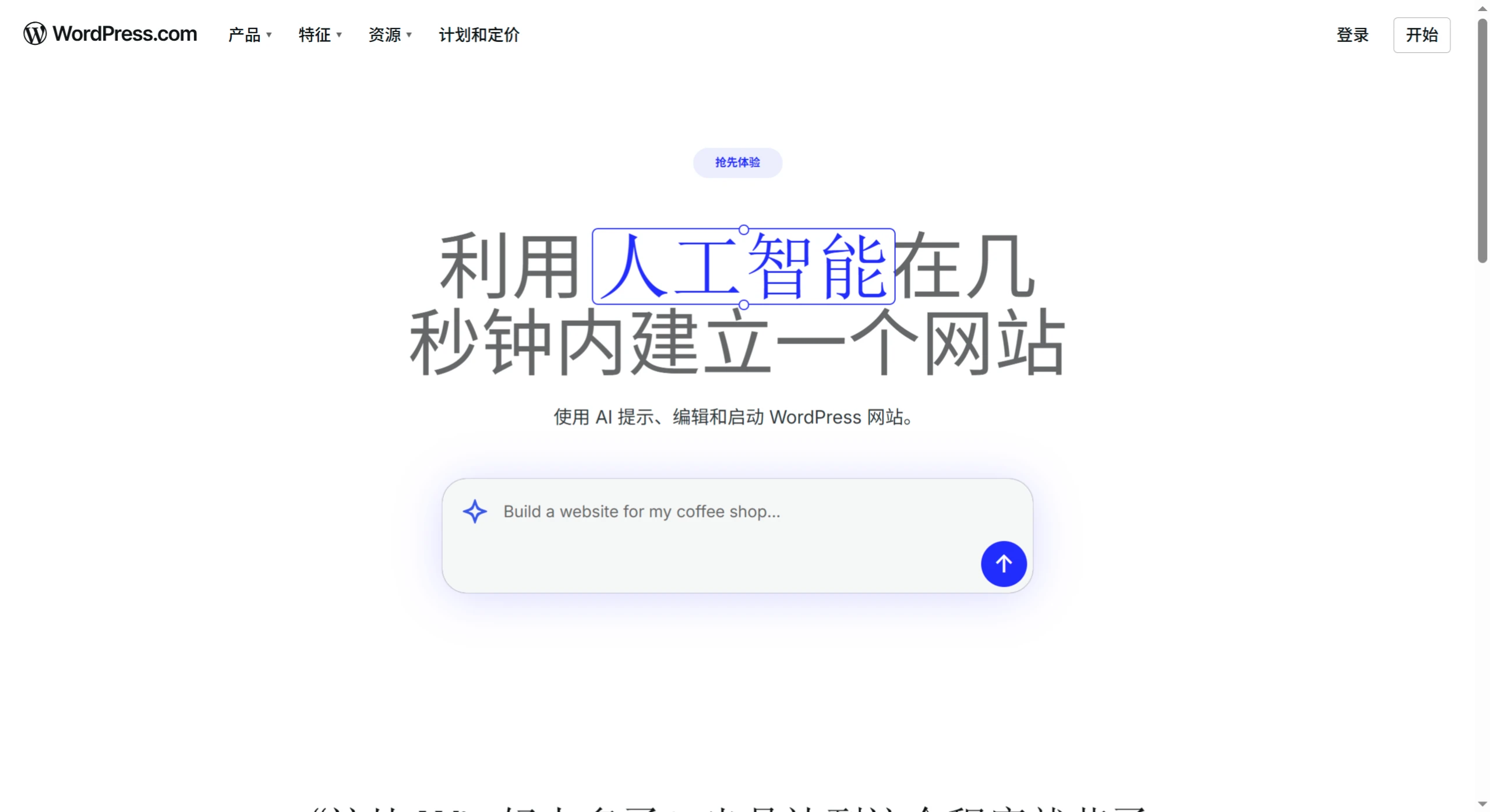
The WordPress AI Website Builder is a powerful site-building tool that lets you simply input your idea, and the AI instantly generates a complete, beautifully designed website with text, layout, and images. It's perfect for entrepreneurs, freelancers, bloggers, and more—extremely easy to use, with no coding, manual template selection, or design tweaks required. Users can try it for free, make changes anytime through the chat box, and go live quickly.
Features of the WordPress AI Website Builder
Rapid website generation: Users only need to enter an idea, and the AI instantly generates a complete website including text, layout, and images.
Target audience: Ideal for entrepreneurs, freelancers, bloggers, side hustlers, and developers, helping them quickly build professional websites without starting from scratch.
Easy to use: Users don't need to manually select themes, adjust colors, add text, or find images—the AI handles all of this automatically.
Editability: Users can manually edit the pages based on what the AI generates, or request content updates through the chat box.
WordPress AI Website Builder Tutorial
1. Visit
Go to the WordPress AI Website Builder website.
Link: https://wordpress.com/ai-website-builder/
2. Log in or Register
Register a new account for free or log in directly at http://wordpress.com/.
3. Enter Your Website Idea
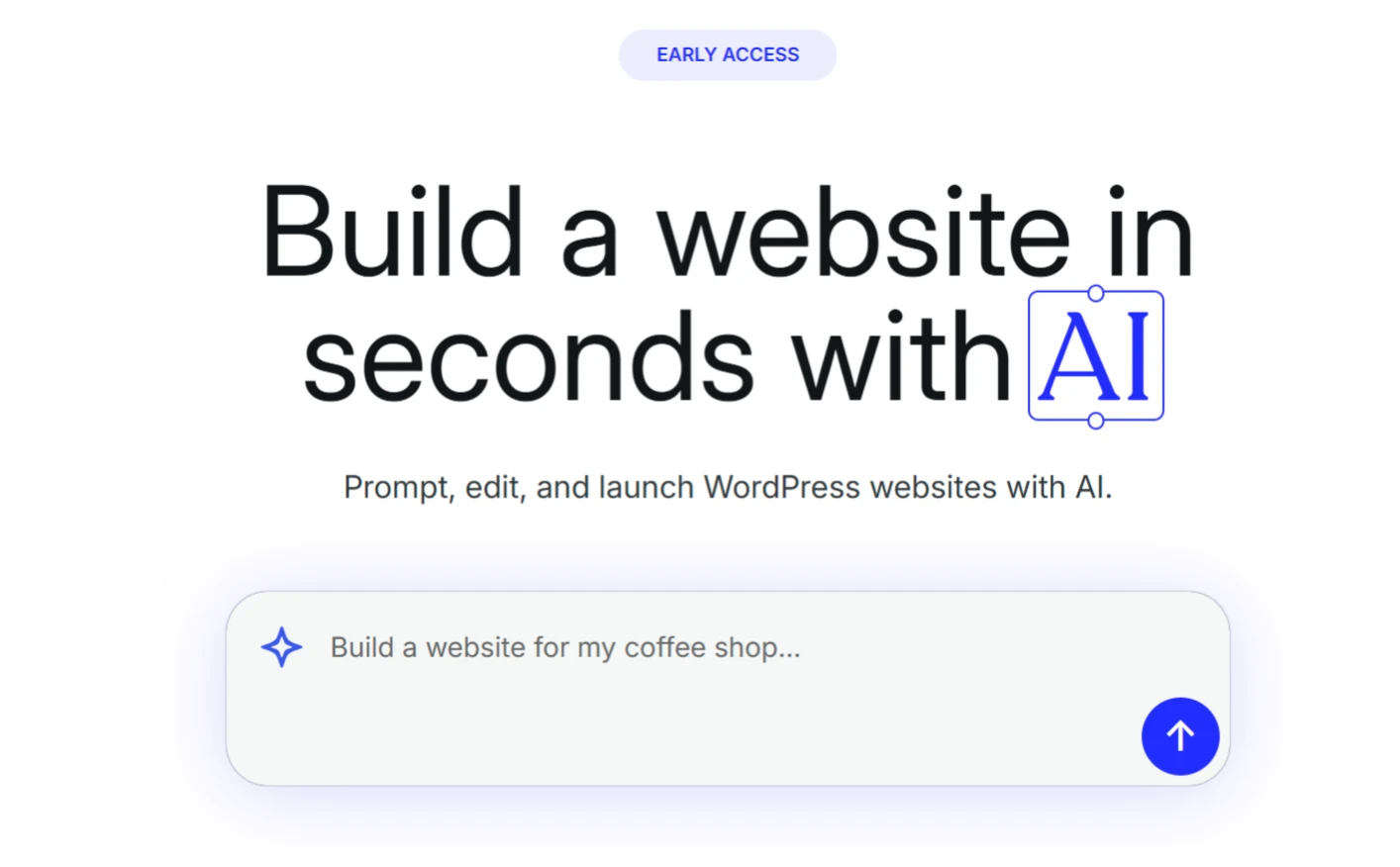
Type your website idea into the chat box.
Provide a website name: What would you like to name your website?
Describe the website content: What kind of website is it? For example, is it a personal blog, business website, portfolio site, or something else? What kind of content do you plan to publish?
The more specific, the better: The more detailed information you provide, the better the AI-generated website will match your needs.
4. AI Generates the Website
Once you enter the information, the AI automatically starts generating the website. You can watch as the AI creates the layout, text, and images based on your description.
5. Edit and Adjust
Manual editing: If you're not satisfied with the AI-generated content, you can manually edit the page to adjust the layout, colors, fonts, and more.
Chat box updates: You can also ask the AI for updates through the chat box, such as "Add a contact form" or "Change the homepage image."
6. Choose a Hosting Plan
Once the website is generated, choose a suitable WordPress.com hosting plan to provide a server host for your website.
New users can get a free domain (free for the first year).
After selecting a hosting plan, you can take the site live whenever you're ready, or click the "Launch" button in the top-right corner of the page to publish immediately.
7. Return to Edit Anytime
If you've purchased a hosting plan, you can return to edit the website anytime. Go to the WordPress.com site dashboard and click "Appearance → Editor" to use the AI Website Builder again.
Tips for Using the WordPress AI Website Builder
Be specific with your first prompt: When entering your initial prompt, provide as much detail as possible, such as the website name and description, so the AI can generate a better website.
Make the most of free prompts: Take advantage of 30 free prompts or purchase a hosting plan for unlimited prompts to create a truly unique website.
Return to edit anytime: After purchasing a hosting plan, you can return to the AI Website Builder anytime via "Appearance → Editor" in the WordPress.com site dashboard.
Maintain WordPress's flexibility: Users can manually edit pages, change designs, or use development tools at any time.
Users can now use this tool for free to generate a website, and during the generation process, they'll receive 30 free prompts for adding new pages, contact forms, changing the homepage image, and more. If more prompts are needed, you can purchase to get unlimited prompts.
WordPress AI Website Builder Official Website:https://wordpress.com/ai-website-builder/
Details:https://wordpress.com/blog/2025/04/09/ai-website-builder/












