
 Script Planner Assistant▸
 AI Apps
 AI News

ChatPDFLocal: A Local PDF Reader & Processor for Mac
ChatPDFLocal: A Local PDF Reader & Processor for MacIntroduction
What is ChatPDFLocal?
ChatPDFLocal is a local PDF reading and processing tool designed specifically for Mac users. It combines a native macOS interface with leading large language models (LLMs) such as GPT-4, Claude-3, and Gemini. It is designed to help users quickly and securely read, understand, and process PDF files, while ensuring that all data is stored locally and never uploaded to the cloud, thereby protecting user privacy.
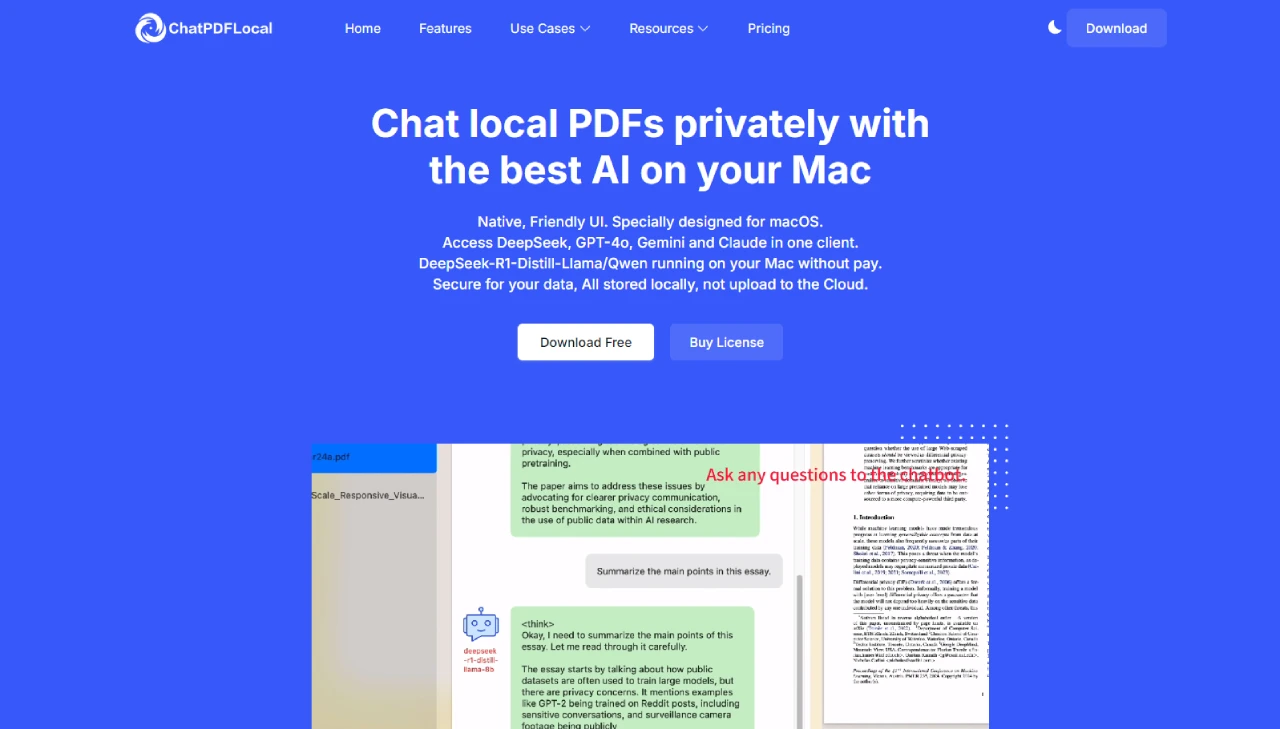
Main Features of ChatPDFLocal
Native macOS App: Seamlessly integrates with macOS, providing a fast and intuitive experience.
Private and Secure: All data is stored locally with no need to upload to the cloud, ensuring document confidentiality.
Access to Top LLMs: Supports calling leading models (such as DeepSeek, GPT-4, Claude-3, and Gemini) with your own API key for customized results.
Chat with Multiple PDFs: Load and interact with multiple PDF files simultaneously for efficient real-time conversations.
Save Money: Only sends relevant context to the LLM, reducing API costs while maintaining accuracy.
Built-in RAG & Local Vector Database: Improves response quality through Retrieval-Augmented Generation (RAG) technology.
Multimodal OCR: Uses powerful Optical Character Recognition (OCR) technology to extract knowledge from visual content within PDFs.
Use Cases for ChatPDFLocal
Researchers: Quickly summarize lengthy academic papers or extract key insights while ensuring data security.
Professionals: Analyze contracts, reports, or financial documents with the help of ai models, ensuring sensitive information stays local.
Students: Organize and understand study materials by chatting with multiple PDFs, saving time and improving productivity.
How to Use
Web Interface: After the service starts, a browser will automatically open to access the local URL. Upload a PDF document and click "Start Processing," then ask questions in the question input box.
API Interface: API documentation is automatically generated and accessible at the local URL. Main endpoints include uploading PDF documents, submitting questions, checking system status, and more.















