Script Planner Assistant▸
 AI Apps
 AI News

ScreenPipe: An Open-Source AI-Powered Screen and Audio Recorder
ScreenPipe: An Open-Source AI-Powered Screen and Audio RecorderIntroduction
What is ScreenPipe?
ScreenPipe is an open-source AI-driven screen and audio recording tool. It supports 24/7 local recording, protecting user data privacy. Through the "pipe" plugin system, its functionality can be extended to enable meeting records, content creation, knowledge organization, and many other application scenarios. It supports multiple platforms, can automatically transcribe and summarize, and can integrate with other tools.
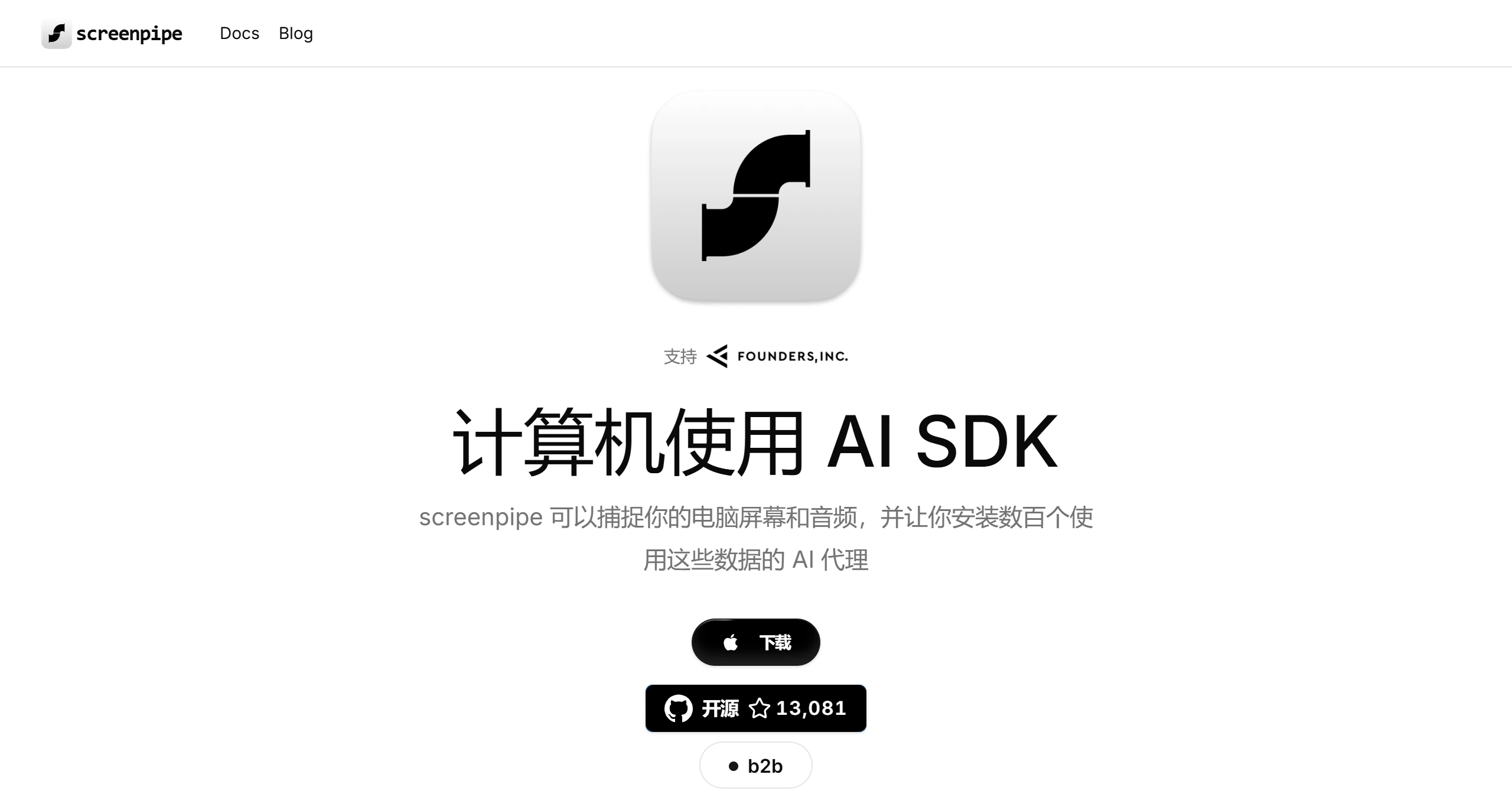
Core Features of ScreenPipe
24/7 Screen and Audio Recording: Capable of continuously and uninterruptedly recording the user's screen activity and audio input.
Data Privacy Protection: All captured data is stored on the local device, giving users complete control over data storage and processing.
AI-Driven Analysis: Leverages AI technology to intelligently analyze captured data, such as extracting key information and generating summaries.
Plugin System: Through the "pipe" plugin system, users can easily extend ScreenPipe's functionality to meet personalized needs.
Multi-Platform Support: Supports operating systems such as Windows, macOS, and Linux.
Use Cases
Meeting Management: Automatically records and transcribes meeting content, extracts key discussion points, action items, and decisions for easy review and follow-up.
Automated Content Creation: Generates reports, articles, or social media updates based on captured screen activity and audio.
Personal Knowledge Base: Builds a searchable digital interaction archive, enabling quick location of information from past presentations, webinars, or online courses.
Automated Data Entry: Automatically fills information displayed on the screen into CRM systems or other databases, saving time and reducing errors.
Features of ScreenPipe
Data Privacy: 100% protection of user data privacy, with all data processed locally.
Extensibility: Supports adding custom AI plugins through the plugin system.
Powerful Search and Chat Capabilities: Enables millisecond-level search across the entire recorded digital life and supports chat interaction with search results.
Transcription and Summarization: Perfectly records and summarizes all calls and meetings, and can work offline.
Installation and Usage Tutorial
Download and Install: Visit the ScreenPipe official website to download the application (Windows, macOS, or Linux) suitable for your operating system, and install it on your computer.
Configure Recording Settings: Open ScreenPipe and configure the screen and audio inputs you wish to record.
Start Recording: Once configured, ScreenPipe will automatically start recording your screen and audio input, with data stored on your computer.
Install Pipes (Plugins): Browse the pipe store to find and install AI plugins that can process your recorded data.
Use AI Features: Leverage AI features to analyze your recorded data, ask questions, generate summaries, or automate tasks based on your screen and audio activity.
Integrate with Other Tools: Connect ScreenPipe to other applications, such as Notion, Slack, or CRM systems, to automate updates and reports based on your recorded data.
Related News:
ScreenPipe: Record Your Screen and Audio Data 24/7 Without Interruption