
 Script Planner Assistant▸
 AI Apps
 AI News

Trickle AI: Zero-Code AI Development Tool for Beginners
Trickle AI: Zero-Code AI Development Tool for BeginnersIntroduction
What is Trickle ai?
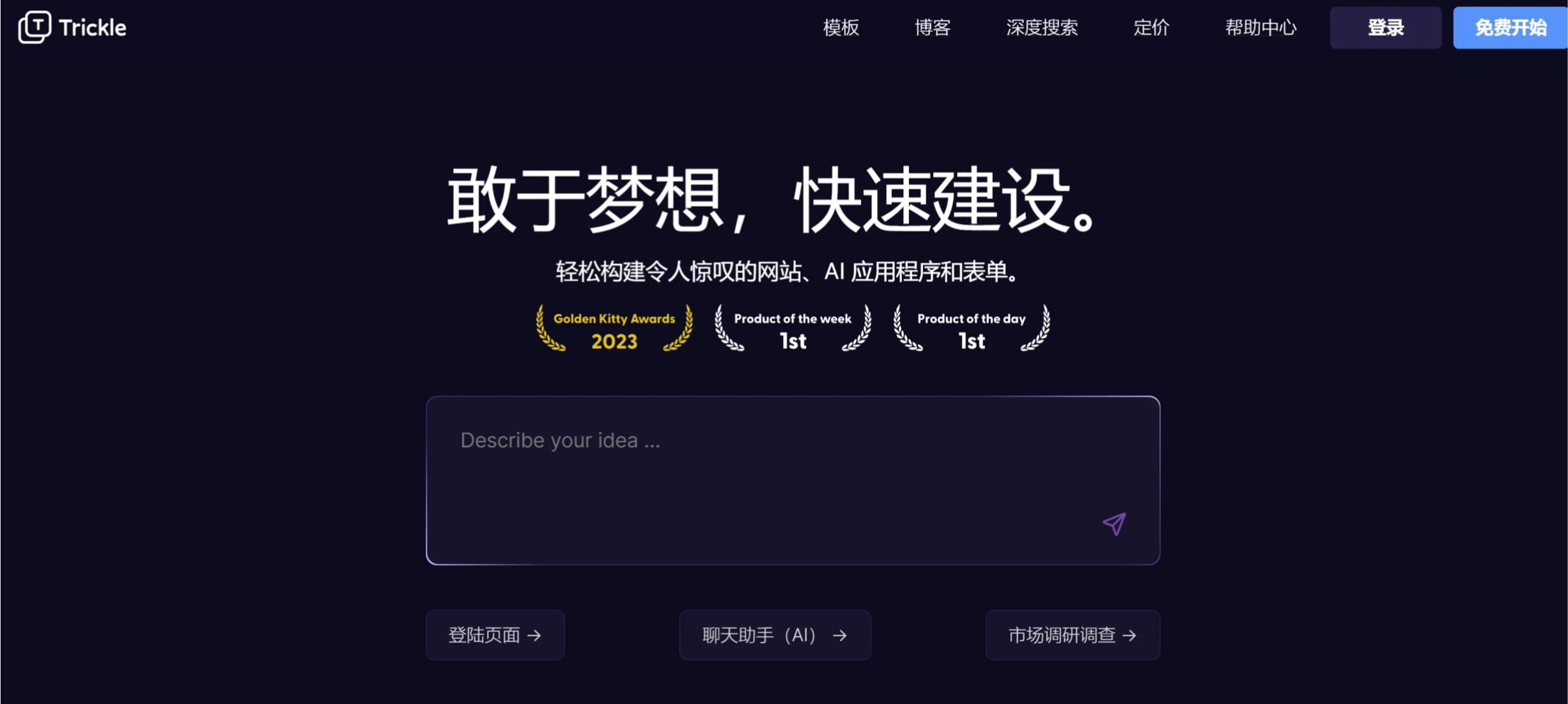
Trickle is an AI-based zero-code development tool. Users can describe their requirements in natural language to quickly generate web pages, forms, and applications. It has a built-in database and supports one-click deployment, so once development is complete, the application can be deployed and accessed directly. Trickle offers a rich library of templates and AI features, such as image optimization and data analysis. Trickle is suitable for small business owners, entrepreneurs, designers, and enterprise developers.
Trickle AI Core Features
Natural Language Building: Users only need to describe their requirements in natural language, and Trickle will automatically generate the front-end pages, back-end logic, and database.
Zero-Code Development: No coding required, suitable for non-technical users, entrepreneurs, and enterprise developers.
Fully Automated Hosting: Built-in server and database, supporting one-click publishing and custom domain binding.
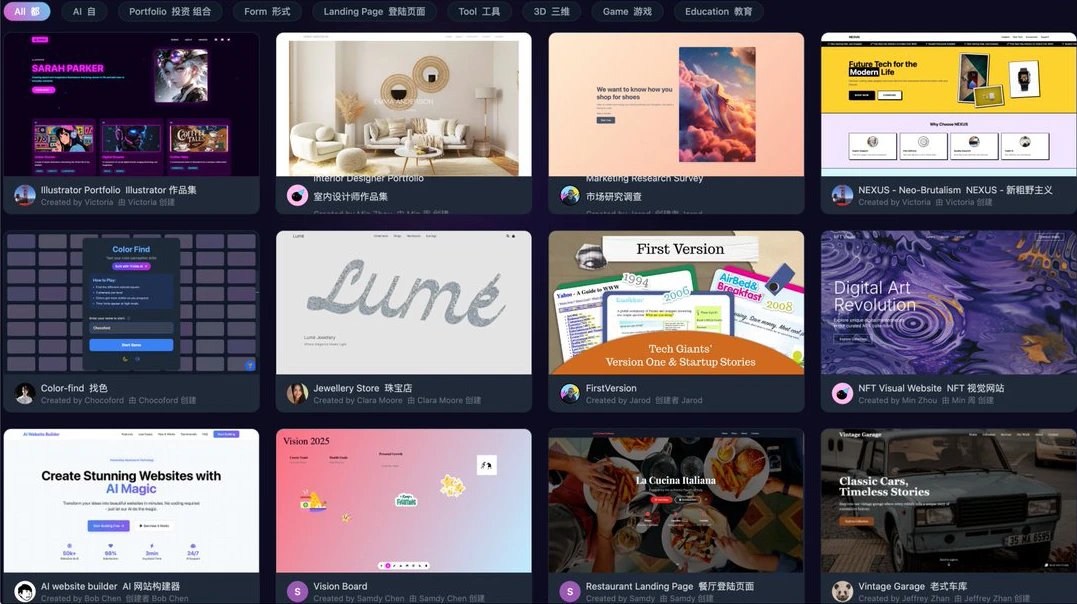
Rich Template Library: Provides a variety of preset templates, such as e-commerce pages, restaurant booking pages, chat assistants, and more.
AI Feature Integration: Supports image optimization, data analysis, visualization chart generation, and automatic generation of marketing copy.
Real-Time Preview and Cross-Platform Support: Users can preview the application's effect in real time during the building process, and the generated application can run seamlessly across different devices and browsers.
Technical Advantages
Advanced AI Models: Trickle integrates Claude 3.5 and 3.7 models, and also supports the latest Deepseek V3-0324, capable of generating complex and efficient code structures, reducing development time and errors.
Seamless Data Management: The built-in database makes it convenient for users to store and manage data, simplifying the data collection and management process.
Design Flexibility: Users can easily switch between different UI and UX themes to meet various design requirements.
Trickle AI Application Scenarios
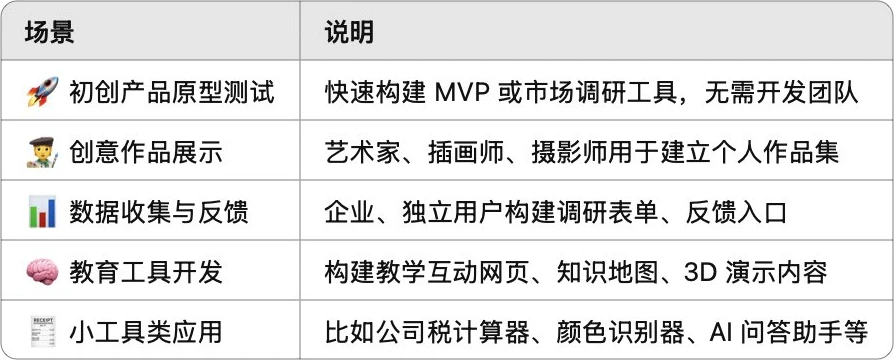
Small Business Owners: Quickly build online ordering systems, reservation systems, or customer management systems.
Entrepreneurs: Create product official websites or demo pages for market validation.
Designers: Upload design works and automatically generate personal websites.
Enterprise Internal Tools: Develop task management systems, employee feedback forms, or data visualization dashboards.
Educational Institutions: Used for teaching website development and AI integration.
Product Pricing
Free Plan: Send up to 5 messages per day and up to 30 messages per month; database capacity of 100 rows.
Pro Plan: $20 per month; send up to 120 messages per month; database capacity of 1,000 rows.
Premium Plan: $50 per month; send up to 300 messages per month; database capacity of 10,000 rows.
Trickle AI User Guide
1. Register an Account
Visit the Trickle official website and click the "Sign Up" button to register using an email address or social media account (such as Google or GitHub).
Log in to the Trickle dashboard.
2. Create a New Project
In the Trickle dashboard, click the "New Project" button.
Enter the project name and select the project type (such as web page, form, chat bot, etc.).
Click the "Create" button to create the project.
3. Describe Requirements Using Text
After the project is created, Trickle will prompt you to describe your requirements in natural language. For example:
If you are creating a form, you can say: "Create a customer feedback form that includes name, email, feedback content, and a submit button."
If you are creating a web page, you can say: "Create a company official website that includes a navigation bar, carousel, and contact form."
Trickle will automatically generate the code and interface based on your description.
4. Choose a Template (Optional)
If you don't want to start from scratch, Trickle provides a variety of preset templates. You can choose one that suits your needs.
In the project settings, click "Templates", browse, and select a template.
After selecting a template, Trickle will automatically populate the basic page structure and styles.
5. Customize and Adjust
Adjust Layout and Styles: Trickle provides a visual editor, allowing you to customize the page by dragging components, adjusting styles, and modifying elements.
Add Features: Trickle supports adding multiple features, such as image optimization, data analysis, chart generation, etc. In the project settings, click "Features", select the features you need, and configure them.
Integrate Third-Party Services: Trickle supports integration with third-party services (such as databases, APIs, payment systems, etc.). In the project settings, click "Integrations", add and configure the required services.
6. Preview and Test
During the development process, click the "Preview" button to view the application's running effect in real time, and test all features to ensure everything works properly.
7. Publish the Website
In the project settings, click the "Publish" button.
Trickle will automatically deploy the project to its server and provide a link.
If needed, you can also bind your own domain name.












